– Crimson Desert 1.0.4 ready
– Standalone and Crimson Browser compatible versions
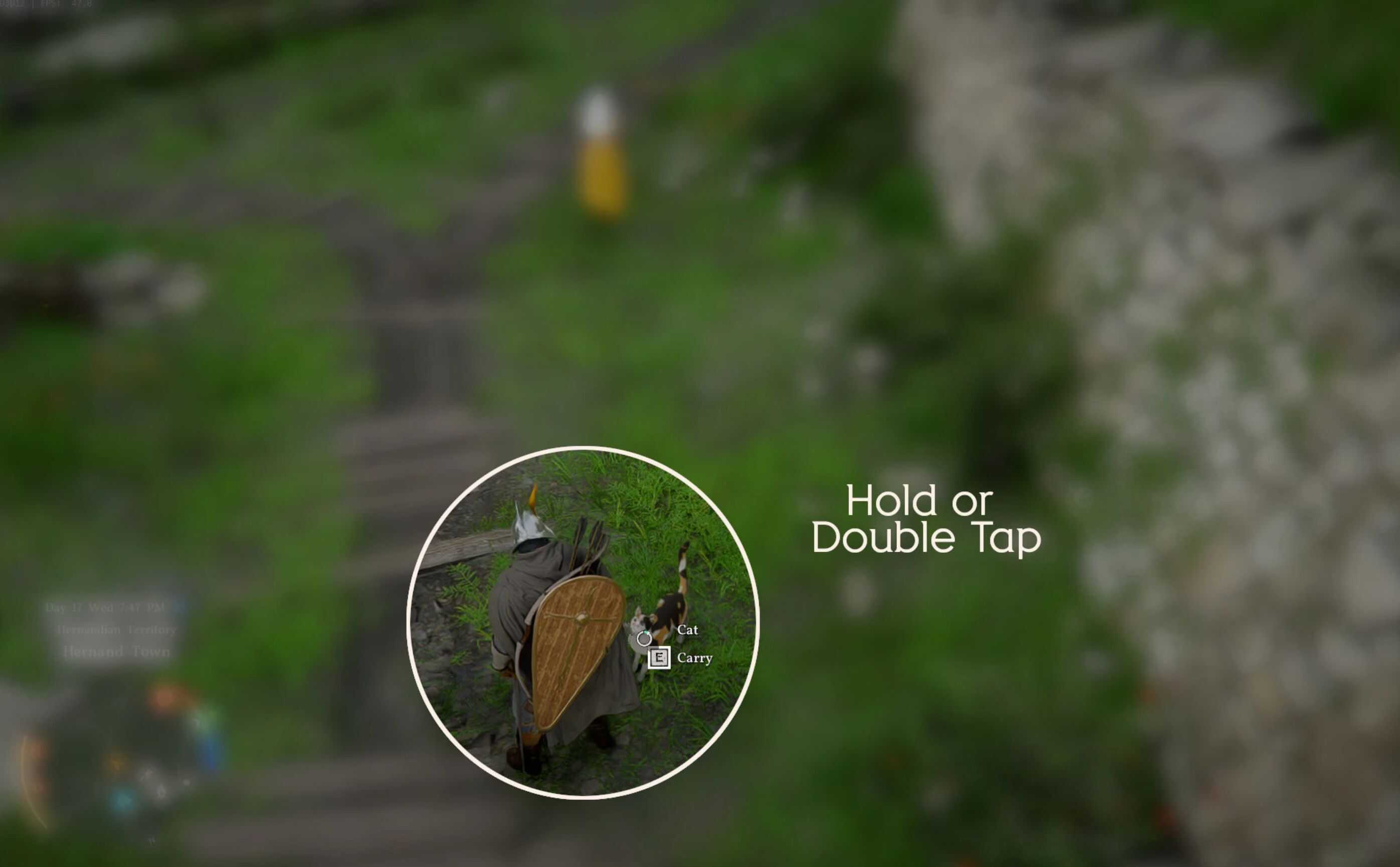
Simple mod to speeds up most interactions by adding a double‑tap alternative. The game still distinguishes it from a single tap (for example, pressing ‘E’ once to cancel and double‑tapping ‘E’ to talk or loot), but it’s faster than holding the button.
Made mostly for frame generation setups with UI working with additional lag, but might be useful to those who hate 1s long hold buttons interactions in menus.
2 types of versions available:
1) only main Interaction affected (talk, pet, loot, search etc),
2) all interactions with “hold button” changed (including long 1s long hold press in menus).
Installation
Install one version.
1) Versions for Crimson Browser – install with Crimson Browser (copy Faster_Interactions folder to Crimson Browser\mods, click Mod Manager, build, deploy, launch the game),
2) Standalone version (beware of big size) – just copy 0012 from archive to your 0012 in CD folder with overwriting.
Uninstallation
Uninstall with Crimson Browser or, for standalone version, delete 6.paz in 0012 folder and verify with Steam.
Compatibility
Version for Crimson Browser compatible with anything if installed properly, standalone version compatible with anything not affecting input map (1.paz in 0012).
Compatible with kindiboy’s Inventory Extender.
Known issues
“T” for toggling item groups in inventory still requires hold press.