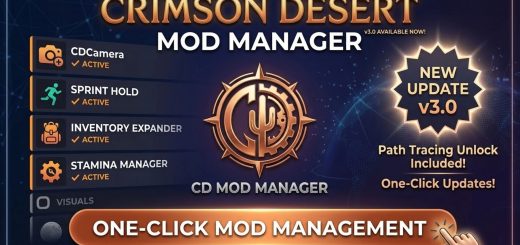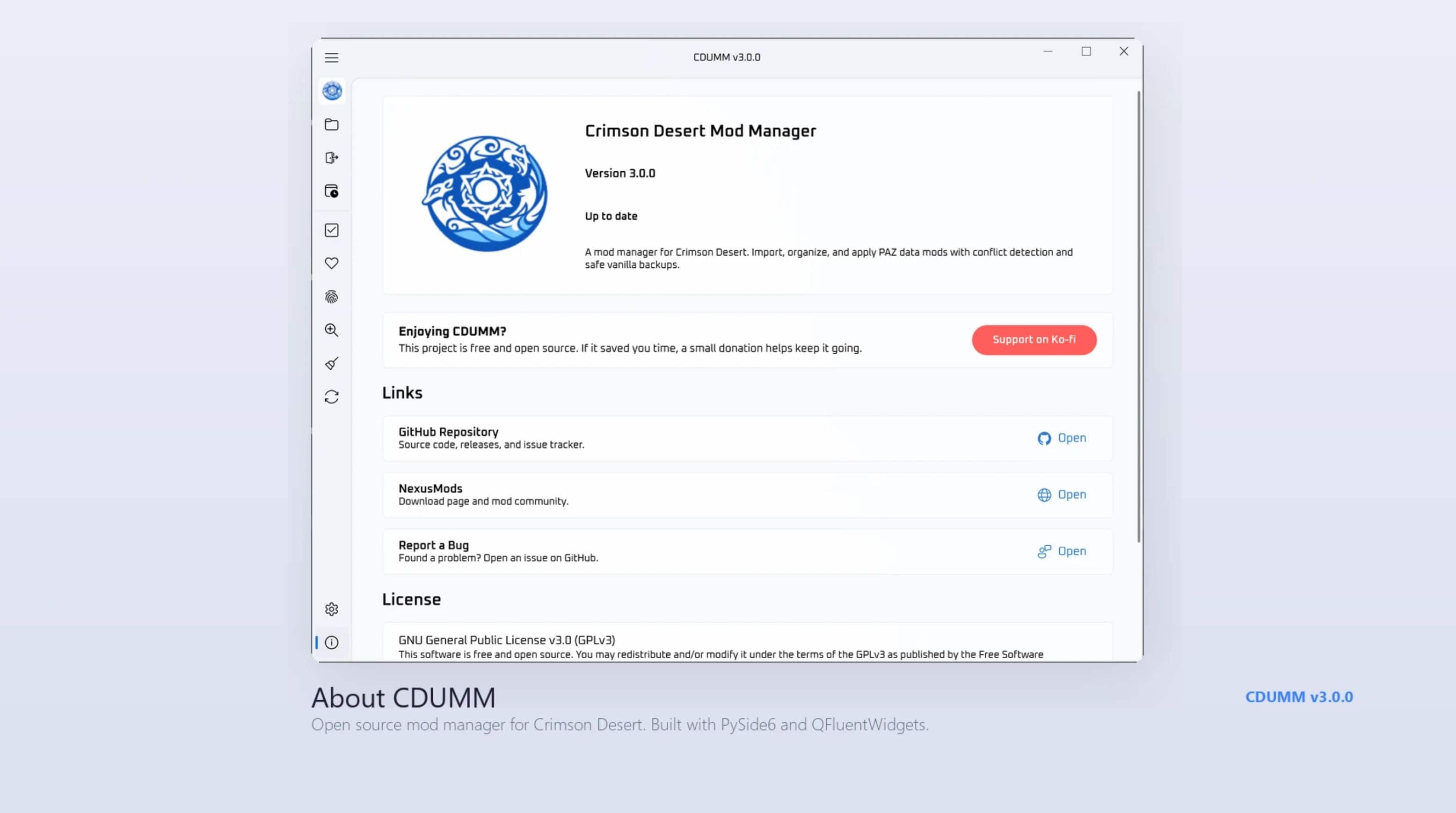
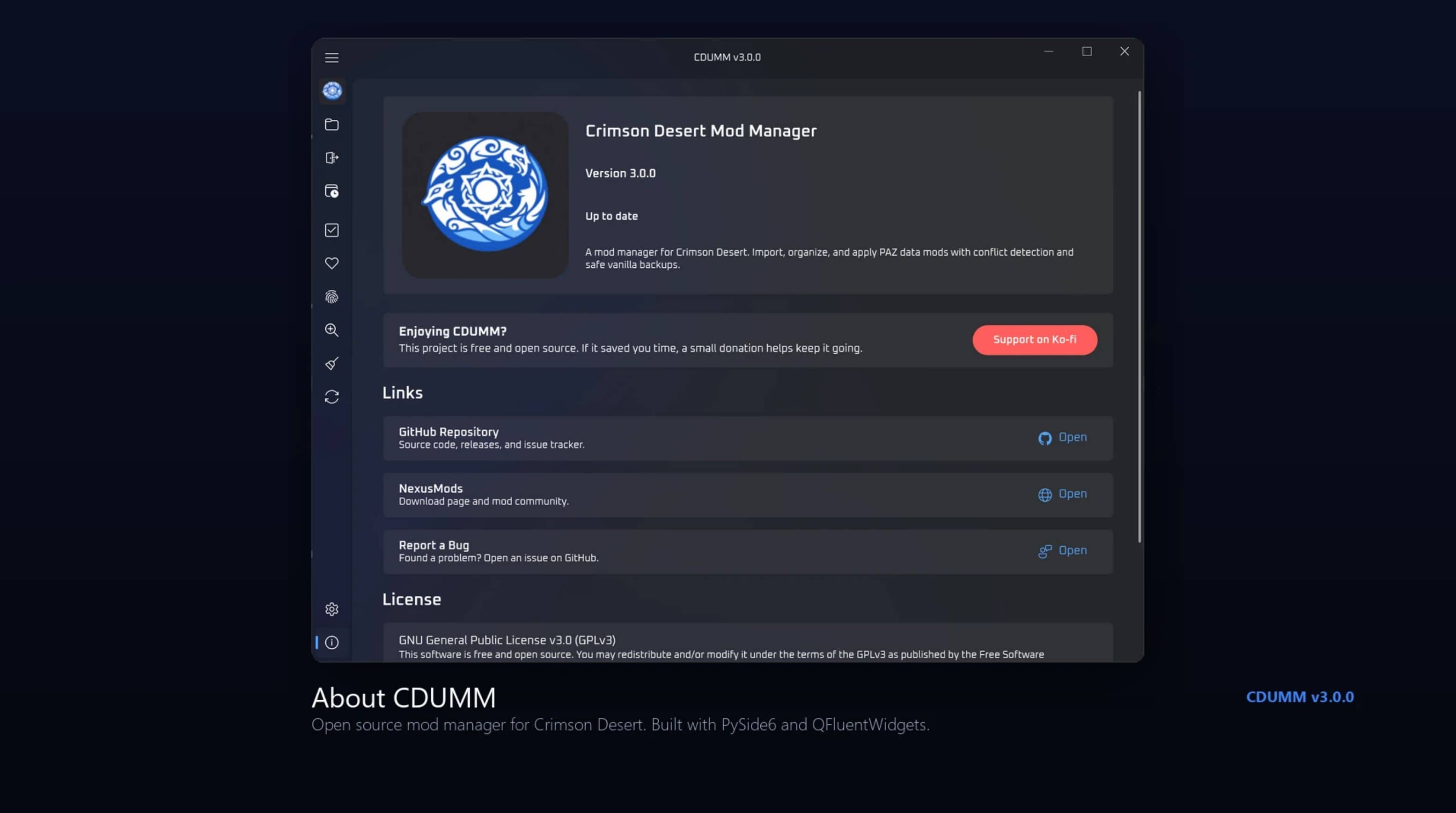
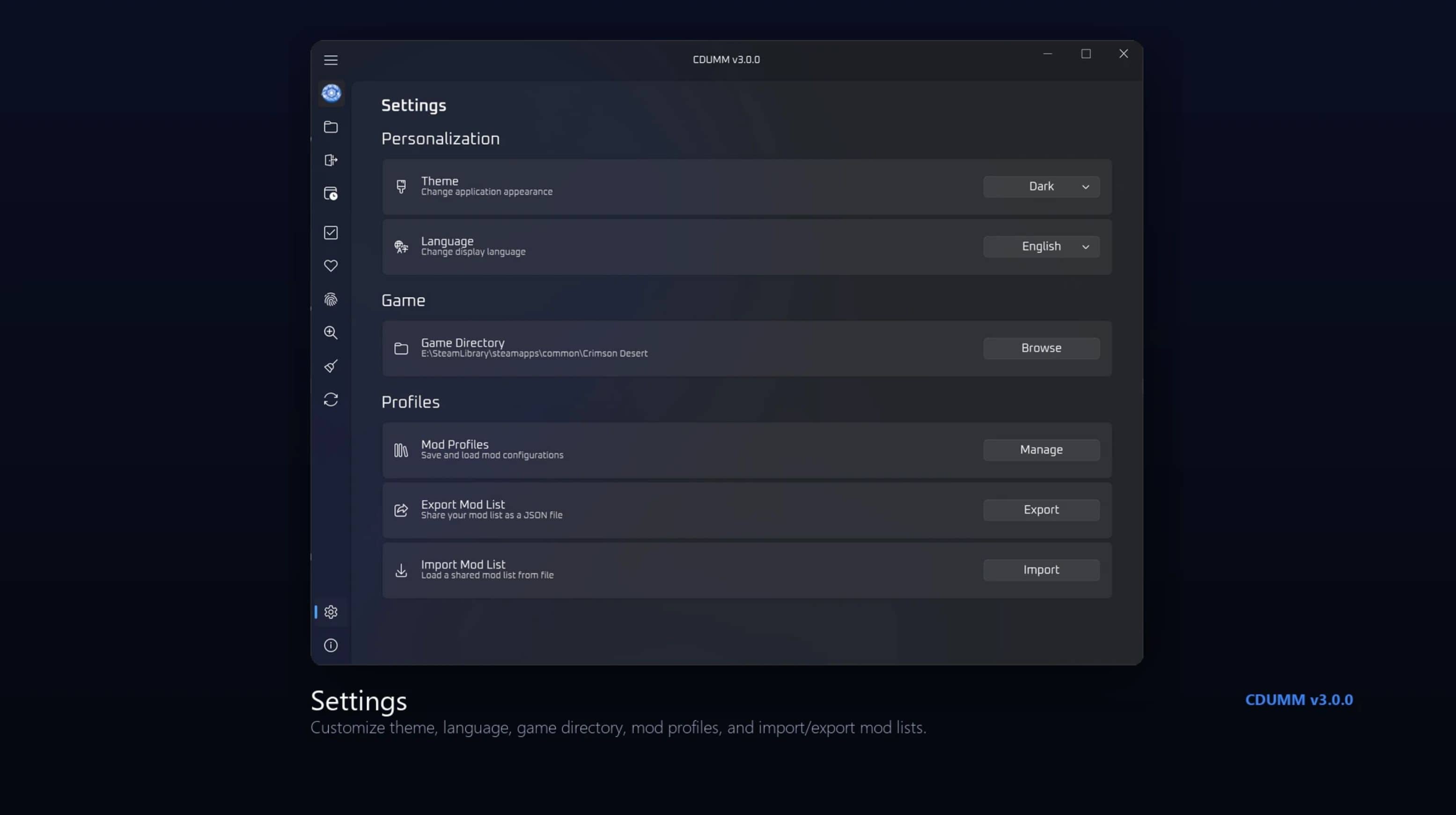
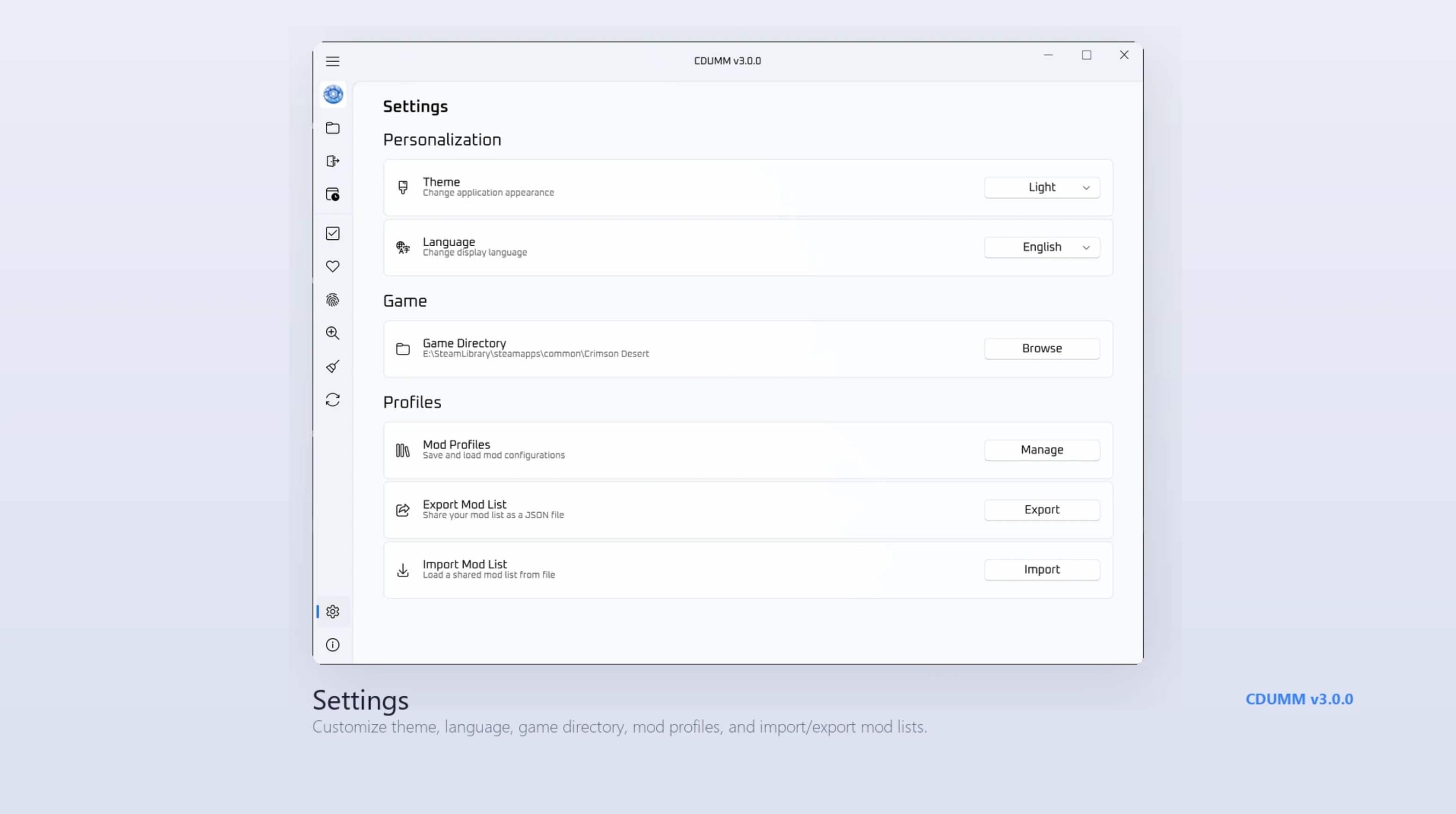
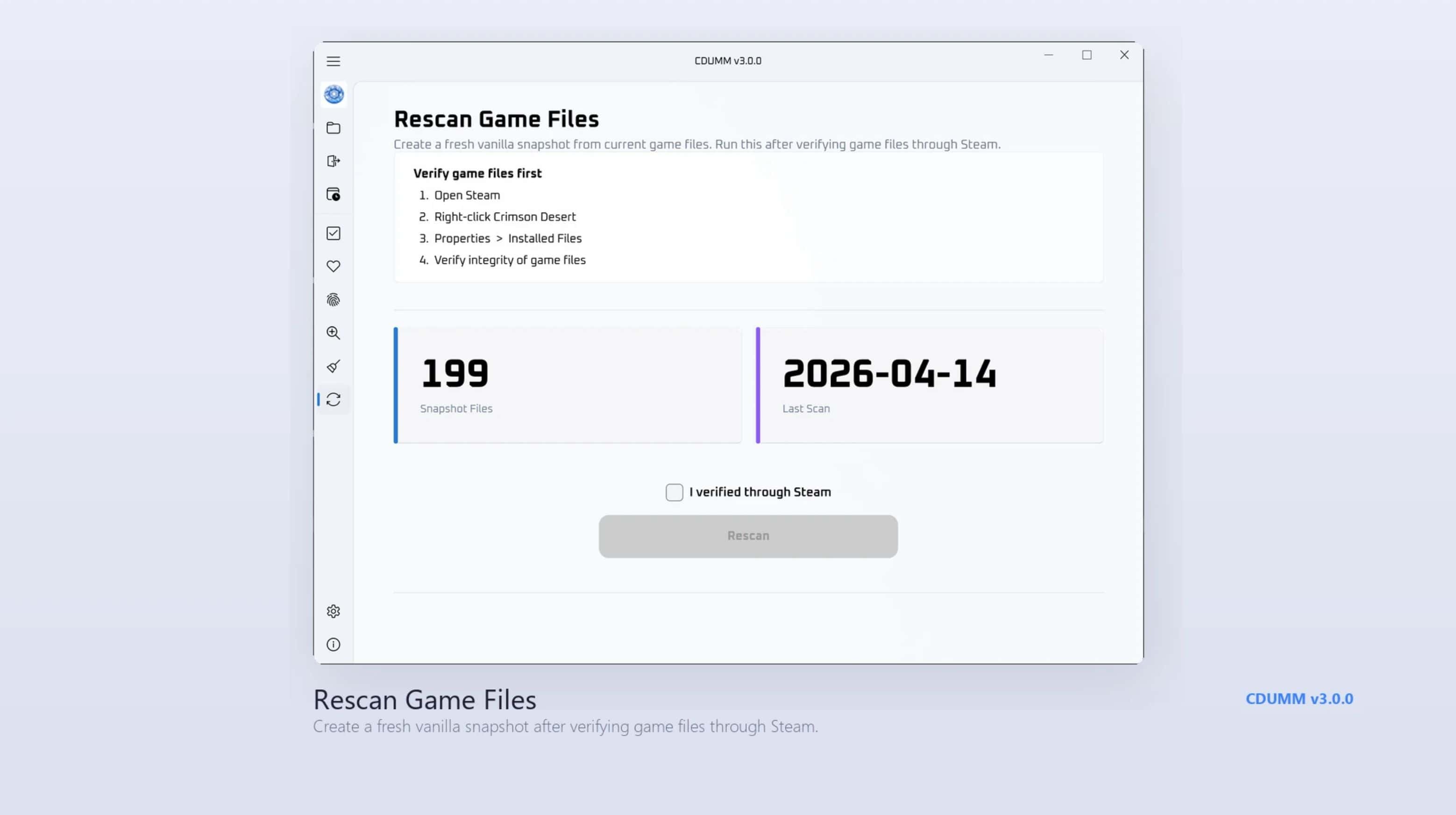
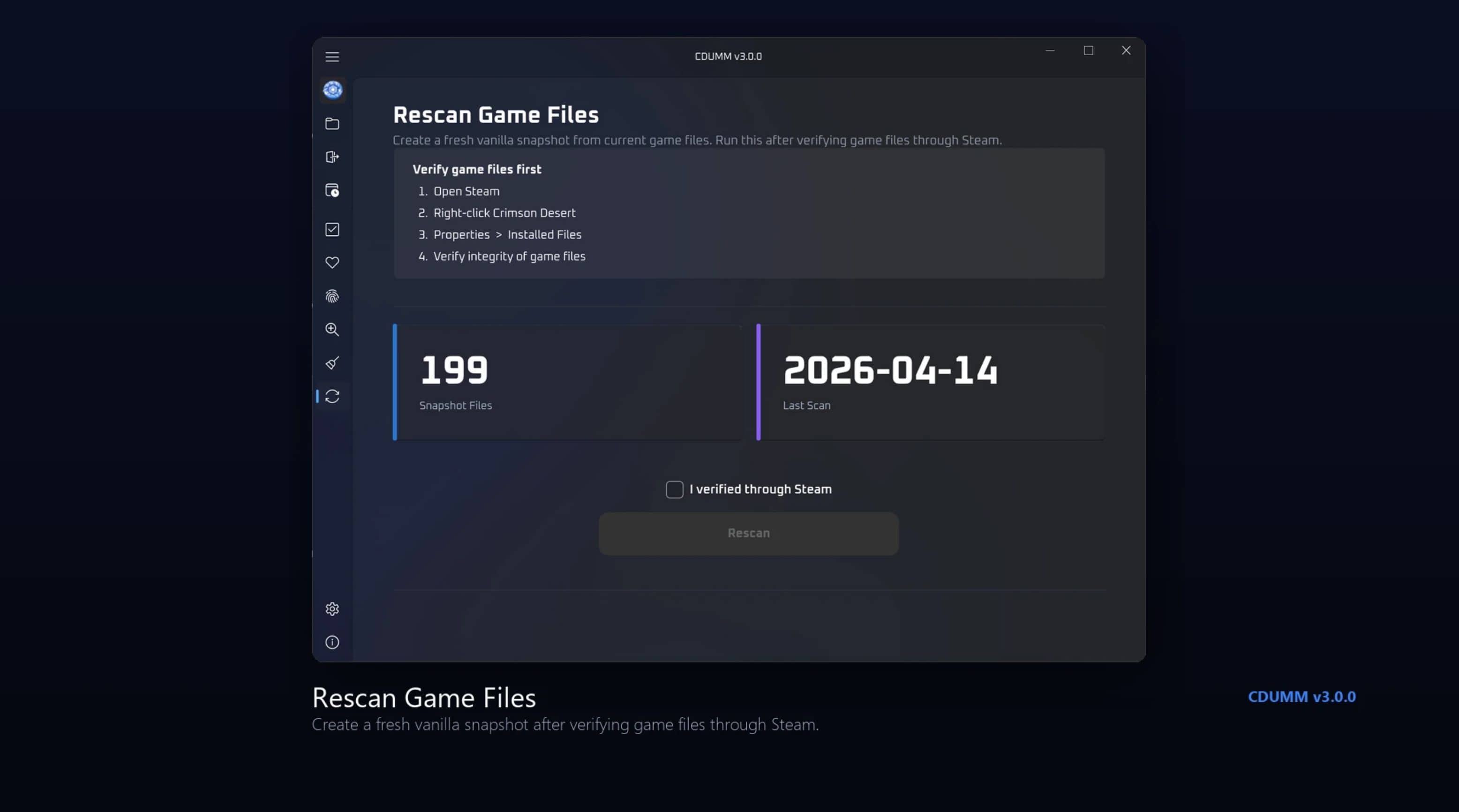
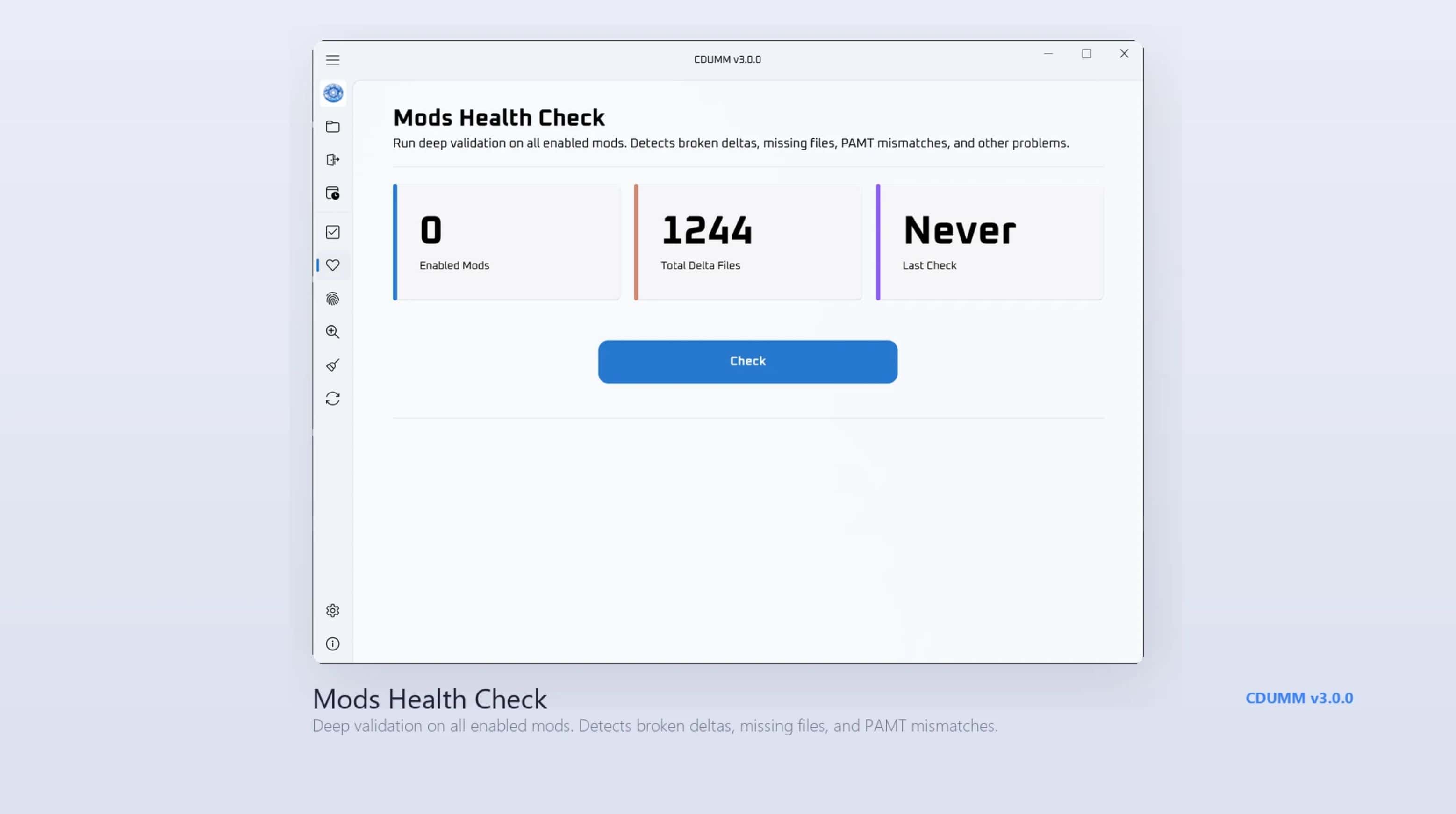
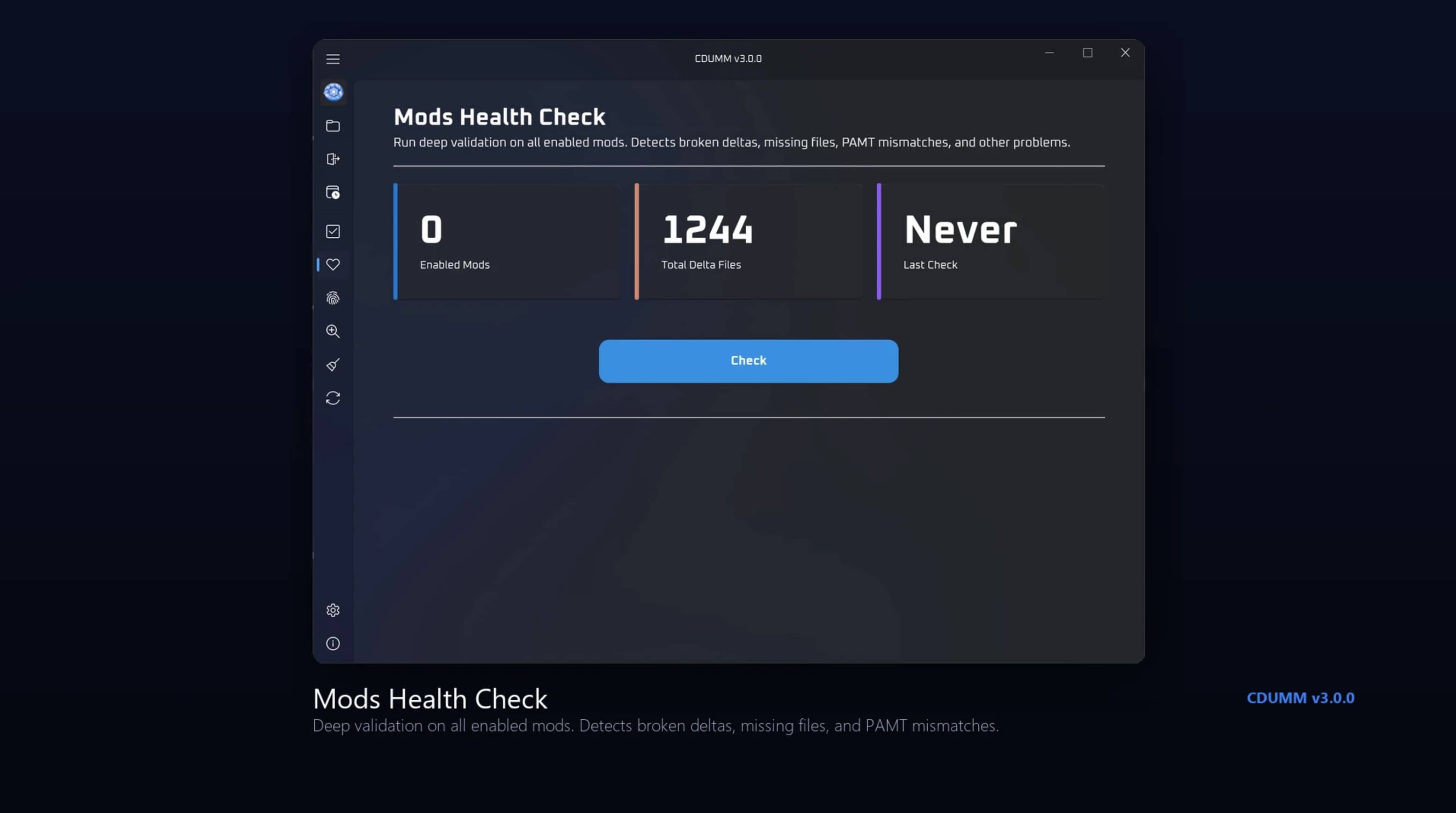
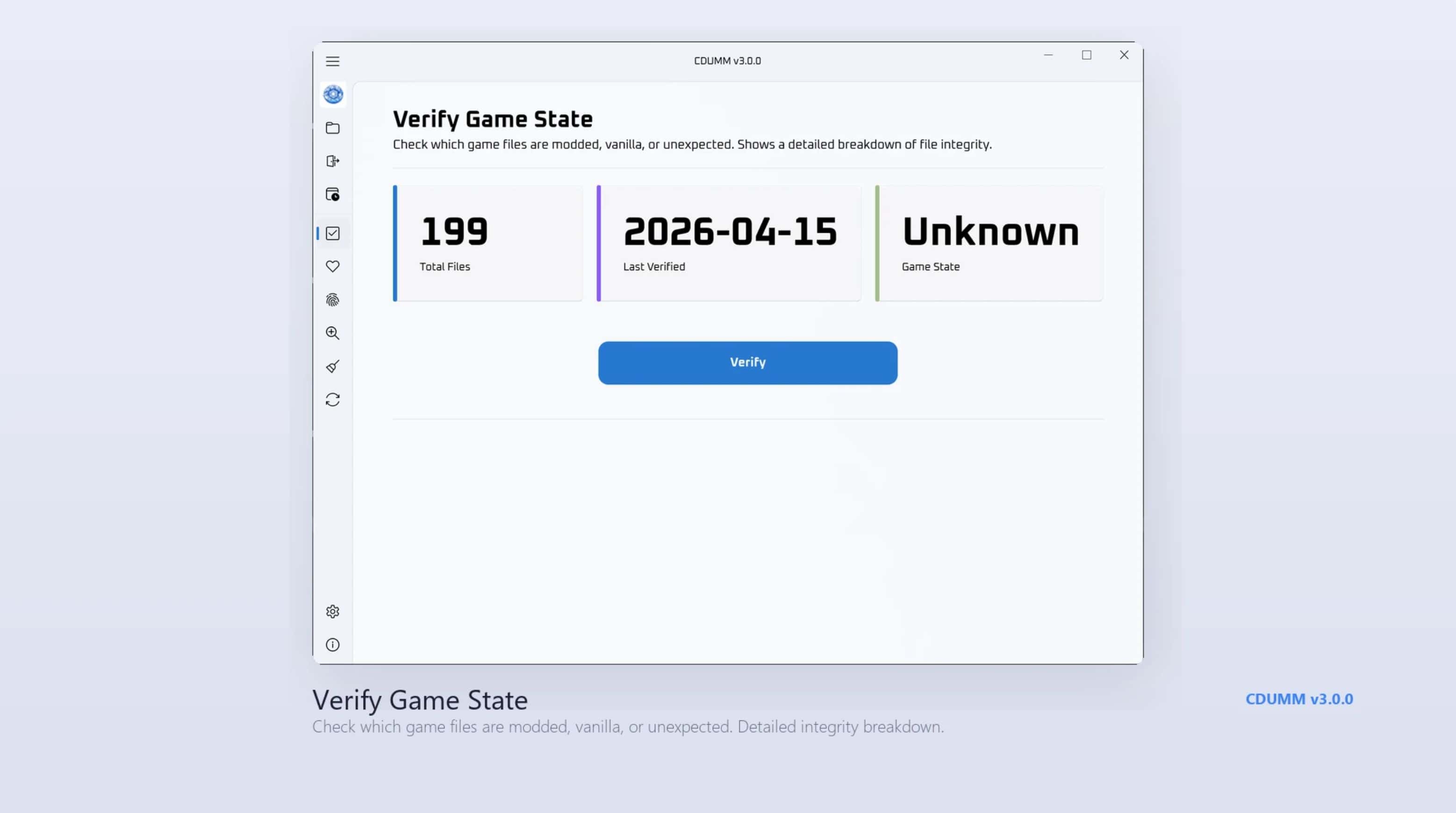
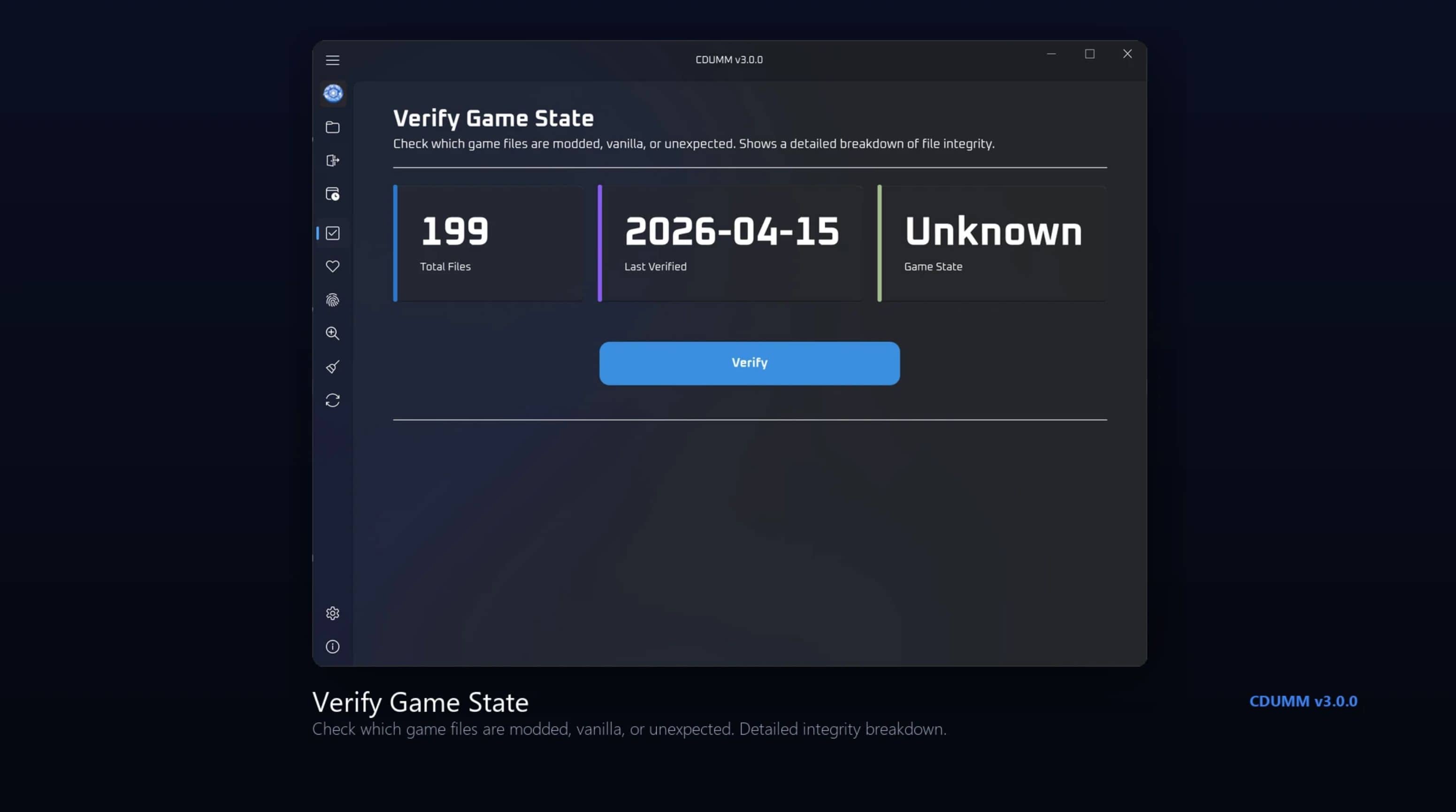
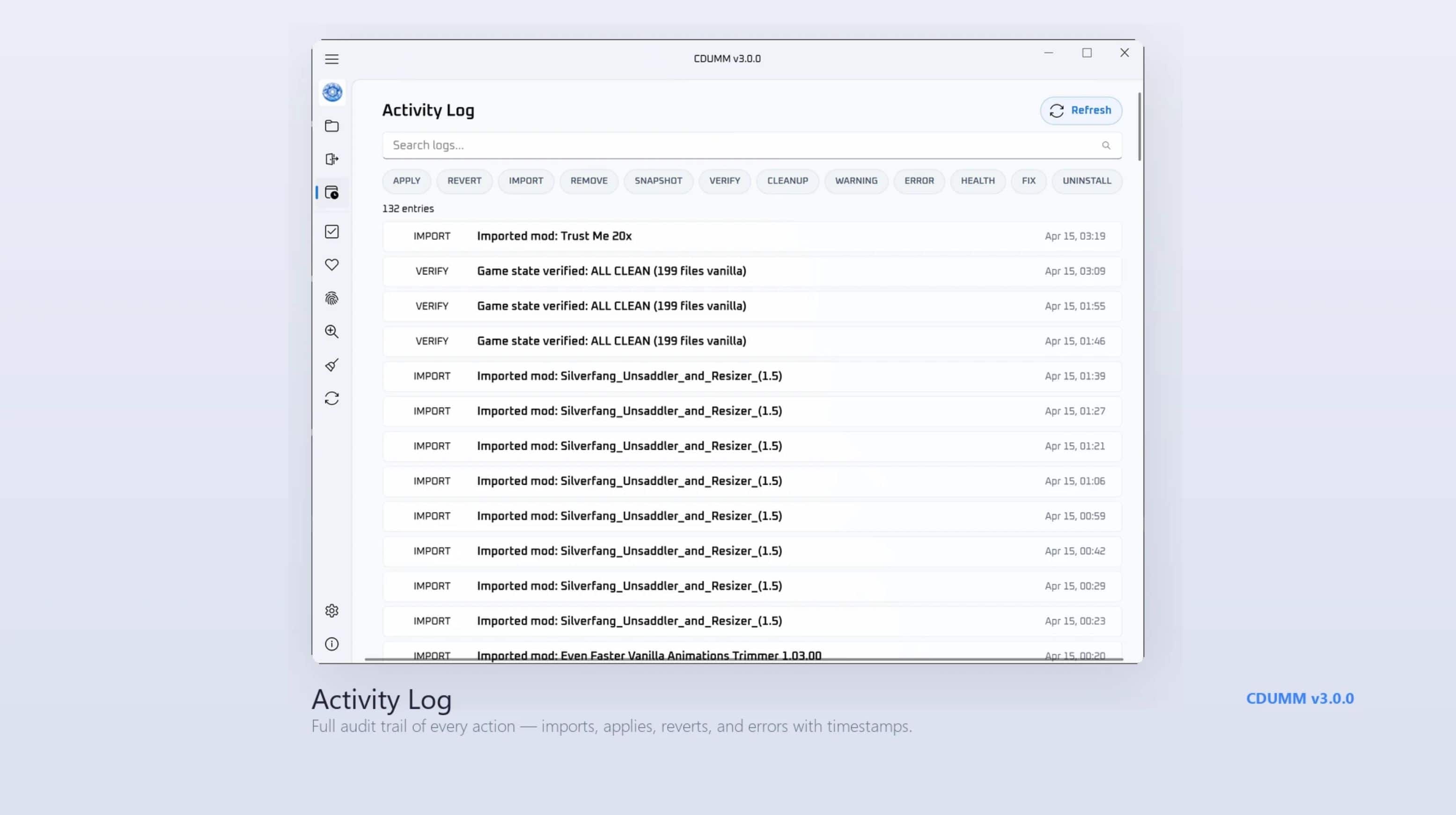
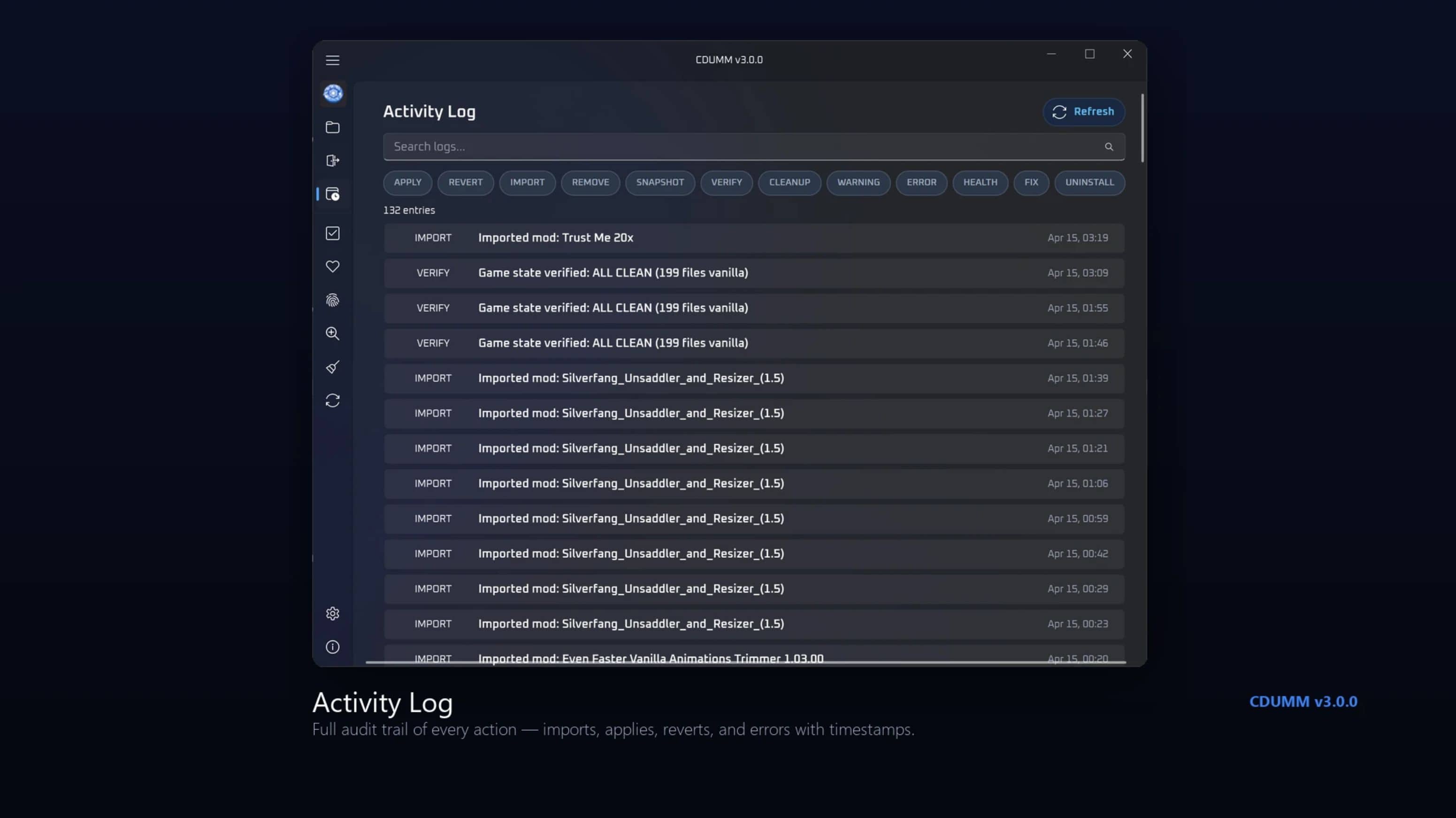
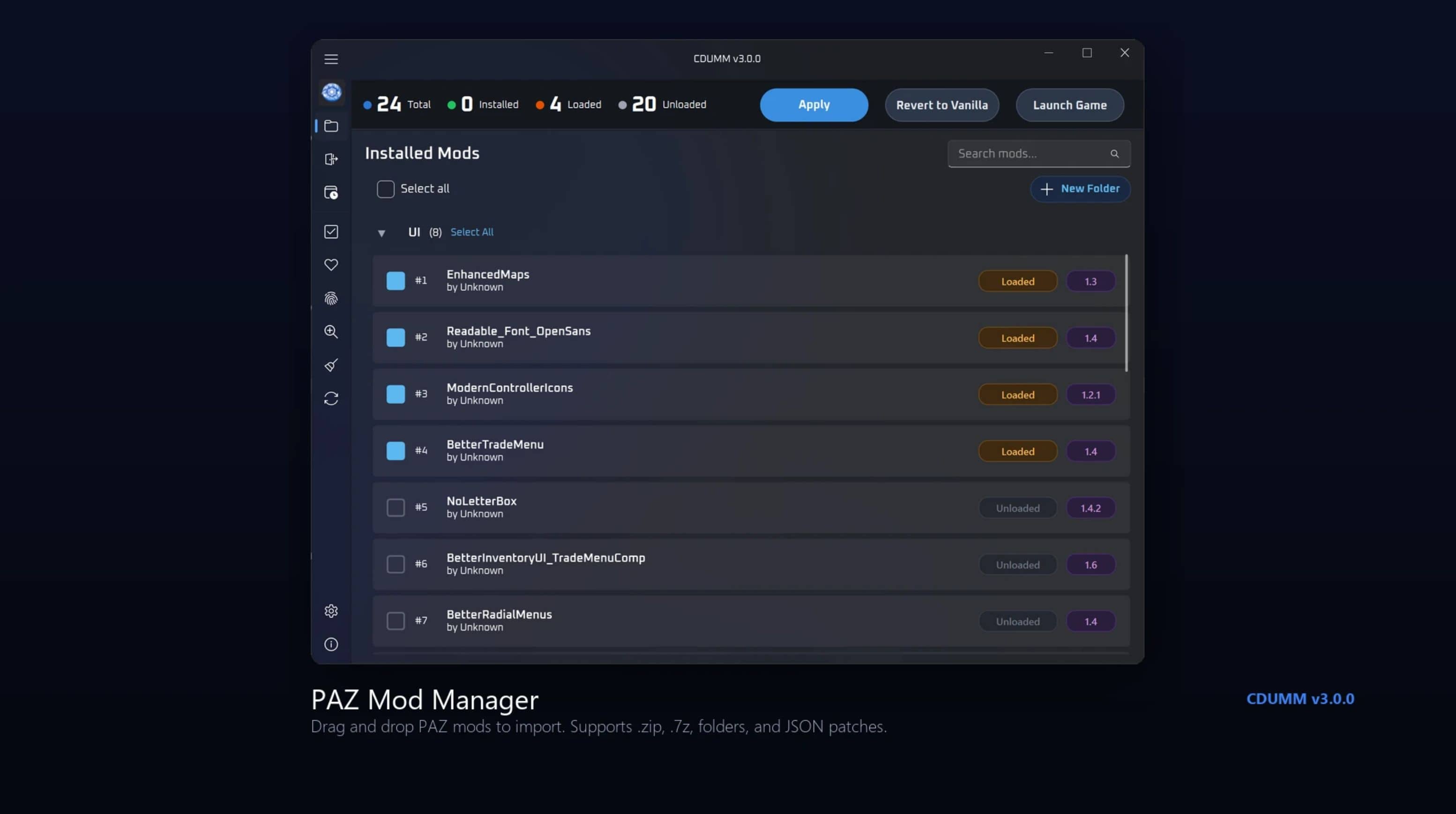
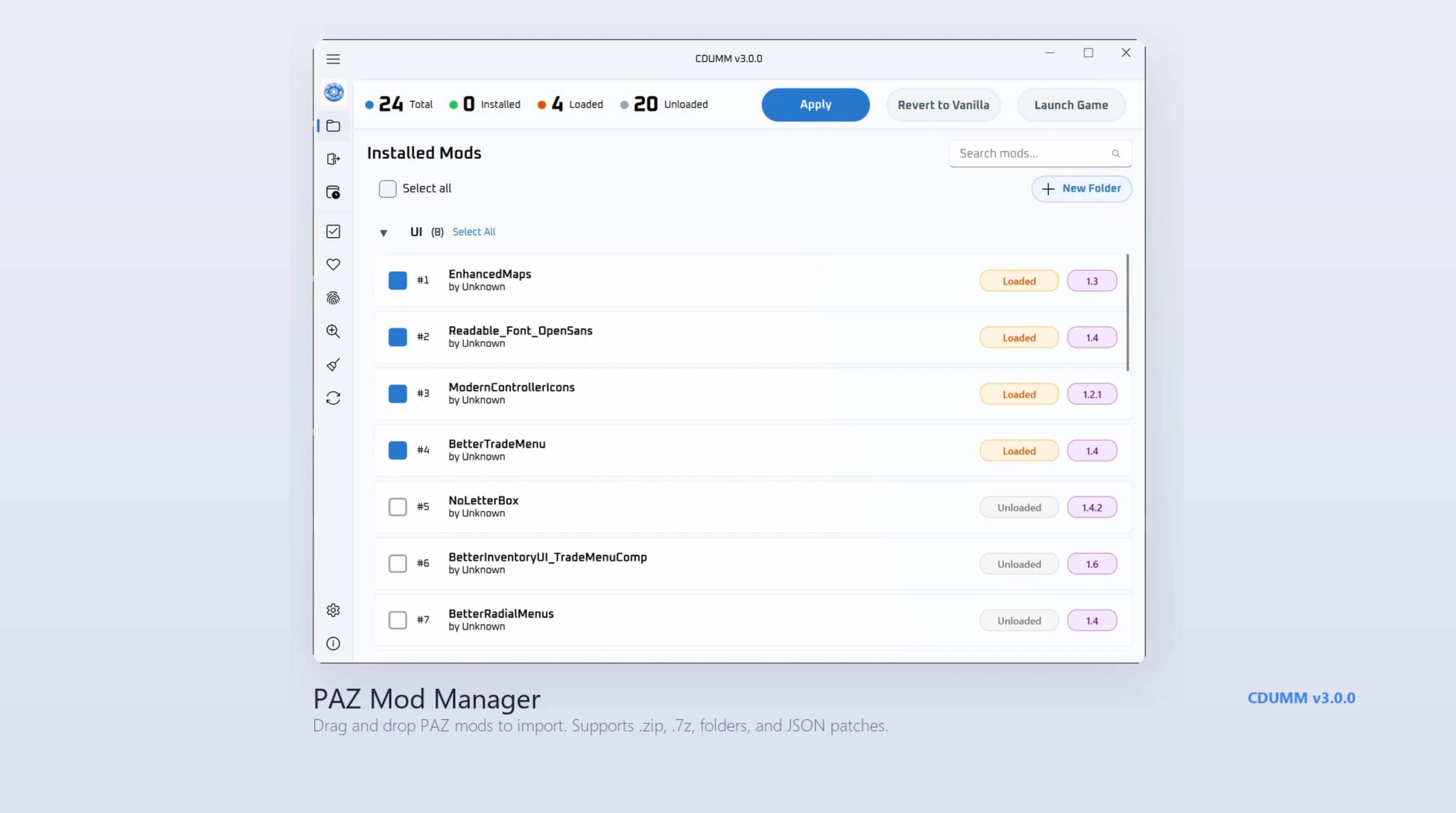
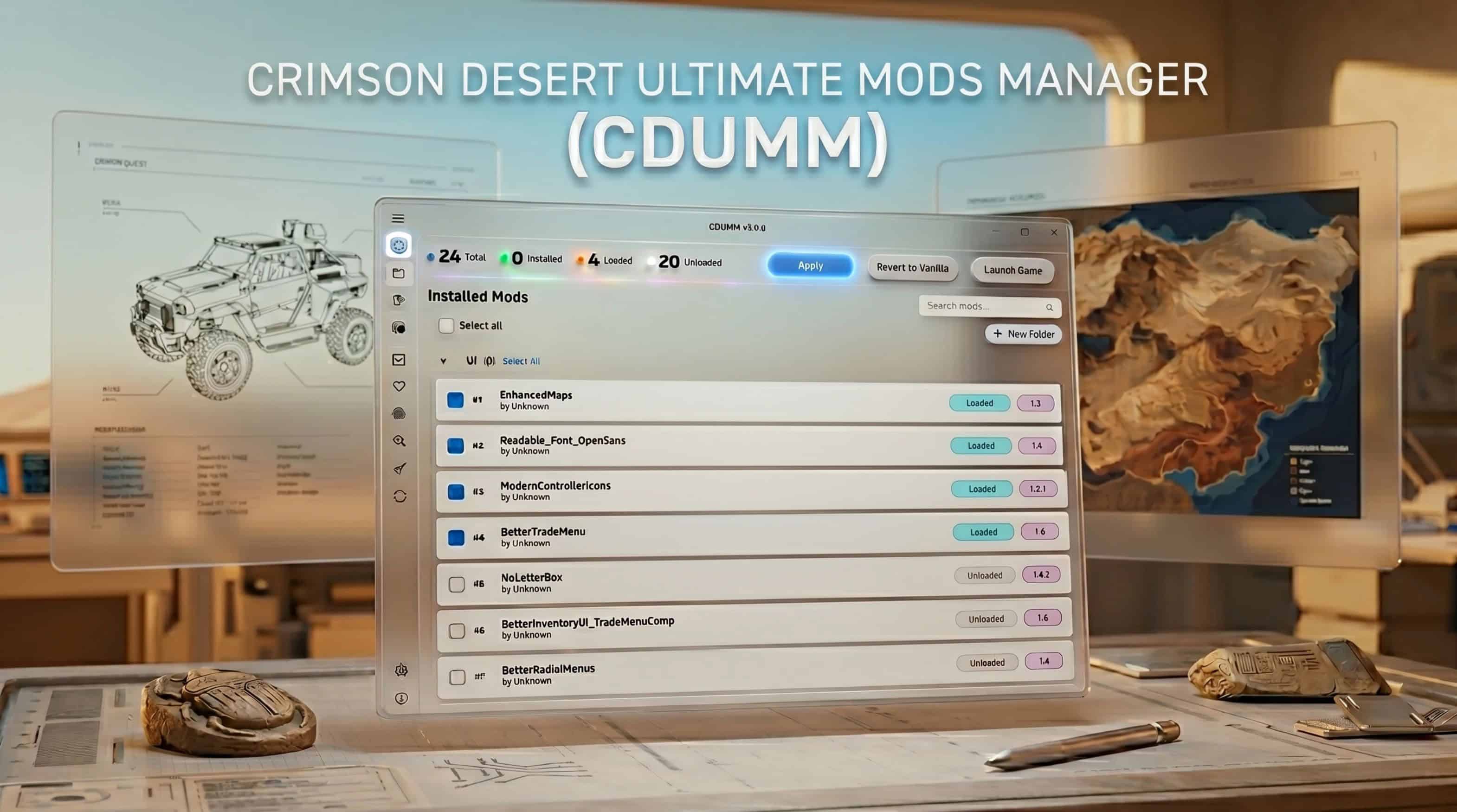
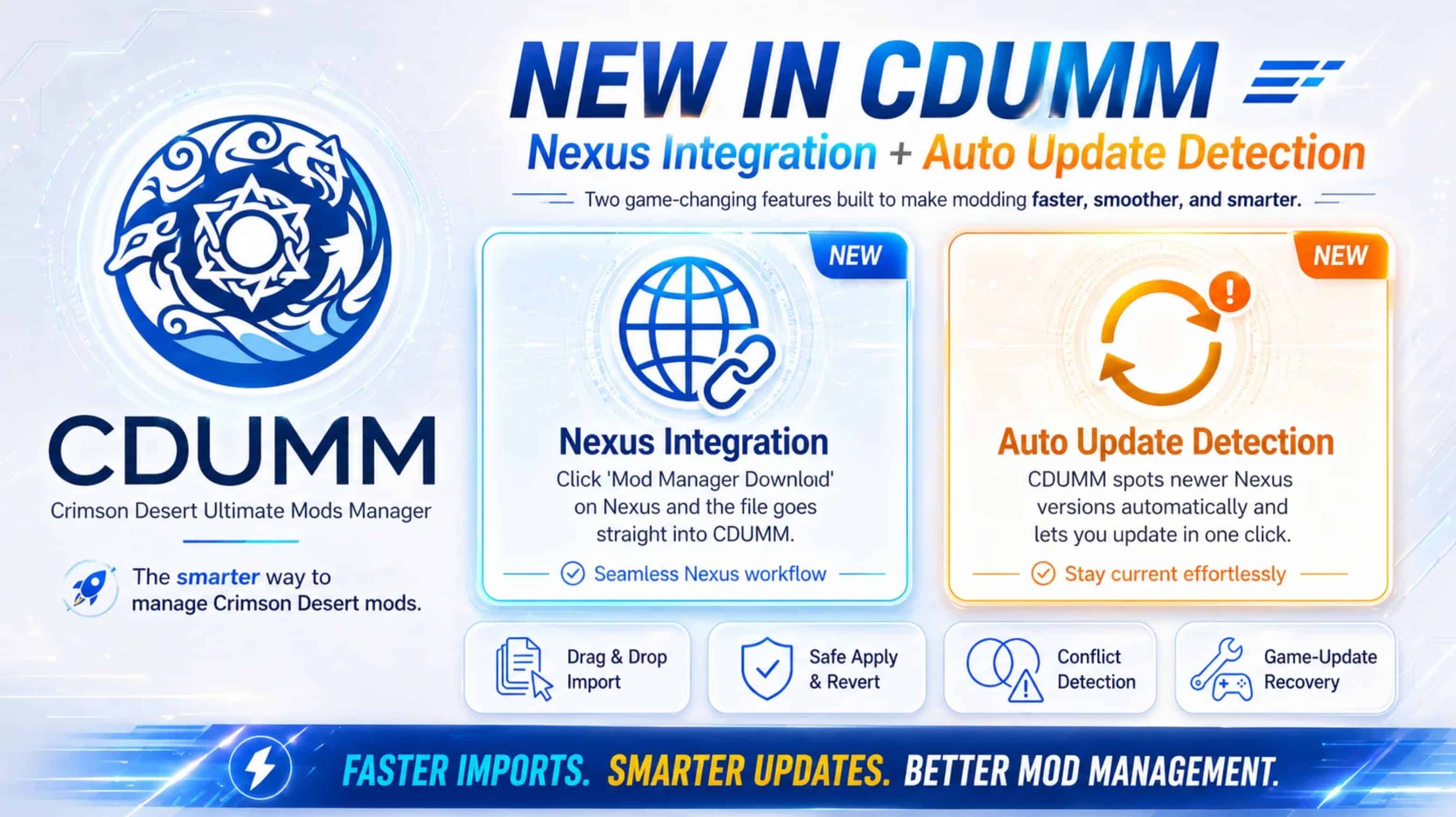
A desktop mod manager built specifically for Crimson Desert. It understands the game’s PAZ/PAMT/PAPGT archive format, so you can install multiple mods that modify the same game archives without breaking anything. One-click apply, one-click revert to vanilla.
What’s New in v3.2
🔄 Game Update Recovery — one click. Steam patches Crimson Desert overnight, your mods break in the morning? CDUMM catches that on launch and offers a Start Recovery button. One
click runs the full repair: verify your game files, regenerate every mod against the new game version, reapply. Cancel any time. Live progress bar.
⚡ Apply is way faster. Engine rewrites make conflict detection near-instant on big mod sets and merging mod changes hundreds of times faster. Files that took minutes now take seconds. Real
progress every step of the way — no more frozen 95% mystery.
📋 In-app patch notes. Settings → About → View Patch Notes opens the full version history any time.
How It Works
Your original game files are never modified. Mods are decomposed into entry-level deltas and applied through an overlay directory. Reverting is instant — your vanilla files stay safe.
– Download CDUMM3.exe and run it — no install needed
– Welcome wizard guides you through language, theme, and game folder setup
– Drop mods onto the window and use “Mod Manager Download” buttons
– Click Apply
If something goes wrong, clickFix Everythingto restore clean state. After a Steam patch, clickStart Recoveryon the yellow banner.
Supported Formats
- Archives — ZIP, 7z, RAR (auto-extracted)
- JSON byte-patches — signature-based, survives game updates
- Crimson Browser mods — manifest.json + loose files
- Loose file mods — folder drops with numbered directories
- Standalone PAZ mods — pre-compiled PAZ/PAMT pairs
- DDS textures — full PATHC index registration
- XML replacements — OG_ naming convention support
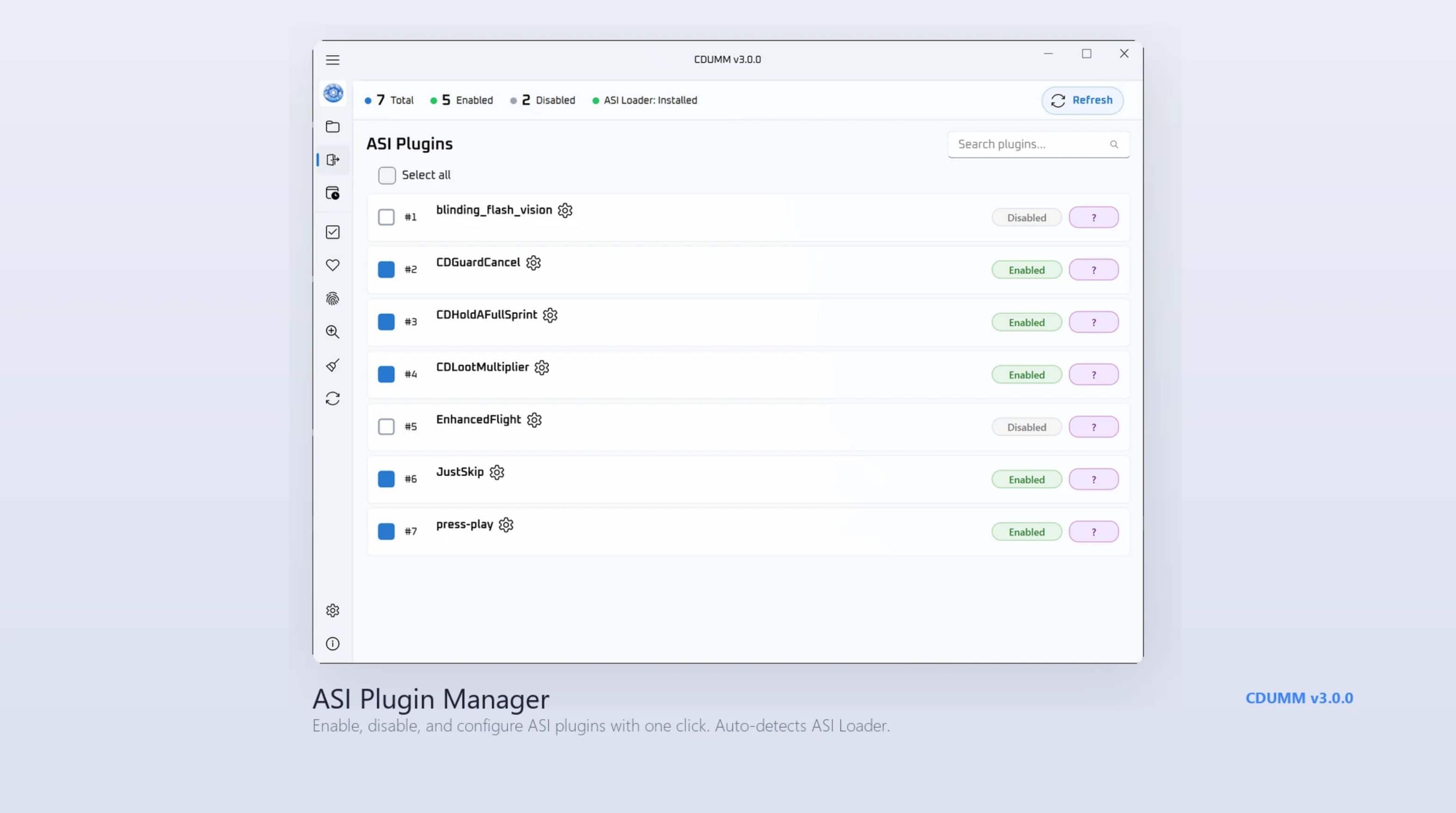
- ASI plugins — install, enable/disable, config editing
- Soundbanks — BNK audio mod support
- Scripts — .bat and .py mod installers
- Binary patches — bsdiff and xdelta
- Mixed archives — ZIPs with ASI + PAZ auto-separated
Key Features
🔄 Game Update Recovery (v3.2)
- One-click recovery after Steam patches — yellow banner appears on launch, click Start Recovery, watch a 4-step progress bar repair everything: verify your game files, regenerate every
mod, reapply. - Two triggers, one banner — catches normal Steam patches AND any other change to your game files (antivirus rewrites, manual edits, half-finished Steam Verify).
- Mods that can’t be auto-recovered get safely disabled instead of corrupting your save. CDUMM tells you which ones so you can drop their original archive back in.
⚡ Performance
Apply is hundreds of times faster on big mod sets (v3.2) — conflict detection is near-instant; cross-mod byte merging runs hundreds of times faster.
- Batch import — drop dozens of mods at once, single-process import
- Fast apply — overlay cache + Rust native engine, applies in seconds
- Smart detection — ASI, PAZ, JSON, DDS mods auto-routed to the right handler
🔧 Mod Management
- Entry-level composition — multiple mods safely modify the same PAZ file
- Semantic merging — field-level diffing for 322 PABGB data table schemas
- Conflict detection — see exactly what overlaps and why
- Override mode — mod authors can declare conflict winners in modinfo.json
- Load order — drag-and-drop reordering with folder groups
- Configurable mods — preset picker for multi-variant mods, per-patch toggle
🎮 Game Integration
- Auto-detection — finds your game on Steam, Epic Games, or Xbox Game Pass
- Game update detection — surfaces the Recovery banner the moment Crimson Desert patches
- ASI management — full plugin page with version tracking, enable/disable, config editing
- Launch game — start Crimson Desert directly from the manager
🎨 Interface
- Clean card-based UI — Fluent Design with drag-reorder and folder groups
- Welcome wizard — guided first-time setup
- In-app patch notes — Settings → About → View Patch Notes opens the full version history any time
- Light & Dark themes — choose during setup or switch anytime
- 16 languages — English, Deutsch, Español, Français, 한국어, 日本語, 简体中文, 繁體中文, ةيبرعلا, Italiano, Polski, Русский, Türkçe, Українська, Bahasa Indonesia, Português
Important
- Game files must be vanilla before first launch. Use Steam → Verify Integrity if you have mods installed manually.
- Do not run as administrator (breaks drag-and-drop).
Requirements
- Windows 10/11
- Crimson Desert (Steam, Epic Games Store, or Xbox Game Pass)
FAQ
Can it break my game?
Original files are never modified. Fix Everything restores clean state. If all else fails, Steam → Verify Integrity.
Two mods conflict?
Most conflicts resolve automatically via semantic merging. For byte-range overlaps, load order determines the winner. Mod authors can set override mode.
Mod shows “no data”?
Remove and reimport from the original download.
Works with JSON Mod Manager?
CDUMM handles everything JSON MM does — plus ASI plugins, texture mods, batch import, folder groups.
After a game update?
Just launch CDUMM. It catches the update and shows a yellow Recovery banner — click Start Recovery and one button runs the whole repair (verify, regenerate every mod against the new game files, reapply). No more 5-step manual recipe.
Mixed mod archives?
ZIPs containing both ASI and PAZ mods are handled automatically. ASI files go to bin64, PAZ data goes to the mod list.