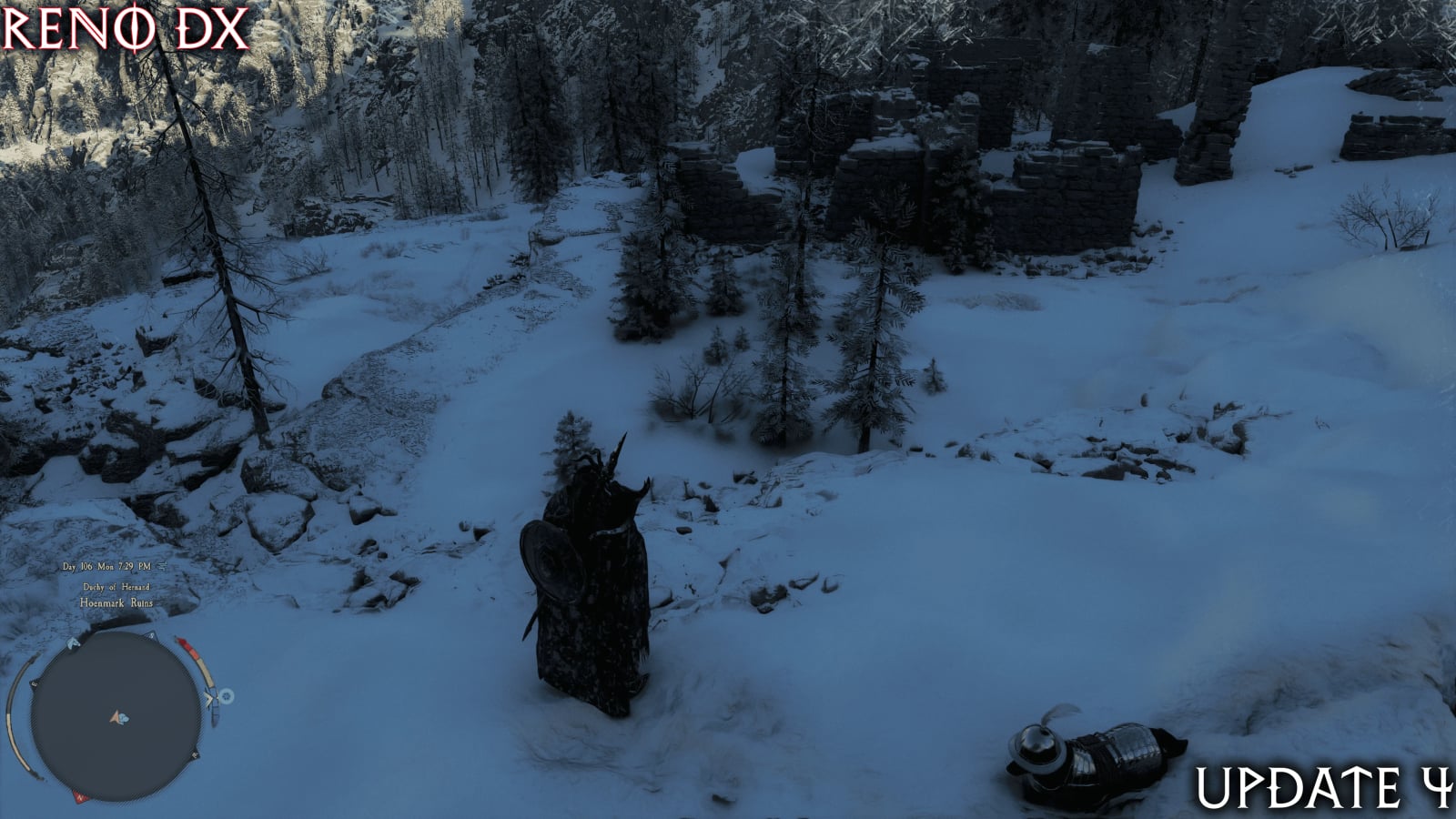
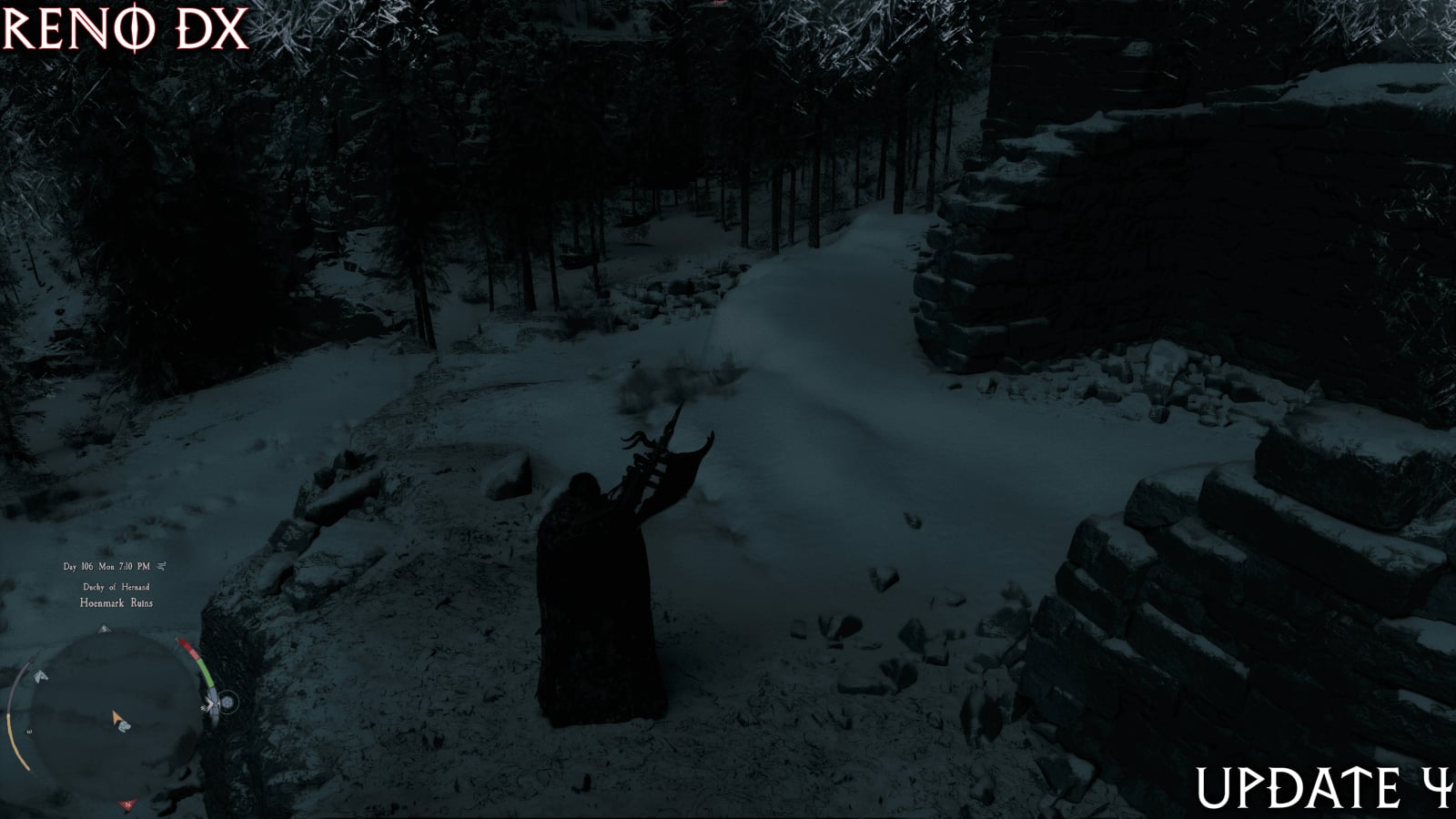
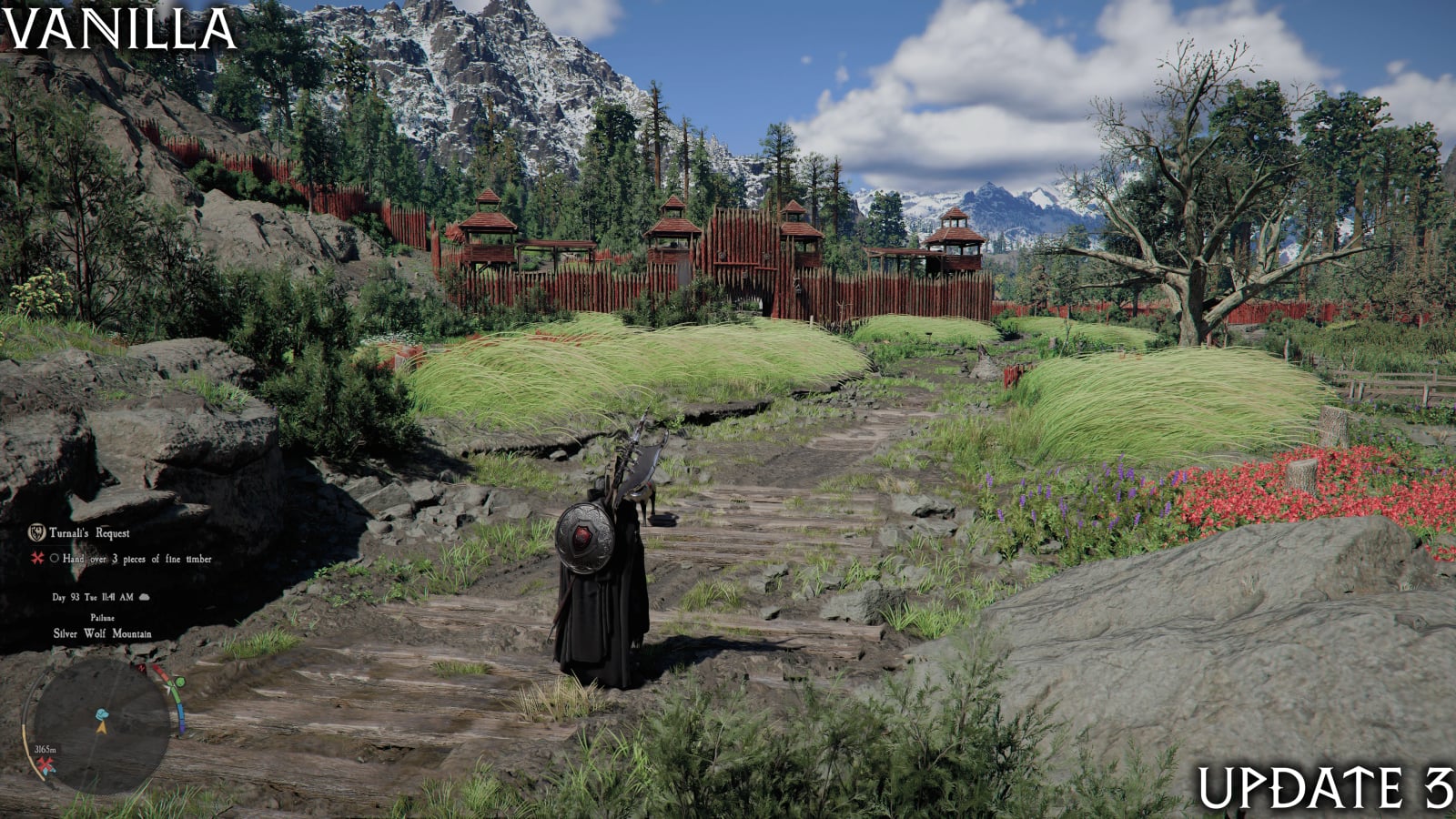
Required mods: Reshade with full add on support
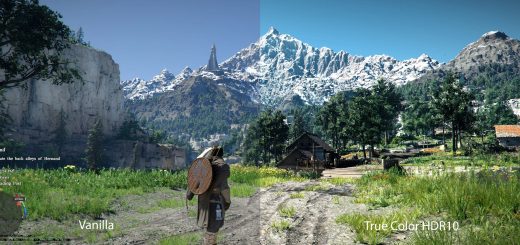
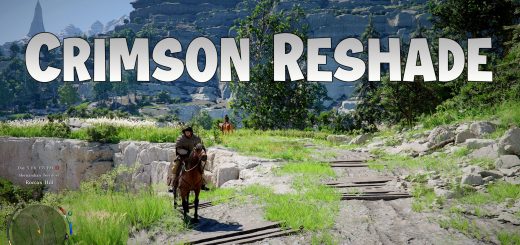
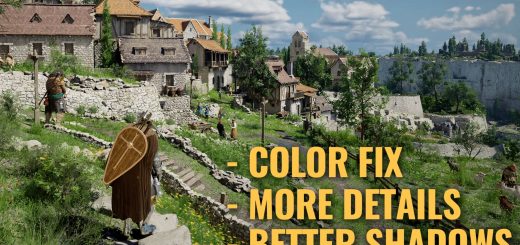
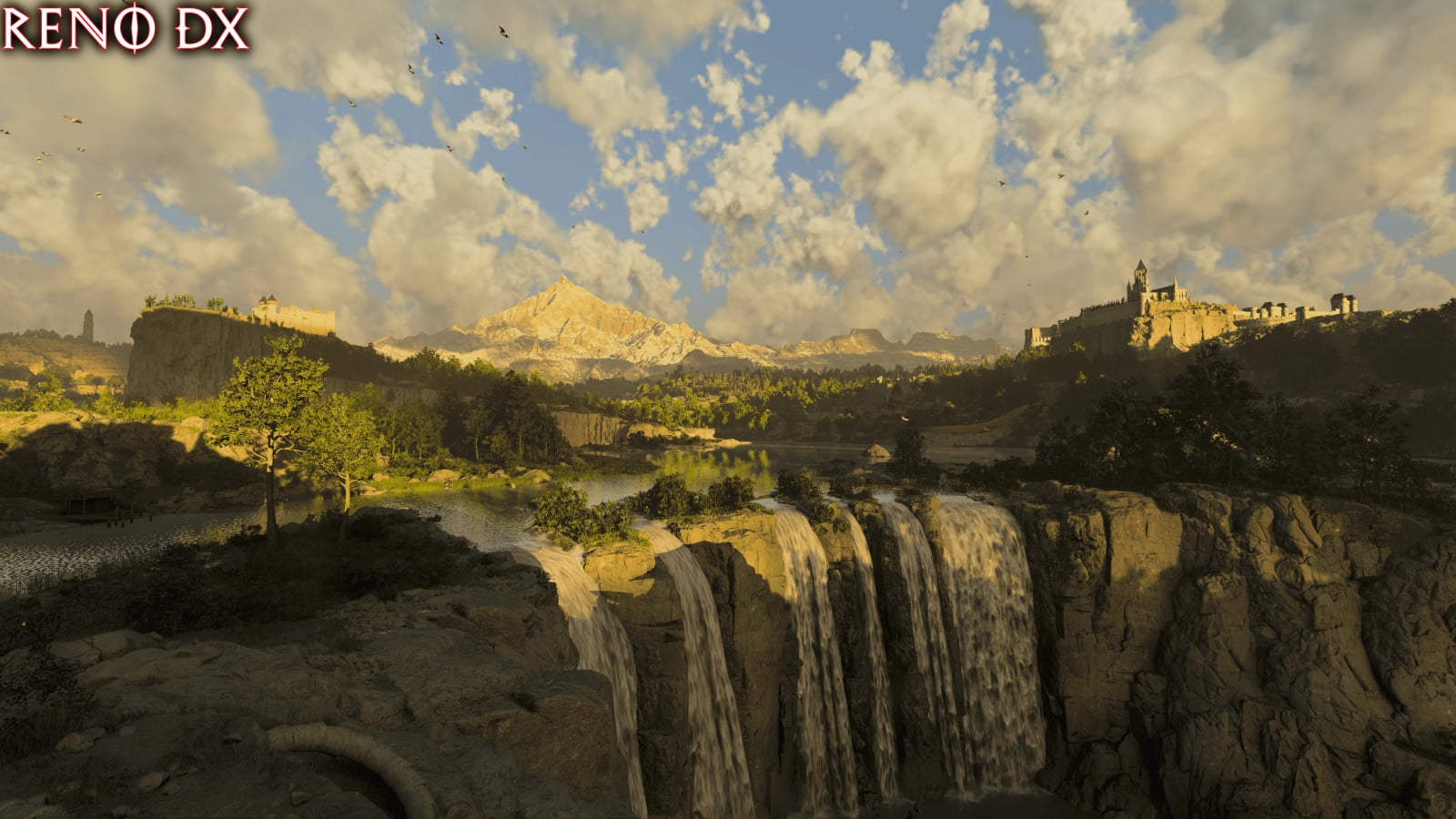
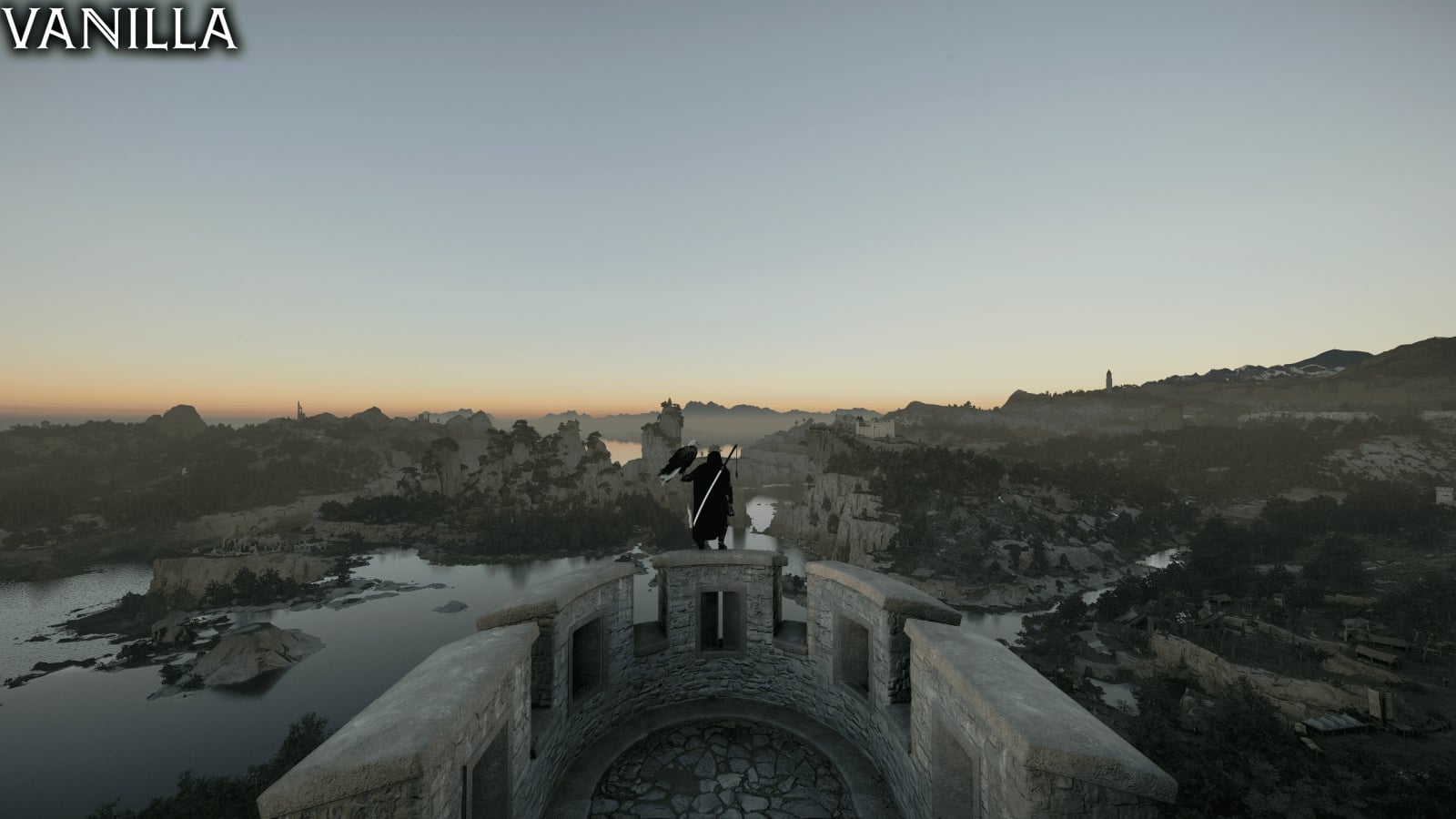
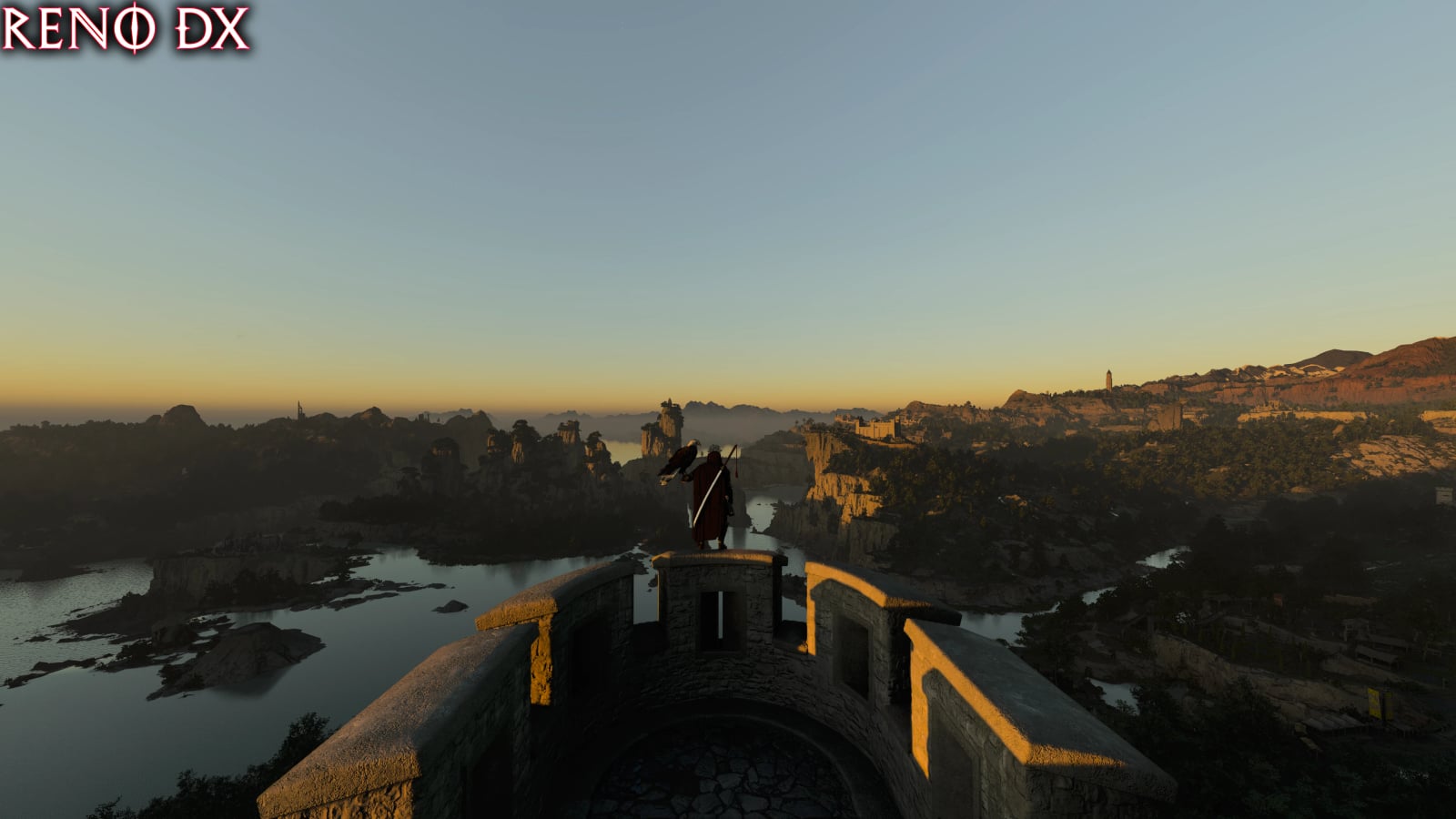
An overhaul of Crimson Desert’s rendering features, including updated screen space shadows, updated shading for a variety of materials, adjusted auto exposure, and controls for bloom, lens flares, chromatic aberration, sharpening, and more. RenoDX uses the ReShade Addon system, but is not a ReShade Preset!
Features
- Addon tabs are split into multiple sections in the menu, including Colour grading and Rendering. Please flick through to see the settings.
- Fine-tune the look of the game with manual sliders for Exposure, Highlights, Shadows, Contrast, and Saturation.
- Flame Hue Correction: Corrects pink/red flame and torch hues toward warm orange/yellow.
- Flame Saturation: Adjusts saturation of local light sources, independent of other grading settings.
- Alternative Auto Exposure: Makes nights genuinely dark and fixes blown-out interiors. Modes: Off / Custom / Custom Perceptual.
- Custom Perceptual: Completely replaces the base game auto exposure with a new metering based system that doesnt use sky visibility or interior/exterior based vanilla code. It should be smoother and solve vanilla auto exposure limitations.
- Disable Auto White Balance: Prevents per channel AWB from causing hue shifts depending on auto exposure and viewing angles.
- Disable Hero Lights: Removes artificial fill lights applied to characters.
- Film Grain: Switch between vanilla and a new perceptual grain that reduces banding, with adjustable strength.
- Chromatic Aberration: Scale down or disable entirely.
- Sharpening: Choose between vanilla or RCAS, robust contrast adaptive sharpening, with adjustable strength.
- Lens Flare: Scale or disable lens flare effects.
- Bloom: Scale or disable bloom.
- Vignette: Slider.
- Spectral Sky Scattering: Replaces vanilla RGB Rayleigh scattering with Garcia Linan spectral atmospheric scattering.
- Sun & Moon Improvements: Physically based sun rendering. Moon brightness is reduced to reveal surface texture detail.
- Dawn/Dusk Improvements: Adds directionality to both sky scattering and GI during these ToD. Base game sky probes are rather low res and uniformly apply GI. This causes rather flat looking sunrise/sunset whilst also introducing situations where 7PM has brighter GI compared to 4-5PM.
- Darker Nights + Darker Dawn/Dusk Scattering: Reduces sky brightness at night and during dawn/dusk. Fixes the overly bright sky at 3-5am and after sunset.
- Snow Fog Fix: Regions that contain both snow and have thick fog cause an issue where the mie forward scattering from the sun direction, which is view dependant, massively increases the amount of energy in a scene. This causes major swings in sky brightness and, since the sky probe is linked to atmospheric scattering, also causes changes to GI. Looking towards the sun and turning the camera away can completely change the look of a scene with lighting pop in.
- Distortion Noise Fix: This is a very low res / quality distortion VFX thats applied whilst in motion. Can’t say for certain what Pearl was attempting here but it utterly degrades visuals into pixelated mosaics. No op’ed the shader so it visually doesnt apply. No need for reshade toggler or slider for this one, it is packaged as part of RenoDX.
- Grass/Foliage Improvements: Reworked transmission and dynamic hue desaturation + selective colour, with less neon green grass.
- AO for foliage: The scene, but particularly foliage, completely lacks any form of AO shading. This made grass “glow” due to uniform flat shading.
- Contact Micro Shadows: V2 with less deepfried blocky shadows and flickering issues. This is now a separate toggle.
- Ice / Refractive Material Flickering: Solved a bug where the vertex shader had FP precision loss issues. This caused excessive flickering whilst in motion for textures underneath ice and other refractive materials. This is a built in fix, with no sliders.
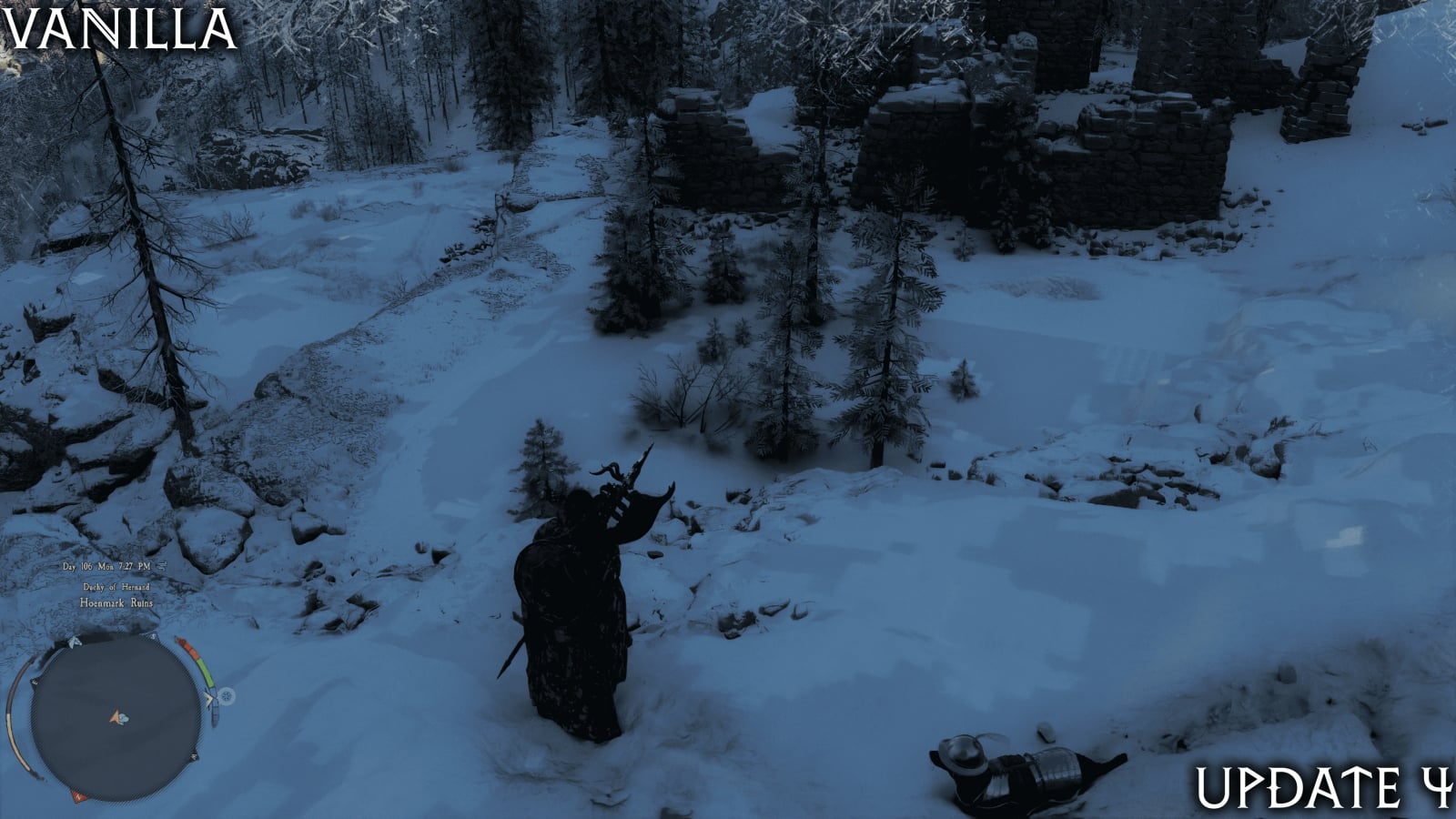
- Surfel Clipmap Boundaries Fix: Surfels are an utter PITA with this game. Snow, due to being a flat and uniform diffuse texture, exposes EvaluateDiffuseRadiance shader shenanigans, resulting in minecraft like pixelation or tiling. This is fixed by blurring + jittered noise that breaks up the harsh squares via blending. This is a built in fix, with no sliders.
- Material Improvement: The following have been grouped into a single toggle: Diffuse BRDF, Smooth Terminator, Specular Anti Aliasing, Diffraction, Disable VRS, and Refractive Material Shadows.
- Diffuse BRDF: Replaced the base game’s Burley + Lambert + retroreflection term mix to use EON 2025.
- Smooth Terminator: Softens hard light/shadow boundaries on geometry.
- Specular Anti Aliasing: Eliminates specular shimmer on distant surfaces and restores previously nuked specular.
- Diffraction: Adds spectral hue fringing to metallic specular highlights and soft speckles to certain metals.
- Disable VRS: Forces full resolution shading, disabling the game’s Variable Rate Shading for various shaders to improve VFX quality. It seems to have a very minimal performance cost and slightly increases quality.
- Refractive Material Shadows: Materials such as ice do not apply shadowing from other mesh in the scene onto itself. This was the primary cause of icy areas looking rather flat.
- RT Improvements: Improves bounced lighting and sampling. It has a limitation of increasing noise/boiling, so it is WIP and only recommended for Screenshotting purposes in interiors with alt auto exposure that is darker than base game.
- Aurora Borealis: Adds a triNoise2D aurora to the night sky, with randomisation, ToD night hue shifting, and sliders for brightness and spawn chance. It cannot be gated to specific regions since such data doesnt exist shader side.
- Misc. Fixes: Fixes flickering caused by wind on foliage and edge shadow banding.
Specifications
- DLSS 5.0: New integrations for DLSS 5.0 support, Neural Rendering.
- Ray Reconstruction 4.5: Fixes for Ray Reconstruction 4.5, Preset F.
- Required DLLs:
nvngx_dlssd.dll 310.7.129for RR 4.5, andnvngx_dlssnr.dll 310.8.0for DLSS 5.0. - Moon Disk Size: Scale the moon from 1× up to 10× vanilla size.
- Chromatic Aberration: Default: off.
- Sharpening: Default: off.
- Aurora Borealis: 12 palettes.
Presets
- Recommended: Curated settings tested at max quality with Ray Reconstruction.
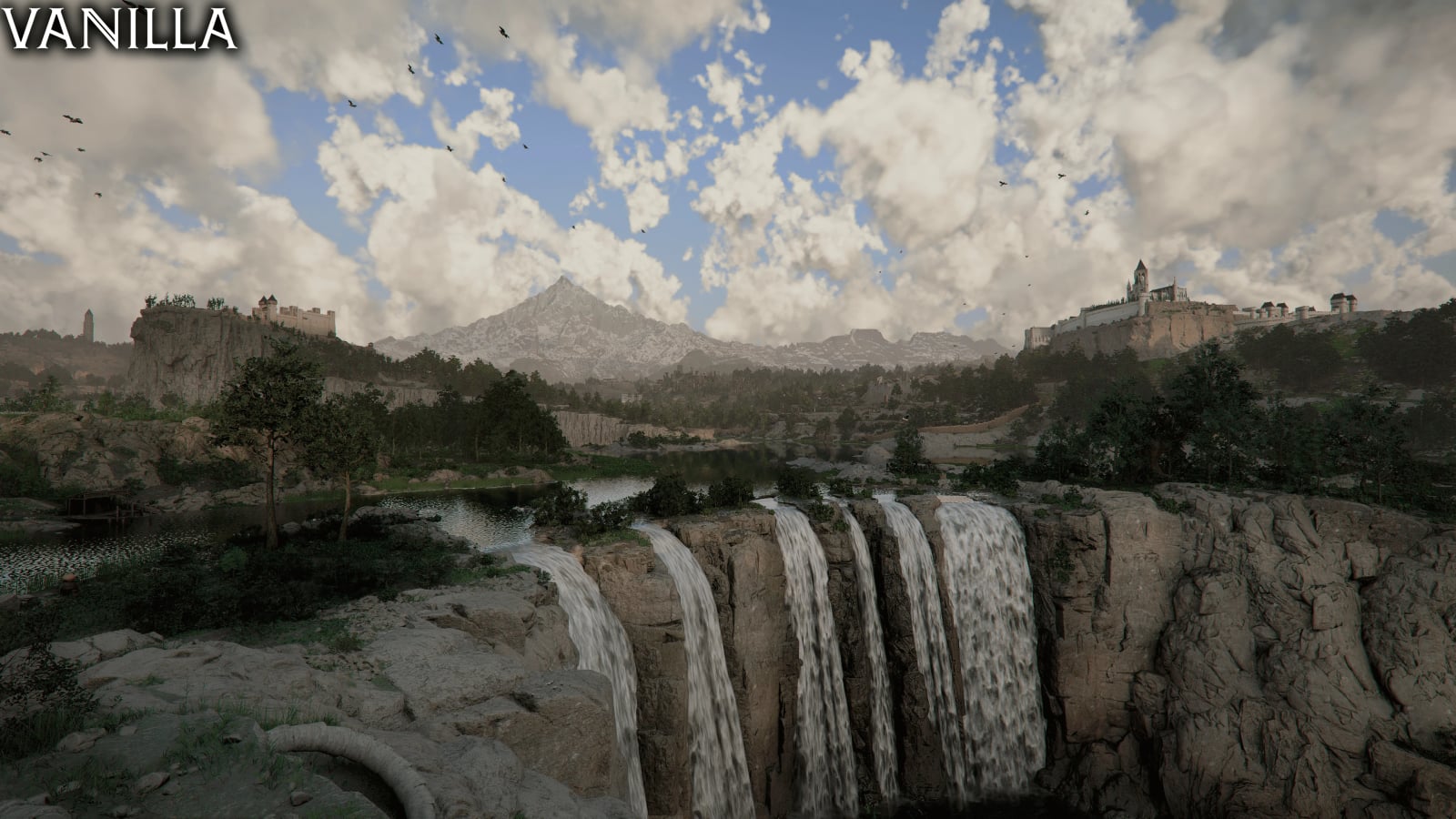
- Vanilla: Restores all rendering settings to match the unmodified game and only uses RenoDX PsychoV-17 for tonemapping / grading improvements.
Installation
- With any release of the addon, it is recommended to delete shader cache to proc a full regen.
- Copy the following shader cache locations to the address bar in Windows File Explorer or Start:
- Nvidia:
%localappdata%/NVIDIA/DXCache - AMD:
%localappdata%/AMD/DxCache
- Nvidia:
- This is needed as shaders might corrupt, causing CTDs. This also happens with the base game, such as yellow tiles or artefacts on meshes, and is not related to just RenoDX.
- Install ReShade. You don’t need to select any shaders or addons in the setup.
- Copy
renodx-crimsondesert.addon64into the game’sbin64folder, the same folder where you installed Reshade. - Optionally, run the game and access the ReShade UI with
<Home>. Select the Add-ons tab and disableGeneric DepthandEffect Runtime Sync, then restart. This can improve performance. If you need these addons for reshade effects, you can keep them enabled, but RenoDX does not use them. - After restarting, press
<HOME>on your keyboard to access the Reshade UI and configure the settings. - SDR users, make sure Contrast is set to 50. HDR users, make sure Exposure is set to 50. This is the in game calibration settings menu. We are not talking about RenoDX menu.
Requirements
There is a chance your antivirus software may falsely flag this mod as a virus, which will block it from loading in ReShade. You may need to add an exception to use this mod. This mod is open source.
Compatibility
- Crimson Weather: Likely compatible.
- VAXIS’s Enhanced Internal Graphics: Likely compatible.
- LOD FIX by Sharky: Compatible.
- External DLLs/injections such as Optiscaler/SpecialK may not work. Please test without them first to confirm whether the mod works without them. I can’t make any guarantees when it comes to compatibility in this case as all these mods and RenoDX hook into the game on a low level.
About RenoDX
RenoDX, short for “Renovation Engine for DirectX Games”, is a toolset to mod games. Currently, it can replace shaders, inject buffers, add overlays, and write user settings to disks. Because RenoDX uses Reshade’s add-on system, compatibility is expected to be pretty wide. Using Reshade simplifies all the hooks necessary to tap into DirectX without worrying about patching version-specific exe files.