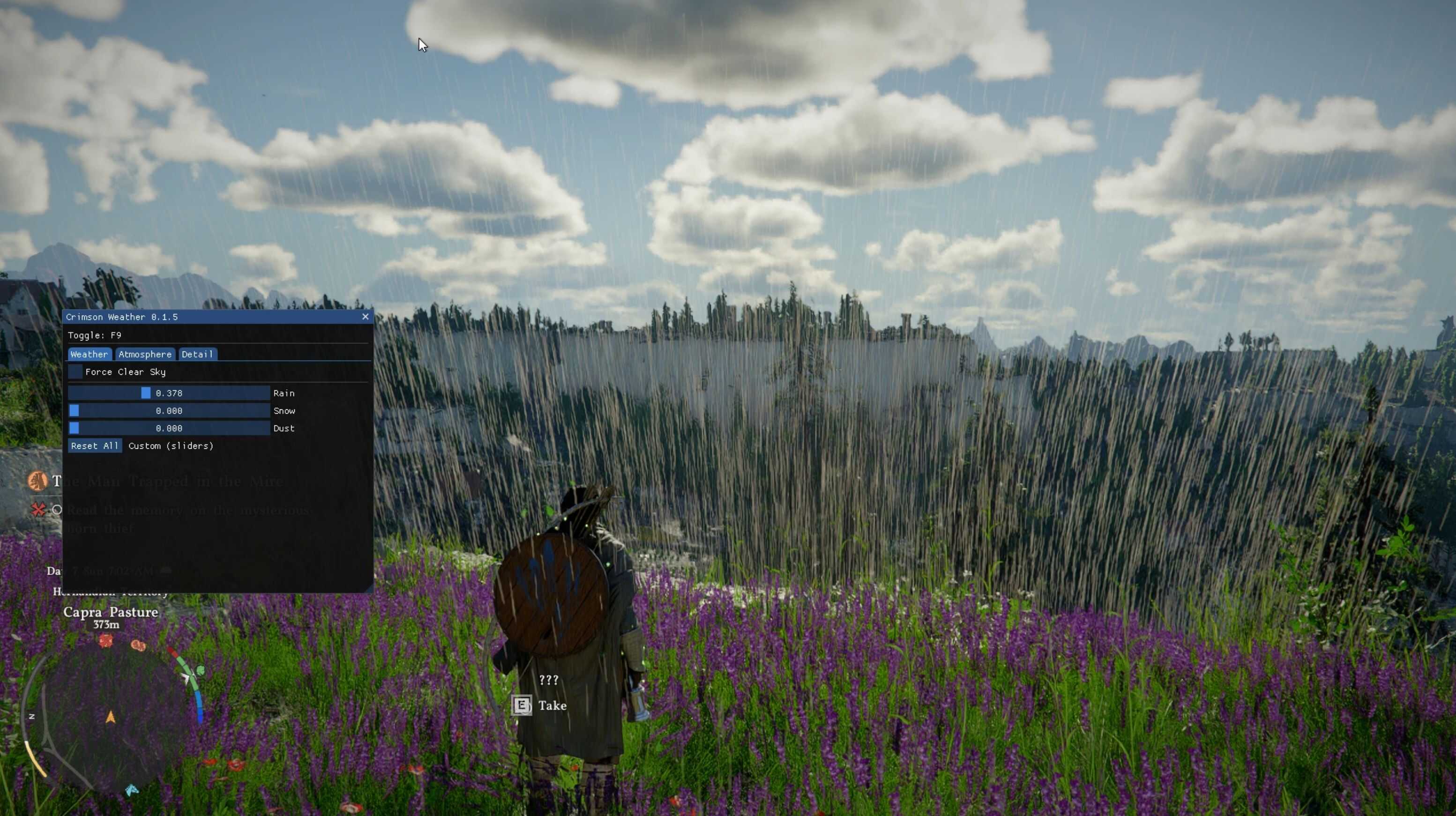
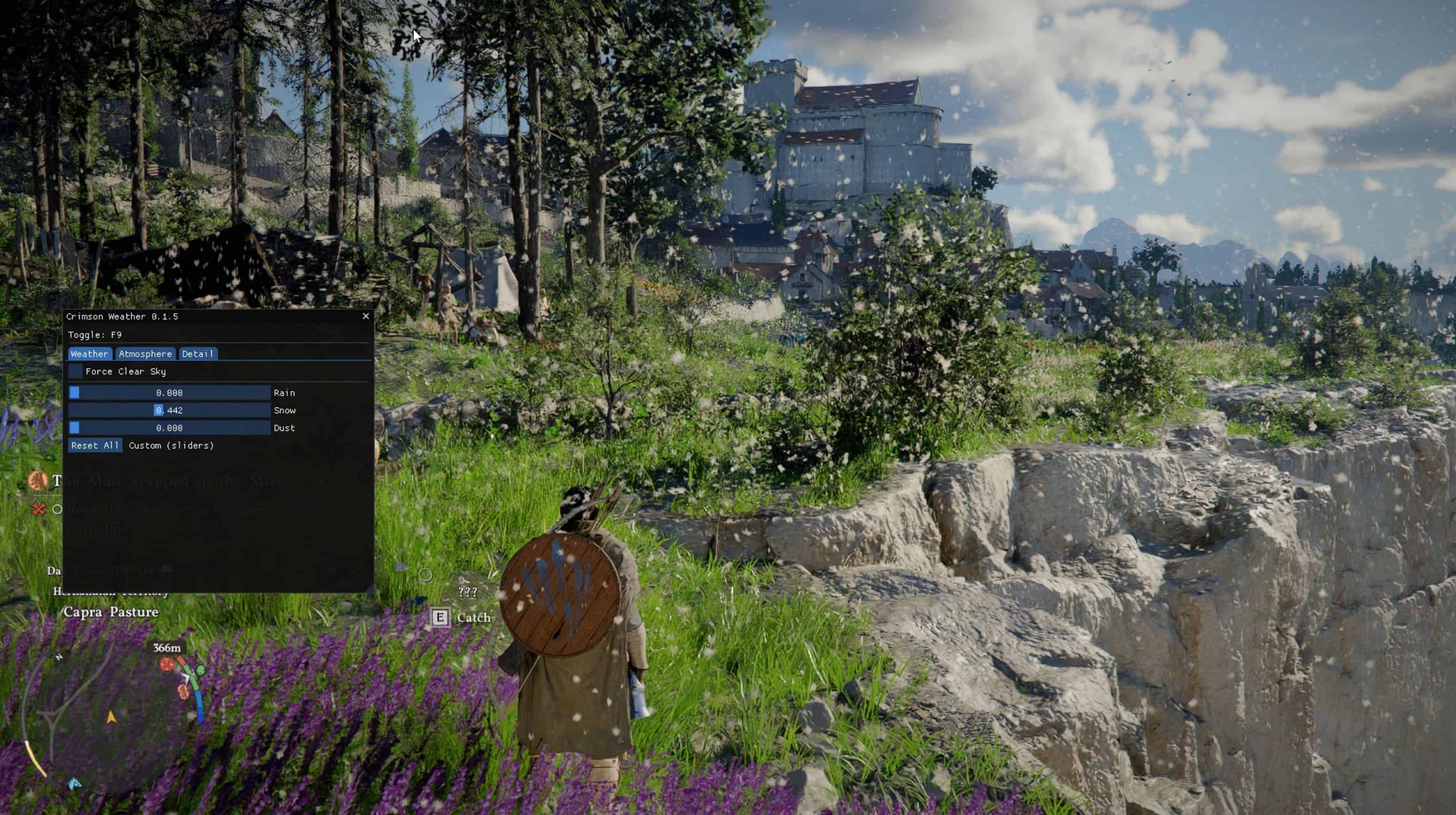
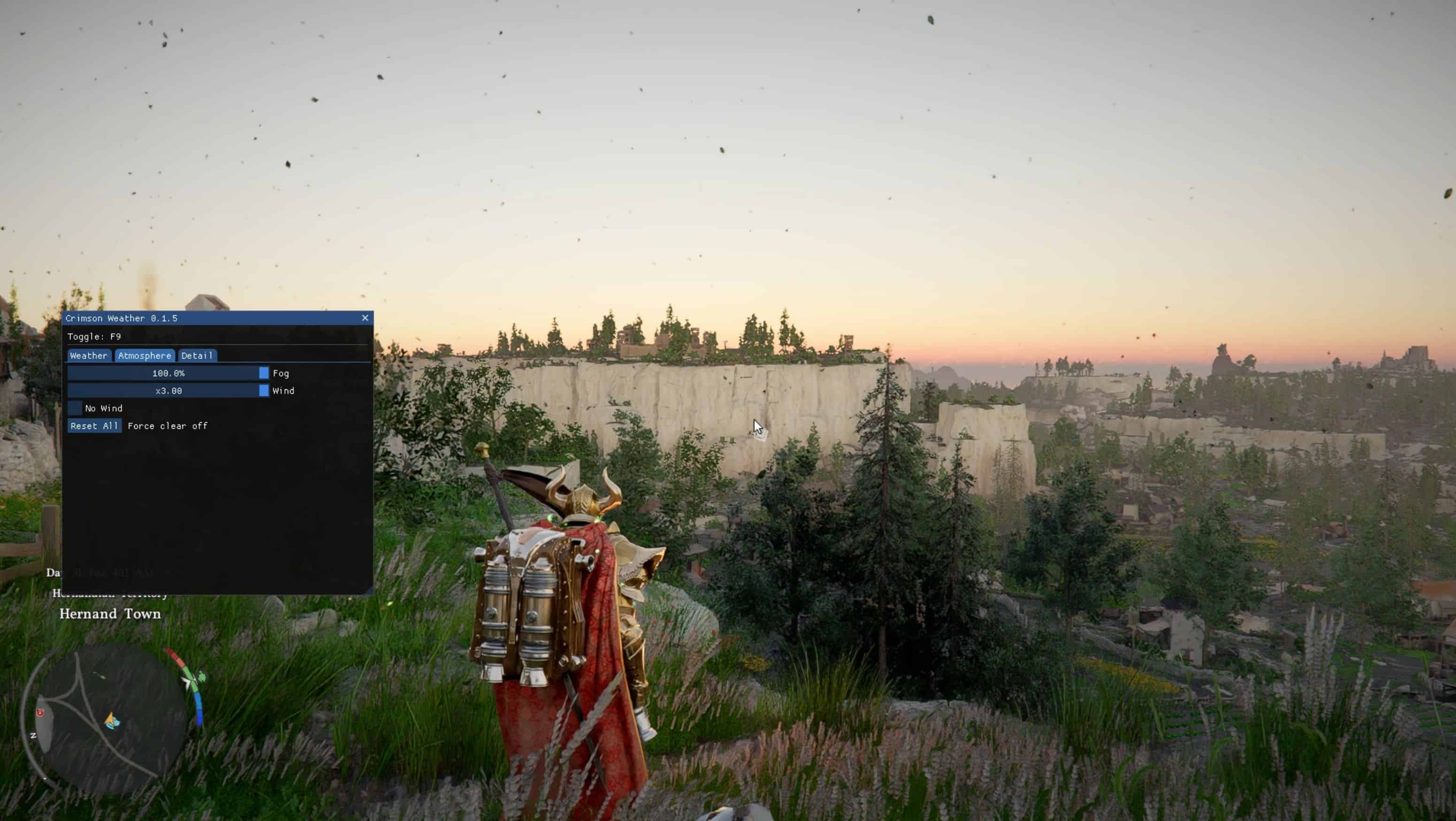
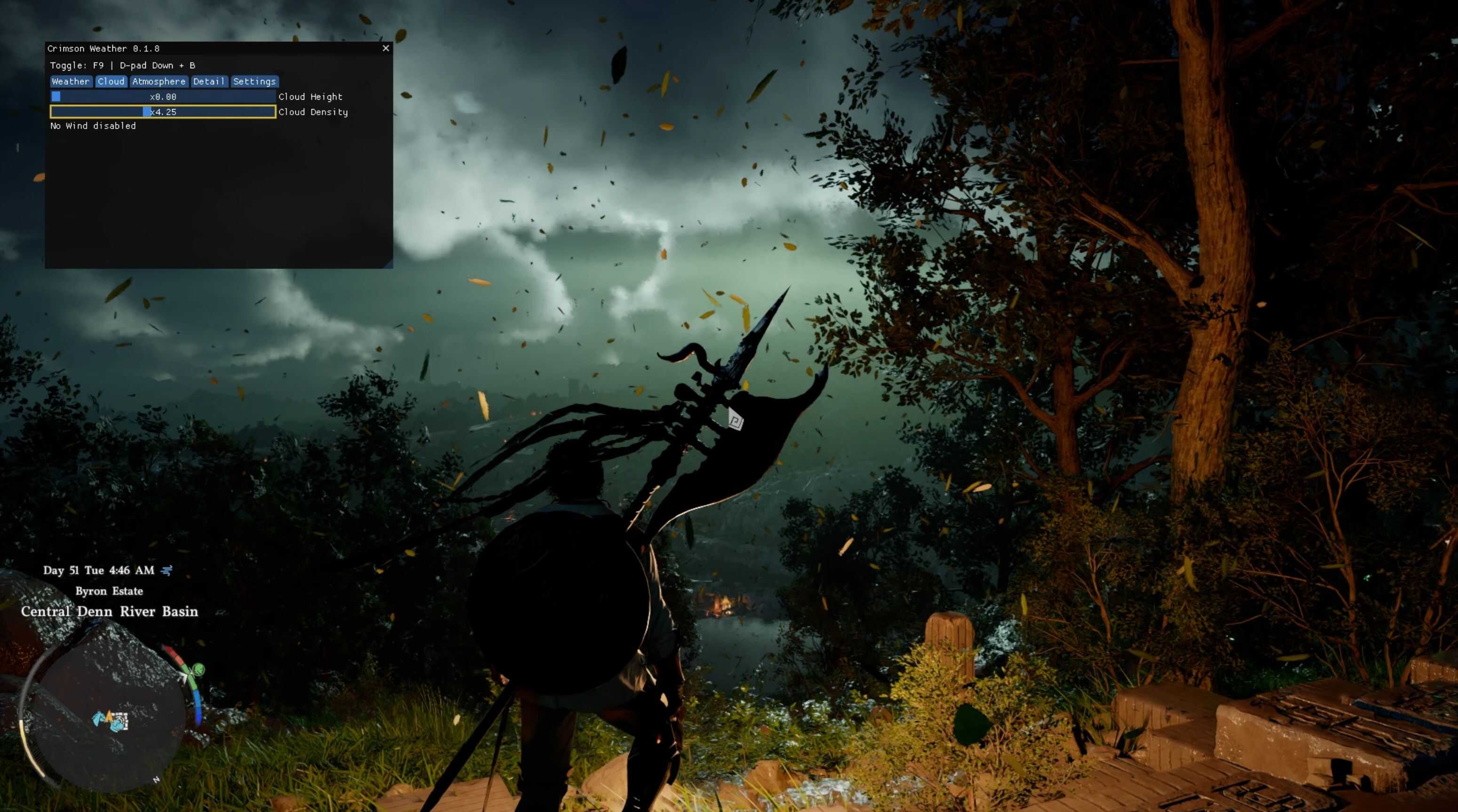
Control the weather, wind and time (visually) in real-time via a custom GUI overlay.
Update 0.2.2
– Fixed Crashing when using FSR-FG
– Fixed DualSense support
Update 0.2.1
– Fixed Crashing when using FSR-FG
– Added DualSense support
– Added Toggle Weather hotkey
Update 0.2.0
– Added presets loading and saving
– Added Show GUI on startup box
– Added Auto Apply on startup
– Added individual reset buttons
– More robust DXGI hook
– Fixed OptiScaler compatibility
Update 0.1.8
– Fixed Reset All button
– Added Cloud Density slider
– Added Cloud Height slider
– Added Controller support
– Added UI scale slider
Update 0.1.7
– Added Visual Time Override (Override game time visually)
Update 0.1.5
– Added ImGui GUI
– Added separate sliders for Rain, Snow, and Dust
– Removed Cloud sliders (until i got it working properly)
– Fixed Wind slider
– Added No wind box
– Fixed Fog slider
– Added Force Clear sky box
Requirements:
https://github.com/ThirteenAG/Ultimate-ASI-Loader
Installation:
1. Extract and copy CrimsonWeather.asi, and CrimsonWeather.ini to your game’s bin64 directory (where CrimsonDesert.exe is located).
2. Launch the game and press F9 (can be changed in the config) to open the menu.
How to use:
Press the hotkey (Default: F9) to toggle the UI and customize your settings.
Controller:
D-pad Down + B: Toggle GUI
D-pad Up/Down: Navigate
D-pad Left/Right: Adjust sliders
LB/RB: Switch tabs
A: Select
B: Close
Uninstall:
1. Delete CrimsonWeather.asi, and CrimsonWeather.ini