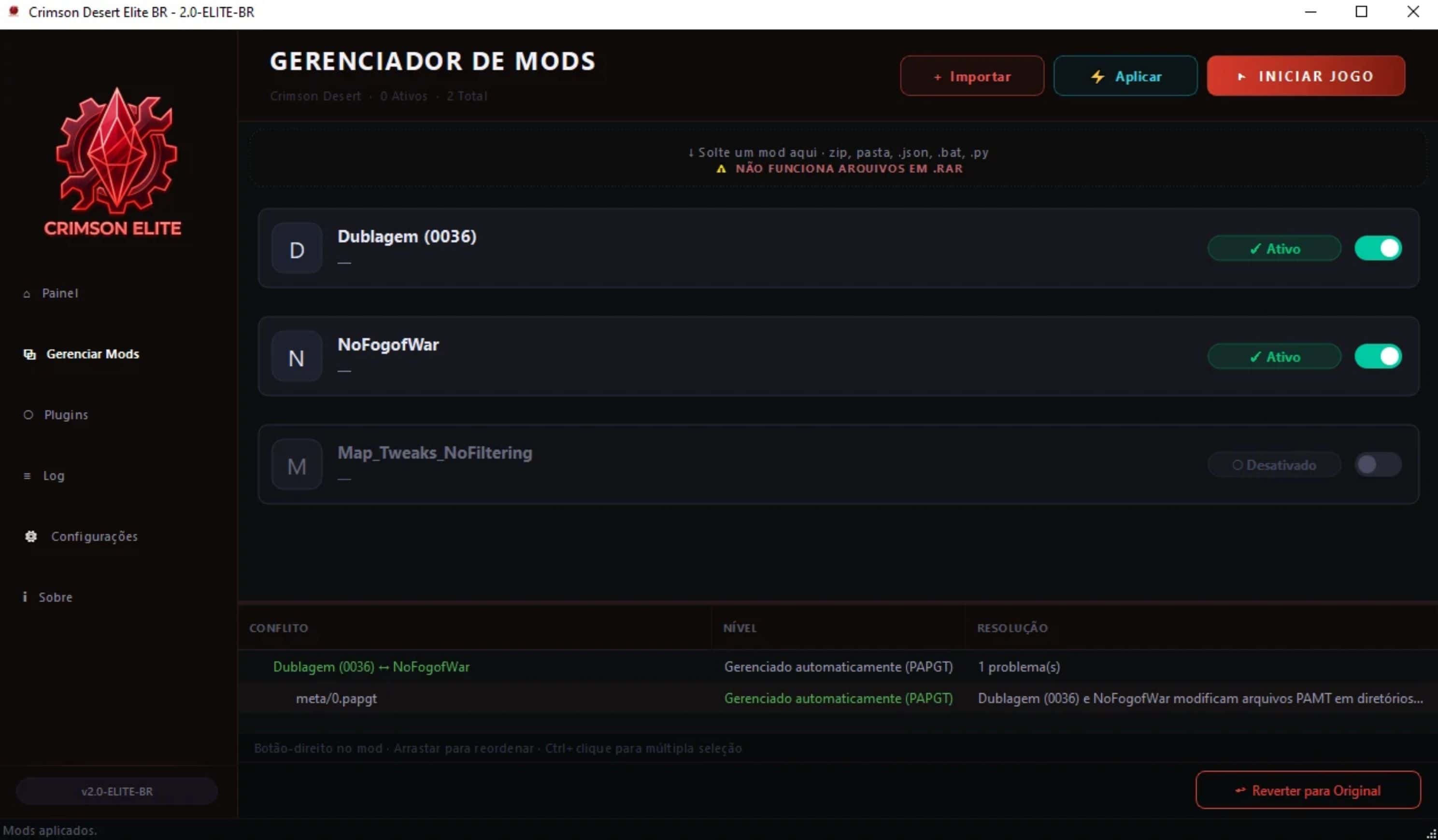
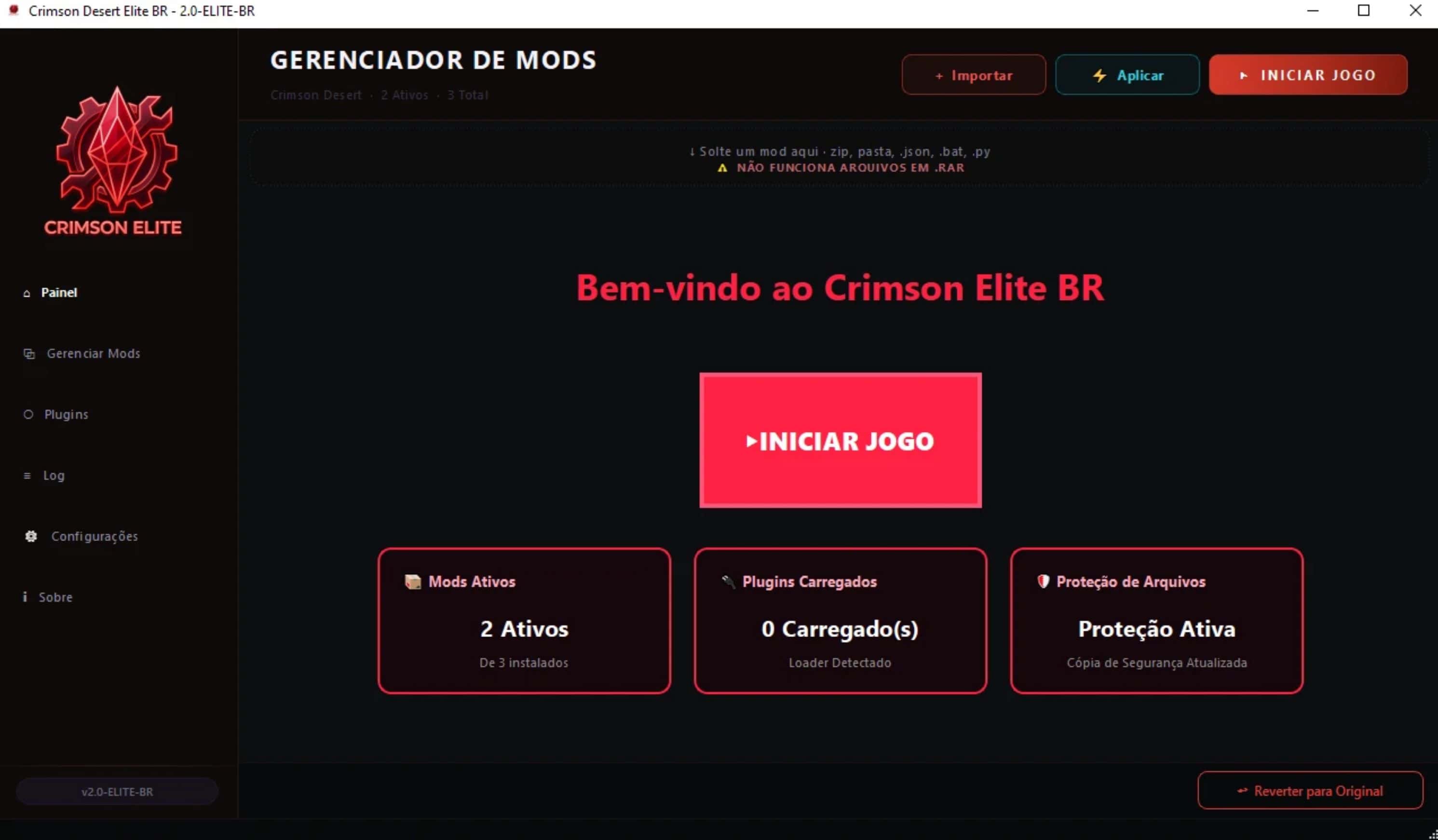
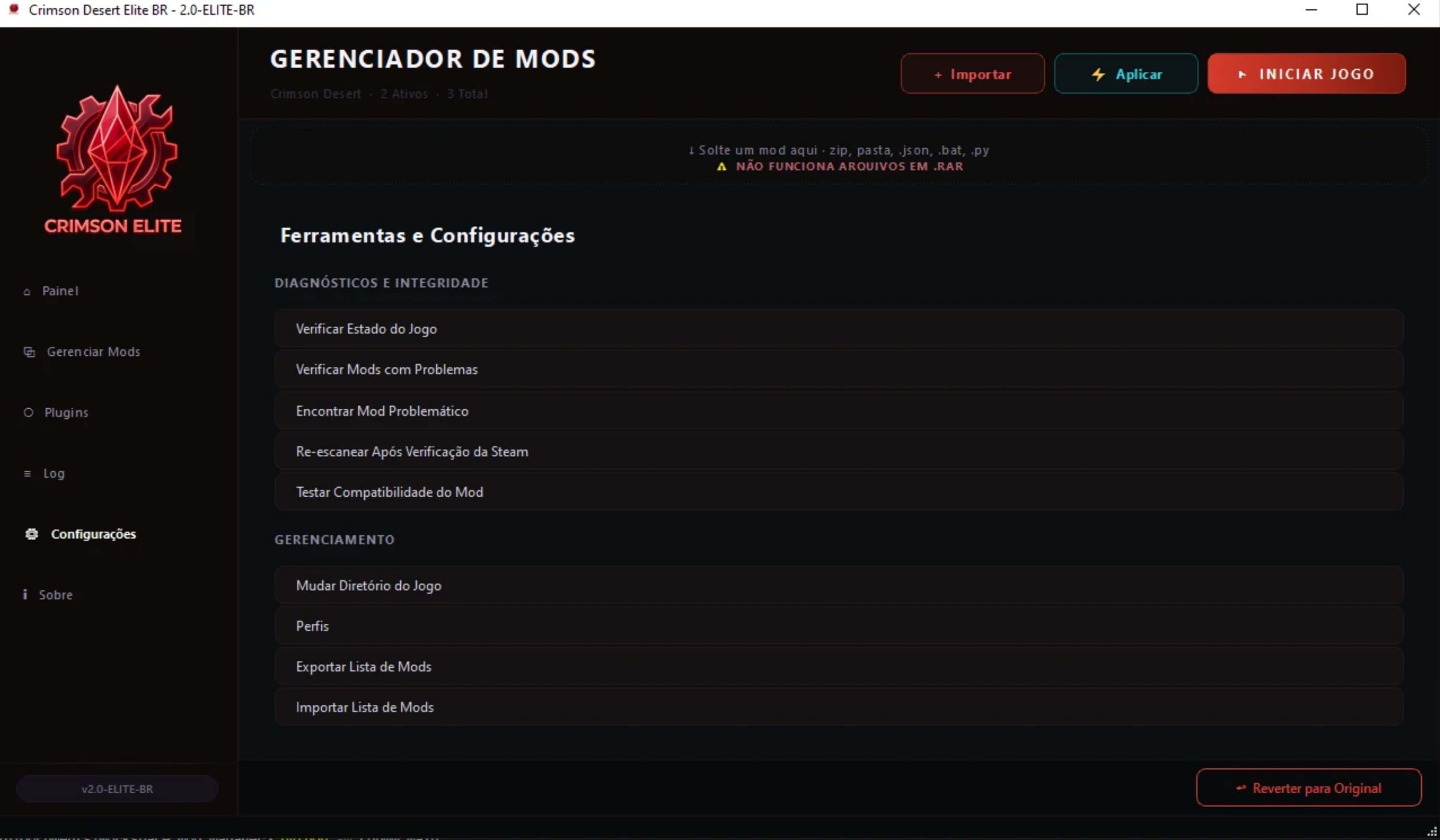
Manage your Crimson Desert mods without crashes! Updated engine (v2.3.0), auto-migration system, and premium interface in Brazilian Portuguese.
WHAT IS ELITE BR?
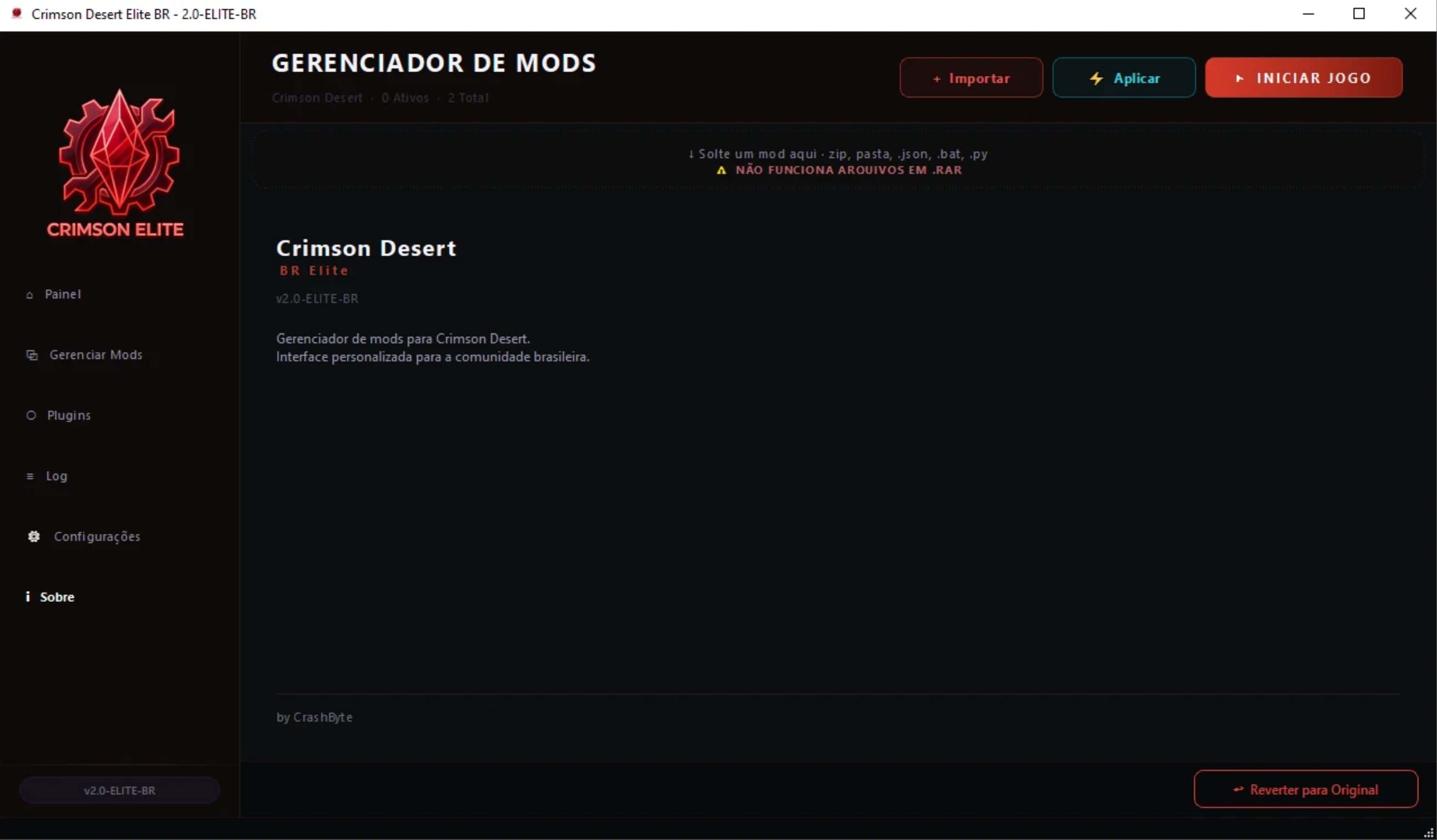
This is the definitive version of the mod manager for Crimson Desert. Built from the ground up with a focus on performance, security, and user experience. Redesigned premium interface, optimized injection engine, and fully translated into Brazilian Portuguese. If you want to manage your mods without crashes, without a black screen, and with a modern look — you’re in the right place.
SUPPORT DEVELOPMENT (PIX)
If Elite BR has saved you time, consider supporting the project! All the design work, engine optimization, support, and updates are done with dedication, from fan to fan, to strengthen the Brazilian Crimson Desert community.
PIX Key: e53438f2-7926-414f-a9e4-2680e635d6b0
Thank you very much for your support!
NEW FEATURES IN v2.3
- Smart Multi-Select JSON System (NEW): Now it’s possible to select multiple options from a JSON mod at the same time! The system automatically analyzes byte offsets — if two groups don’t collide, they appear as Checkboxes (combinable). If they collide, they appear as Radio Buttons (exclusive). File corruption is impossible.
- Total Interface Redesign — Crimson Elite: Mod cards with colored side status bar (🟢 Active · 🟠 Pending · 🔴 Conflict), crimson toggle switch, conflict panel always visible.
- Interactive Dashboard: Clickable statistics cards that navigate directly to the corresponding tab.
- Triple Safety Layer: 3-layer byte collision verification before saving any game file.
- Bug Fixes: JSON mods with UTF-8 BOM, duplicate text in settings, unified terminology.
ABSOLUTE COMPATIBILITY (ENGINE v2.3)
- The Elite BR engine accepts virtually any mod distribution format:
- Supported Formats: Full compatibility with mods for JMM (JSON Mod Manager) and CMM. Elite BR reads, converts, and applies these standards perfectly.
- Compressed & RAW Files: Full support for .zip, .json, and loose RAW files. Drag and drop them into the interface and Elite BR does the rest.
- Zero-Lag UI Engine: Activating 1 or 50 mods is instantaneous (0ms). The synchronous I/O that caused crashes has been completely eliminated.
- Engine Crash “압축해제 오류 (2)” — Resolved: The fatal error with UI mods has been fixed. The injection uses native ChaCha20 encryption (flags 0x300004). Goodbye black screens!
- High Compatibility: Mods in older formats are intelligently detected. The engine scans and aligns files with the Black Space Engine automatically.
- Deep Conflict Scanner: Instantly warns when two mods alter the same piece of the .PAZ file.
- Non-Destructive Injection: Does not modify your original copy of the game. Safe and reversible with 1 click.
- Binary Bypass: Large files (.wem, .bk2) use direct copy — GB imports complete in seconds.
- ZIP Streaming: Extraction without loading everything into RAM — works even on PCs with low memory.
HOW TO INSTALL AND UPDATE
- If you are new: Download the .exe file from the “Files” tab, run it, and Elite BR will automatically create the secure CDModsElite folder in the game directory.
- If you came from v2.2 or earlier: Copy the new files and replace the old ones. Your cdumm.db database and mod list remain intact. Only re-import if you came from a version with a CDMods folder (different from CDModsElite).
- Installing Mods: Drag the file (.zip, .json or folder) to the interface, activate the toggle and click “Apply”.