This mod is a complete overhaul of the storage system for Crimson Desert, specifically updated to work with patch 1.06. It expands the capacity of nearly every container in the game, from your personal backpack to specialized containers like the Kuku refrigerator and wardrobe. Unlike other versions, this one takes into account the offset shift (+12 deltas) introduced in the latest game update and correctly addresses the new database structure in iteminfo.pabgb.
The game system has a limit on the maximum number of slots that is impossible to circumvent without corrupting your saves.
It’s true that the limit for personal storage, relics, refrigerator, wardrobe, and resources is 1400, which is decidedly low. I was hoping to reach 2000, but even at 1500 there’s a risk of corrupting your save, disabling games, and causing the game to crash.
I created the STABLE and SECURE version.
Key Features
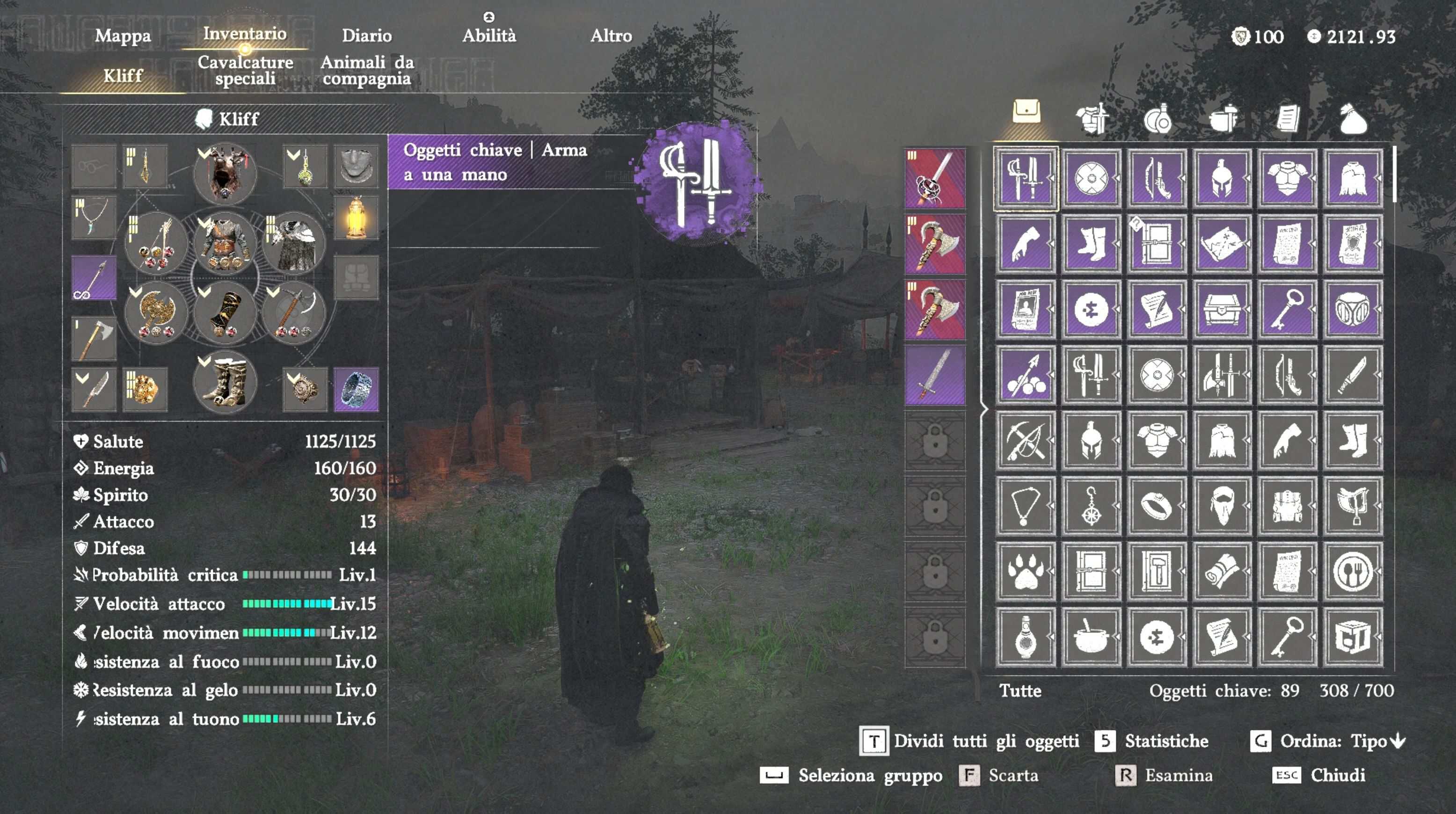
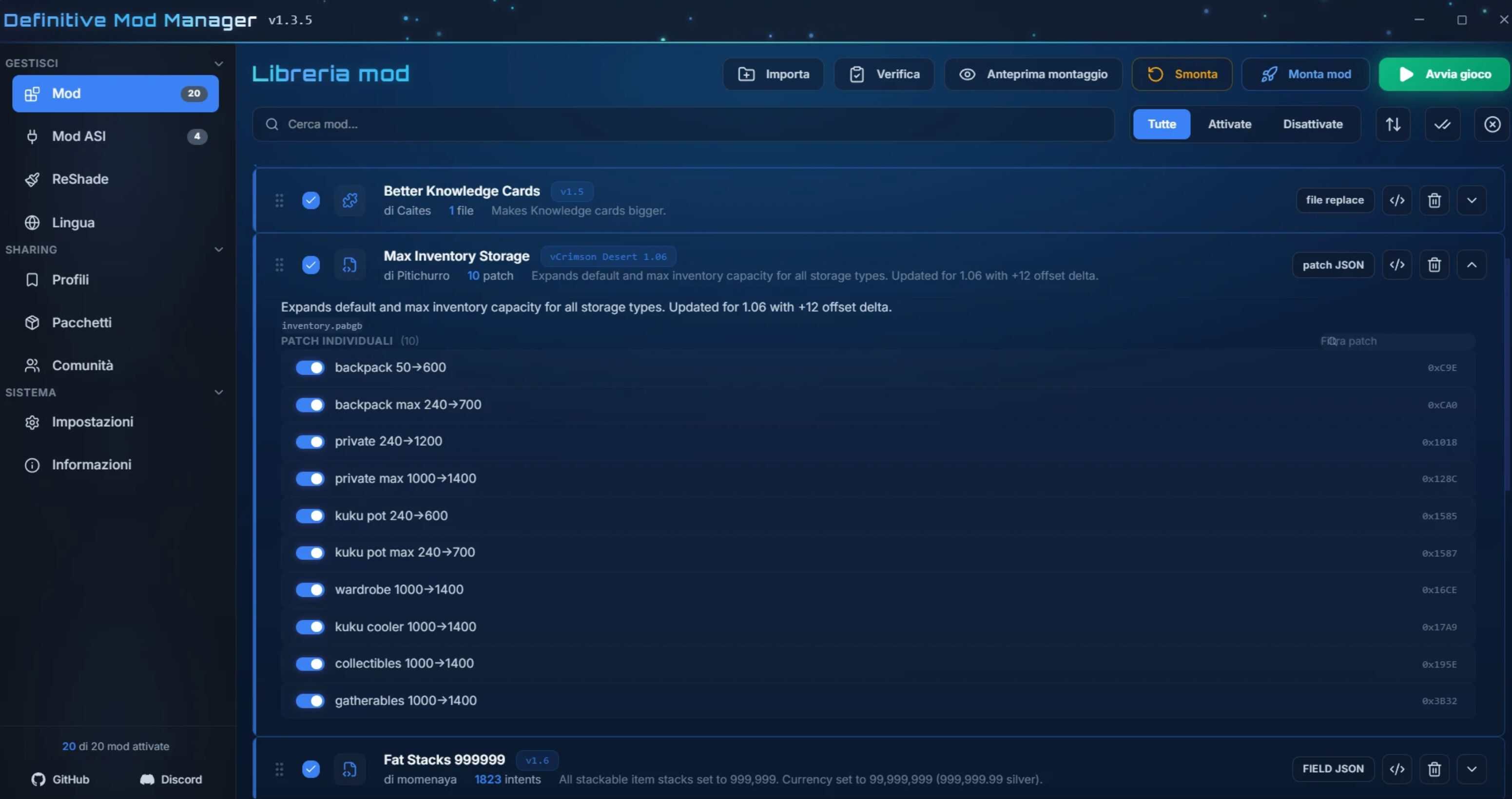
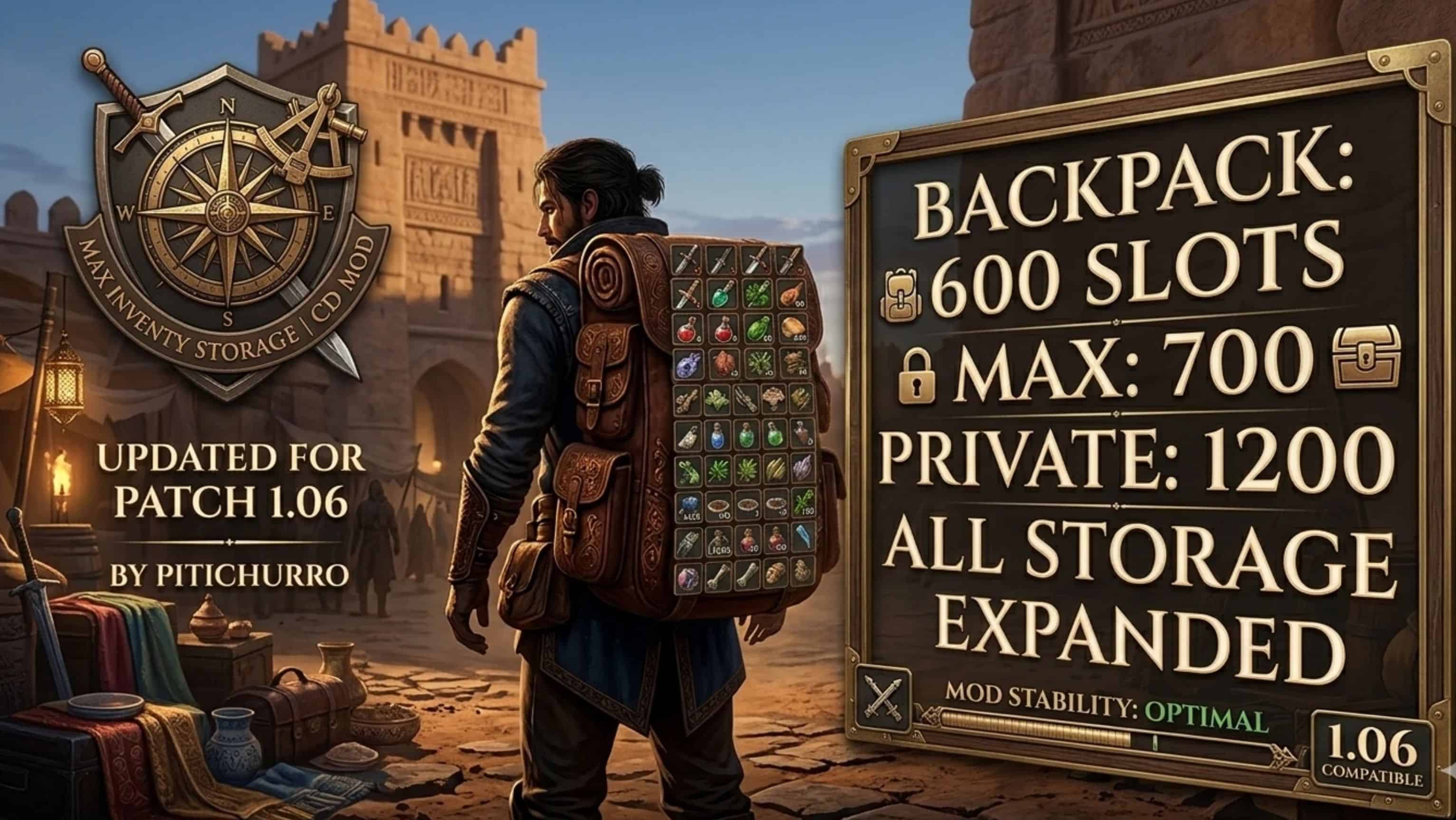
– Backpack: Increased from 50 (default) to 420 slots.
– Maximum Capacity: Increased to 700.
– Private Storage: Increased from 240 to 1,500 slots.
– Kuku Pot: Increased capacity to 600 (max 700).
– Specialized Storage Spaces: Closet, Kuku Fridge, Collectibles, and Pickups have all been expanded to 1,400 slots.
Technical Details (v1.06)
– Target File:
– – gamedata/iteminfo.pabgb (Compatible with inventory.pabgb)
– Compatibility: Fully tested on version 1.06 of the game.
– Logic: Uses a precise hexadecimal signature to identify data blocks, ensuring no other game files are corrupted.
– Safe for Saves: Can be installed or uninstalled at any time.
Installation Instructions
– Download the JSON file.
– Open Definitive Mod Manager (DMM).
– Place the JSON file in your mods folder or drag it directly into the manager.
– Click Mount / Apply.
– Check the log: it should show “10 of 10 intent(s) applied”.
– Launch the game and enjoy your new space!
Troubleshooting
“File in use” error: Make sure the game and DMM are closed before editing or saving the JSON file. Still seeing the old capacity limits? Try moving an item within your inventory or sorting it to force the UI to update the new capacity values.