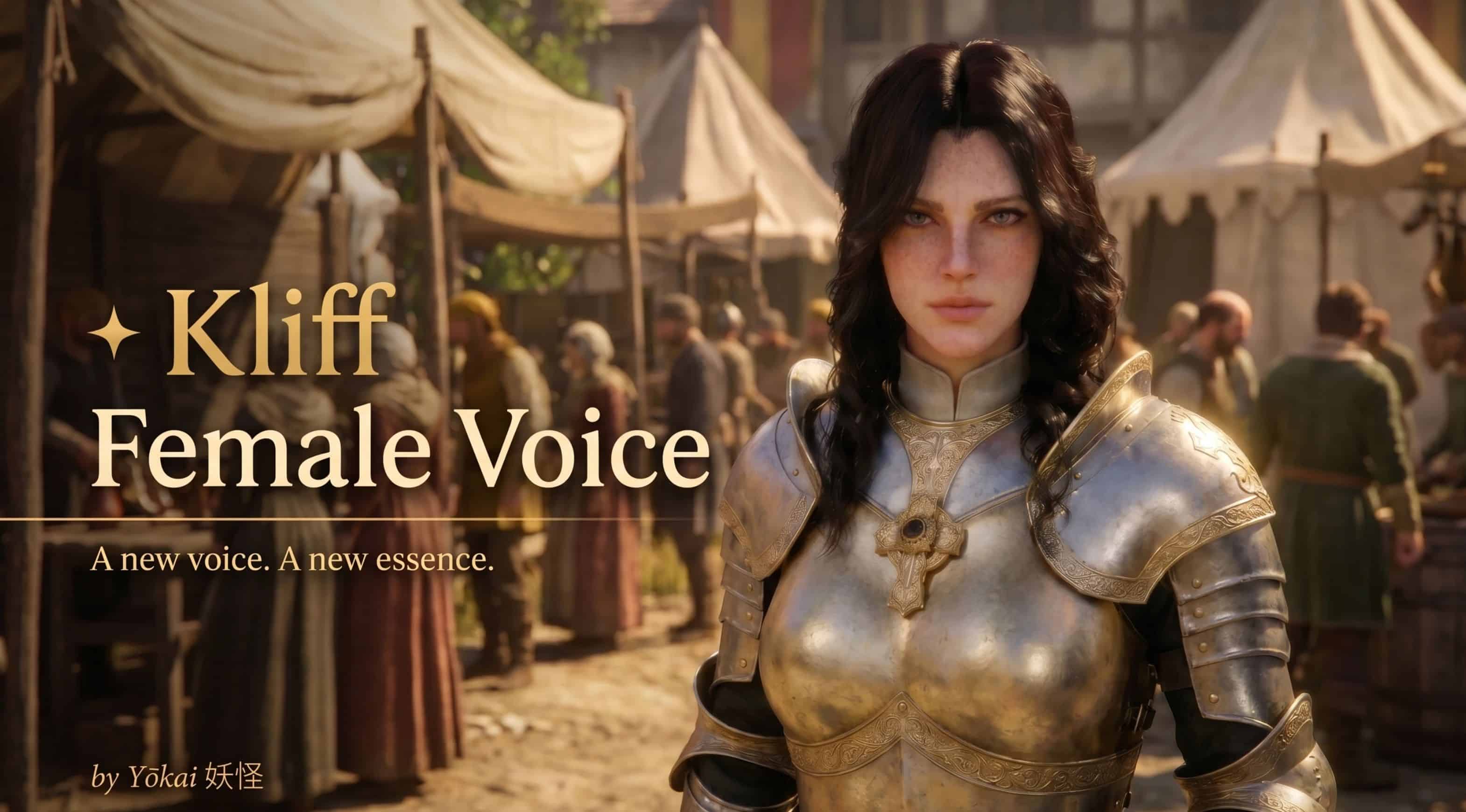
Replaces Kliff’s original male voiceover with a carefully crafted female voice. All original dialogue preserved — only the voice has changed. Lightweight, compatible with most mods, and installed in under a minute.
Ever wondered what Kliff would sound like with a female voice? This mod completely replaces Kliff’s original voiceover, keeping every single original line — just with a whole new vocal identity.
Requirements:
– Character Creator
– SwapButcherWithBarber
ABOUT THIS MOD
This mod fully replaces Kliff’s original male voiceover with a carefully crafted female voice, giving the character a unique and distinct vocal identity. All original dialogue lines are preserved completely — only the voice itself has changed. Gameplay, stats, and appearance are completely untouched. Only the voice is different.
FEATURES
✦ Complete replacement of all of Kliff’s lines with a female voiceover
✦ 100% compatible with the base game — no extra mods required
✦ Lightweight file — zero impact on game performance
✦ Installed in under a minute
VOICE PREVIEW
Want to hear the voice before downloading? Listen to the samples below!
– Listen to Voice Samples — Google Drive
REQUIREMENTS
✦ A mod manager (Vortex or equivalent)
✦ Definitive Mod Manager (DMM) — Recommended! The best mod manager for Crimson Desert.
INSTALLATION
1. Click the Download button
2. Open your mod manager
3. Install the file through the manager
4. Enable the mod and launch the game
5. Enjoy Kliff’s brand new female voice!
UNINSTALLATION
– Simply disable or remove the mod through your mod manager.
– No leftover files. Clean and simple.
HAVING ISSUES AFTER A GAME UPDATE?
Before contacting support, try these steps:
– Step 1 — Delete the mod folders from your game directory:
Delete the 0036 folder — this is the voice mod folder.
If the game still won’t open or Kliff goes mute, also delete the 006 folder.
– Step 2 — Try launching the game:
Game opens normally?
Re-apply the mod through your mod manager and play!
Game still won’t open?
Go to Steam → Right-click the game → Properties
→ Verify integrity of game files
→ Wait for the process to complete
→ Re-apply the mod through your mod manager and launch the game
If the problem persists after all of this, leave a comment and we’ll help you out!