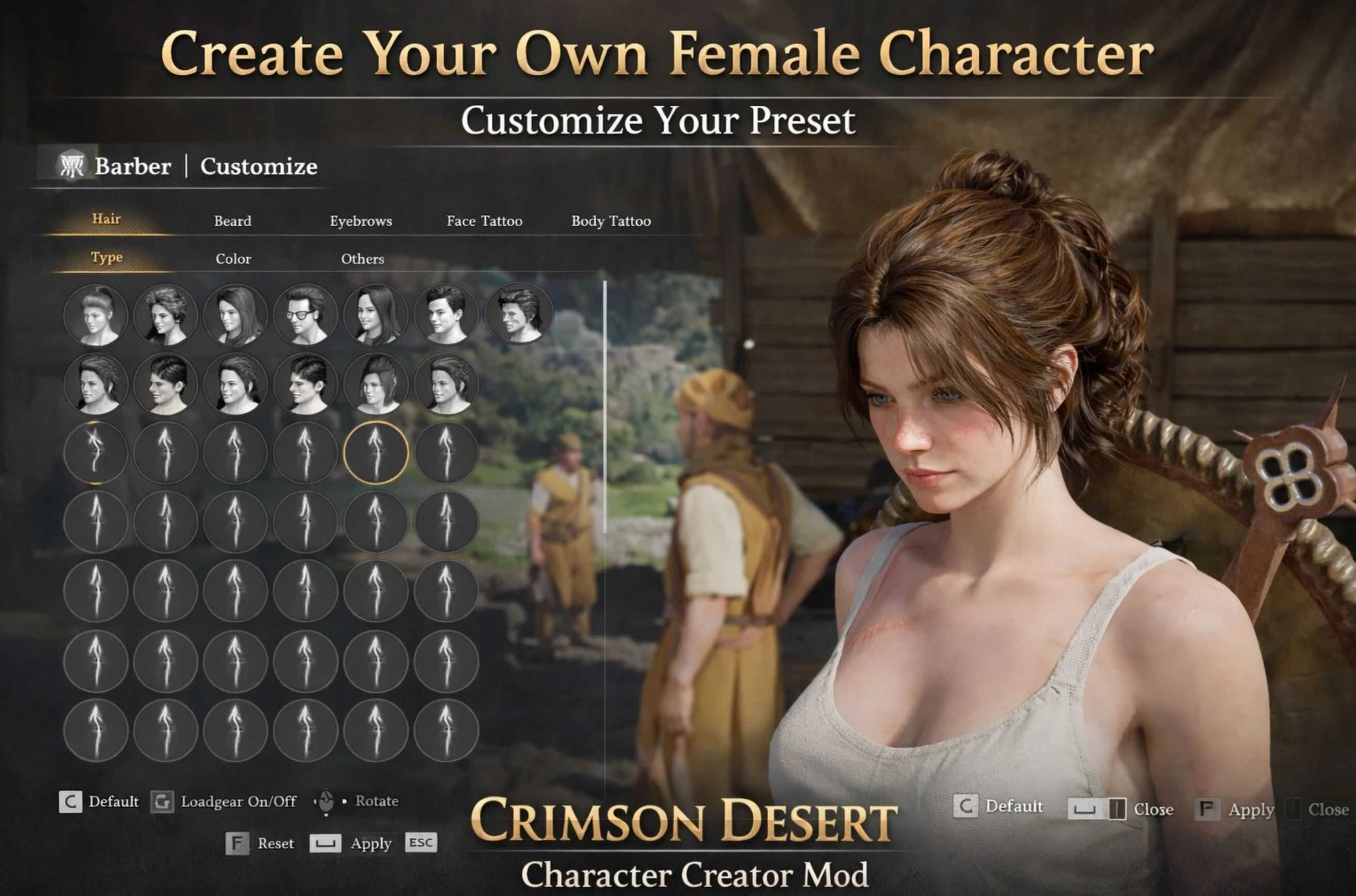
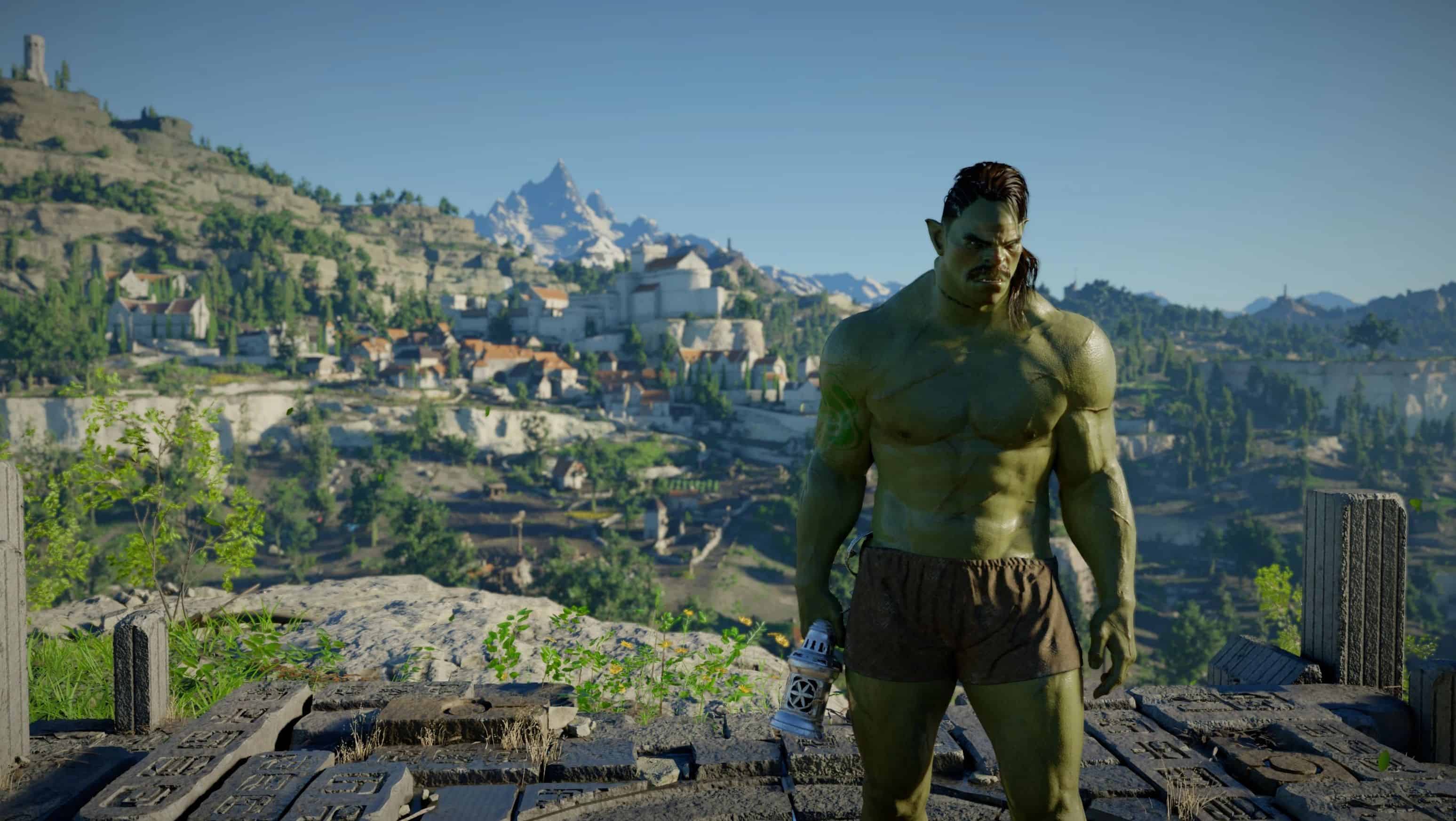
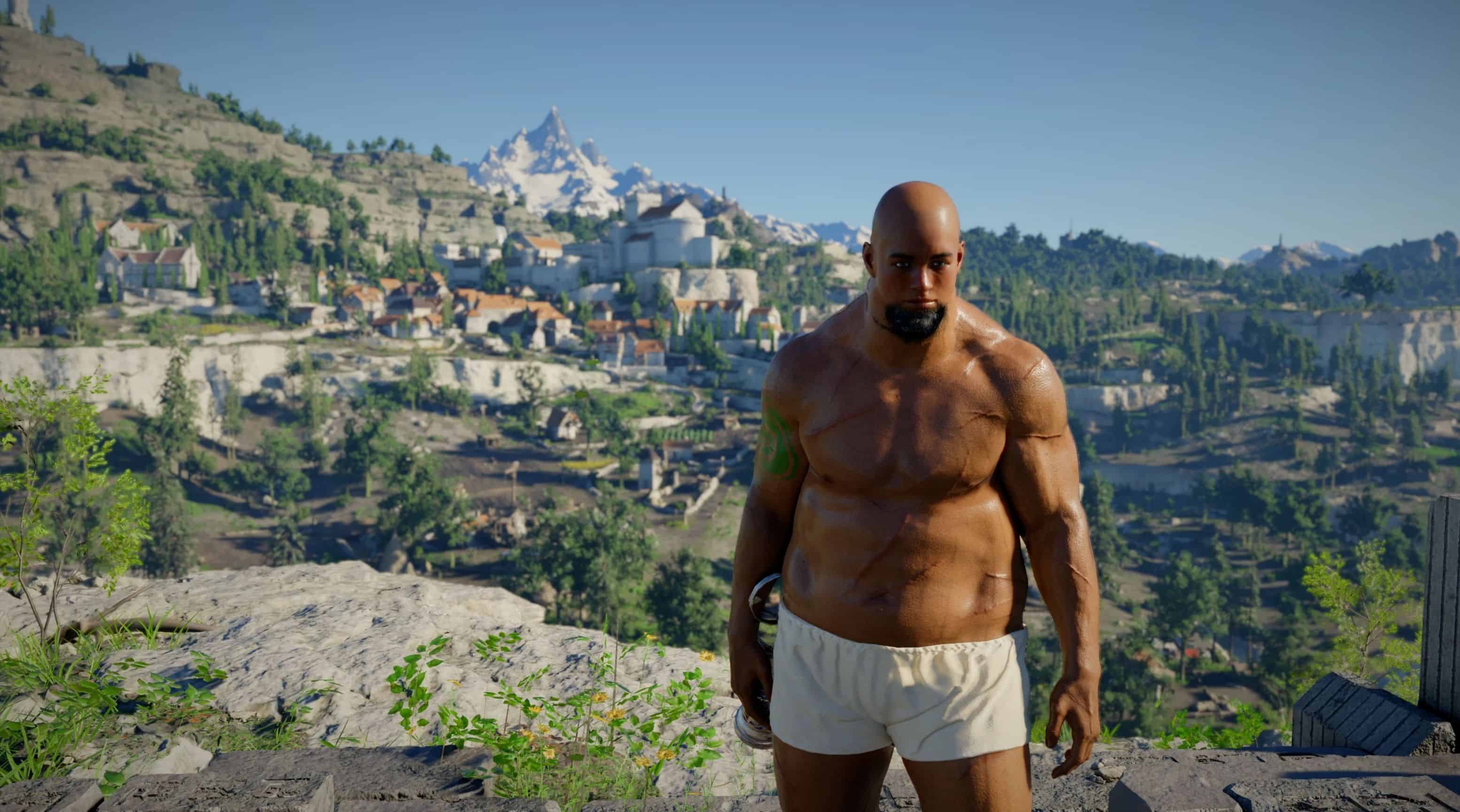
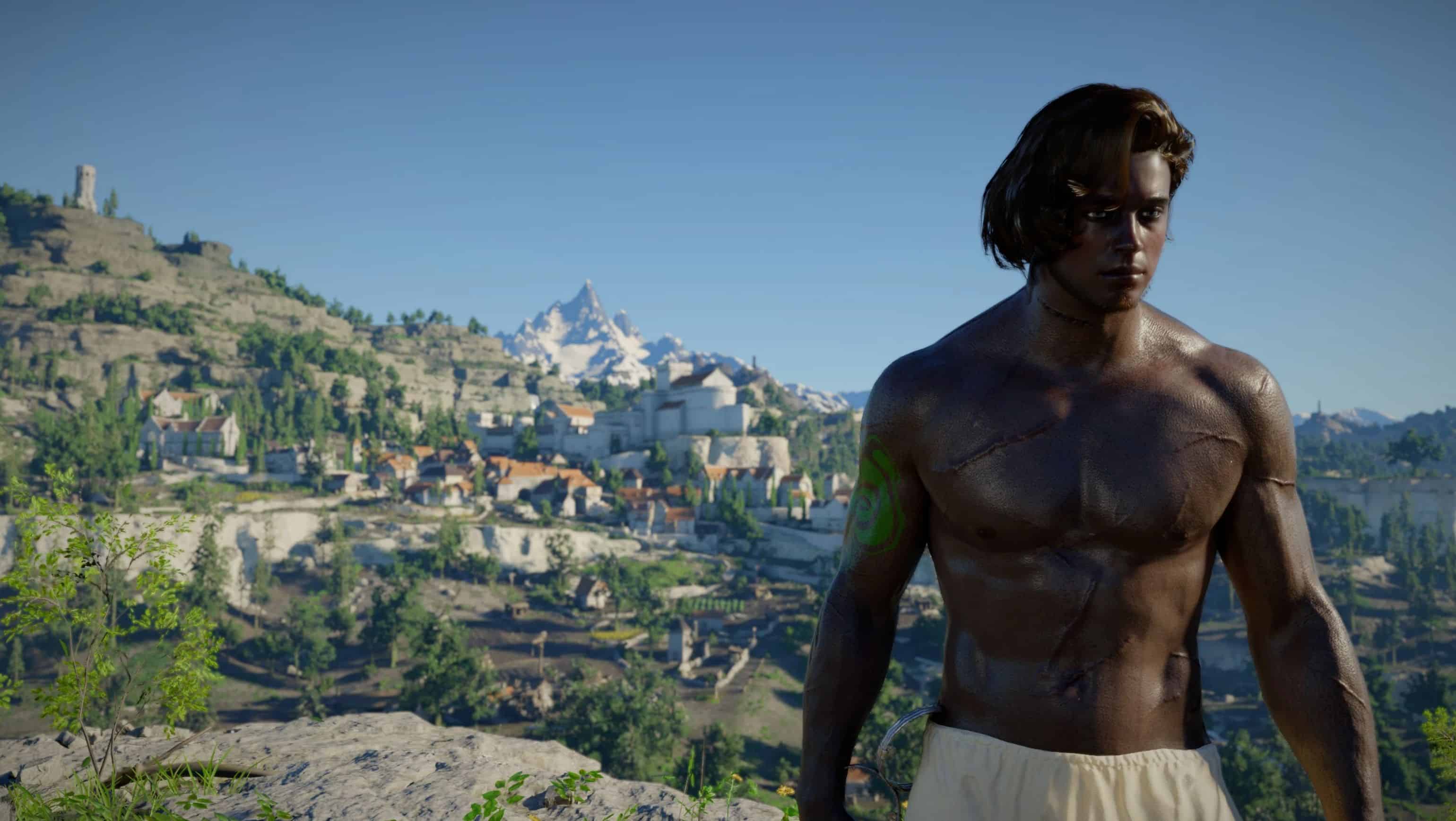
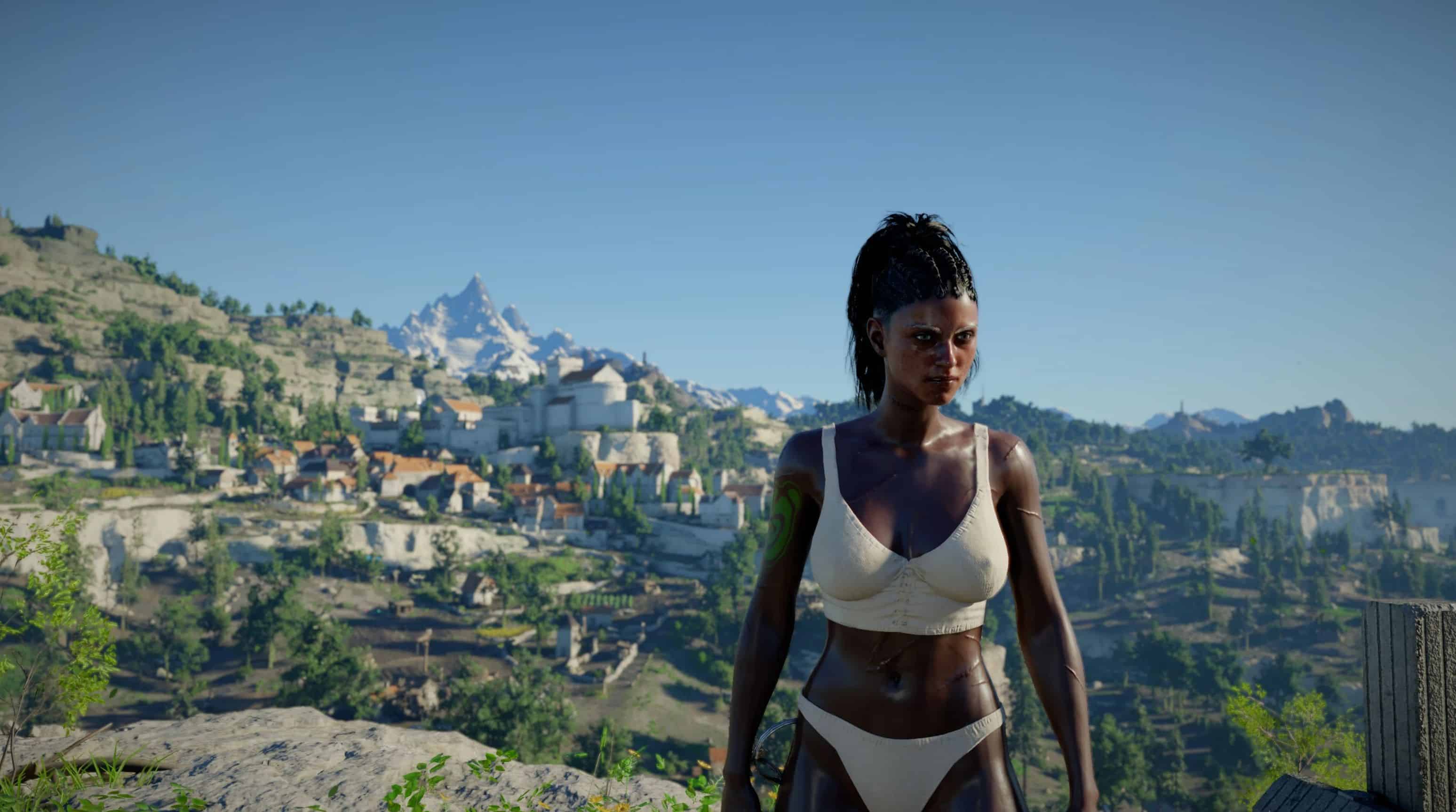
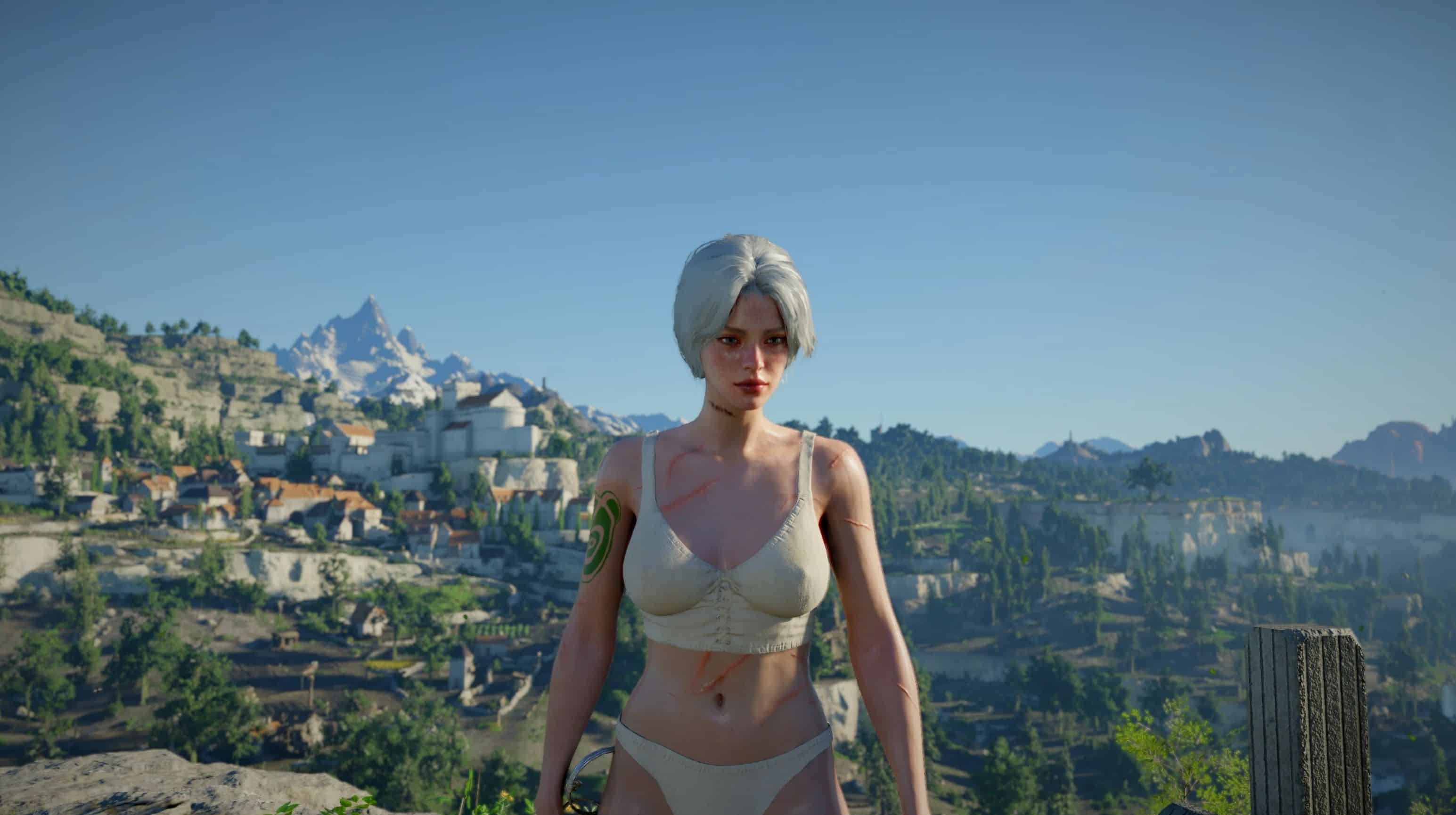
This mod let’s you build your own character by using the barber. It includes 98 face presets and 159 hair styles for female. Almost as much for the male. Human, Orc and Goblin races are included.
Create your own character with deep customization options beyond the base game.
This mod adds:
– Head Presets
– Body Types (Overweight, skinny etc.)
– Skin Color options
– Many more added Hair and Beard options.
All customization is done through the barber.
How it works
– The first tab is used for selecting Head Presets/Body Type and Skin Colors. You can change you skin color from the Color sub tab fromt the first tab.
– Press F6 to switch modes:
– – Head Mode → choose face/head presets
– – Body Mode → adjust body shape from the same tab
Press F6 while NOT in the first tab (e.g. while in Hair, Beard, etc.)
Important Notes
Selecting a hairstyle may reset your skin color to set to some other color
→ You can fix this from the Color sub-tab in the first tab
If you select the female creator:
→ Starting a new game will load the female preset appearance (Same for the races)
❌ Not compatible with “Barber Unlocked” or any other mod that alters the barber ui or Kliff’s model
IMPORTANT WARNING
Just like Barber Unlocked, this mod will create a dependency. If the hair that you choose from this mod becomes unavailable whether by another mod like Barber Unlocked or removal of this mod, the game will crash when you open the barber UI. To prevent this, make sure all the options in the barber ui is set to default slots. (Such as first option for hair)
Requirements
– JSON Mod Manager
– When updating the mod, make sure there are no leftover asi files in “Crimson Desert\bin64” from the previous versions.
1. Install the ASI module
– Extract the downloaded archive
– Copy the folder:
CharacterCreatorAsi
into:
“JSON Mod Manager]\mods\_asi\”
– Open JSON Mod Manager
– Go to ASI/DLL Mods tab
– Enable CharacterCreatorAsi
⚠️ Your antivirus may flag this file, this is a false positive
2. Install character presets
– Choose your:
– – Gender
– – Race (e.g. Human)
– Copy the selected folder (e.g. HumanFemale) into:
“JSON Mod Manager]\mods\”
– Enable it in the mod manager
3. (Optional) Female armor support and Animations
– Enable “FemaleAnimations” json from the mod manager. Full credit goes to Slinky. (Animations %100 came from him!)
If using female presets:
– Download Female Armor Module
– Extract:
FemaleArmorModule
into:
“JSON Mod Manager]\mods\”
In mod manager:
– Enable raw files first
– Then enable the JSON mod
4. (Optional) Character icons
– Download Character Icons
– Choose matching race + gender
– Place into:
“JSON Mod Manager]\mods\”
– Enable in mod manager
5. Apply and launch
– Click Apply Mods
– Launch the game
Usage
– Use F6 to switch between:
– – Head customization
– – Body customization
– Both Head and Body is located in the first tab, but you cycle them by pressing F6.
– Always switch outside the first tab to avoid crashes.
– If there is no head presets in the first tab and instead there are hair presets, that means asi is not working. Download version.dll and put it in “bin64” folder of your Crimson Desert installation folder.
– For female character users, always enable the “Female Armor Module” JSON last. It’s the 4th one on the photo, with a green text on the right that says “JSON”
Main features
– Edit your male or female character
– Play as a custom female character
– Human, Orc and Goblin races are available
– 98 face presets and 159 hairstyles included, almost as this much for male
– Most armors have been adjusted to fit the female body
Planned Features
– Additional appearance controls:
– – Eyebrows
– – Eye color
– – Eyeliner
– – And more
– More playable/customizable races
– (Orc and Goblin improvements planned)
– Full female animation replacement (There are some problems)
– Increased armor variety
– Proper icons for hair and face presets
Uninstall Instructions
To safely remove the mod without visual issues:
– Open the barber in-game
– Make sure you have access to the slots used by your custom character
Reset your customization
Assign your:
– Hair
– Beard
– (Optional) Tattoos
To a standard slot that Kliff can access.
Important
It is recommended to use Slot 2
– Slot 1 may display incorrect or mismatched hair when inspected
Final check
Ensure all of the following are assigned to the same accessible slot:
– Hair
– Beard
– Tattoos (if used)
Requirements
– Kliff Female Voice
– JSON Mod Manager