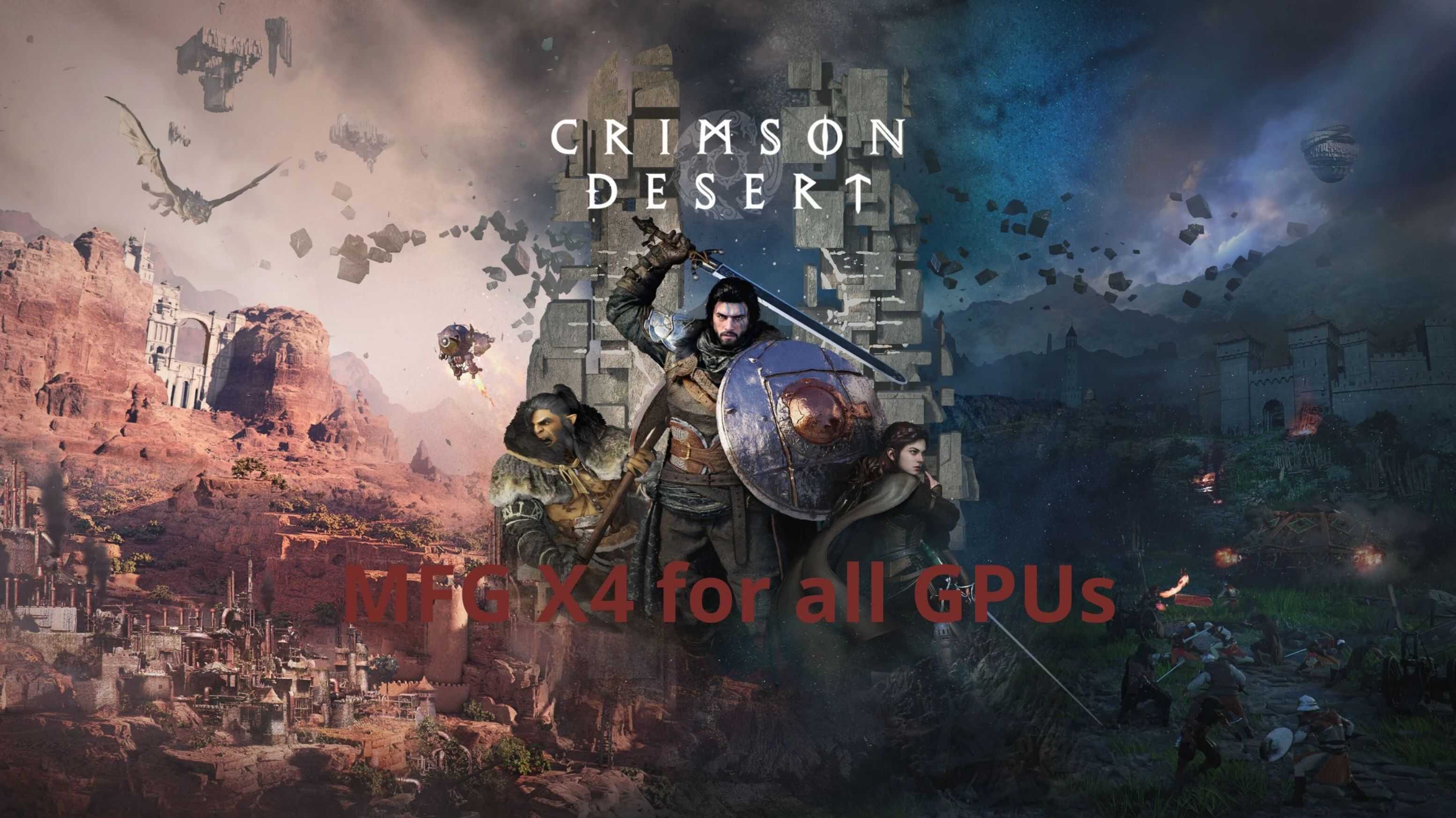
On this page you will find how to unlock MFG X4 and also how to use FSR 4.0.2 on unsupported GPUs.
This is a brief and simple tutorial to make installation easier and faster. You will need two files if you want to use the full mod.
1. MFGX4
2. FSR4.0.2
– Now let’s move on to the most important part.
– After downloading what you want, you can copy the files in the MFGX4 folder to the game’s root directory. This will unlock everything and make it work correctly.
– If you want to use FSR 4.0.2, simply copy it to the game’s root directory. If you’re using Steam, it will be here: where you saved > steamapps\common\Crimson Desert\bin64
– Once that’s done, go to your game and select the DLSS option as the upscaler to activate the mod.
– Inside the game, you can use the “INSERT” key to activate the mod menu and choose which upscaler to use; all those supported by your GPU will be available.
To use MFGX4, simply select the Nvidia frame generator and then x3 or x4. I will test this, improve it, and update it in the future.