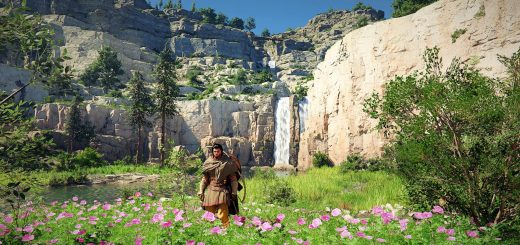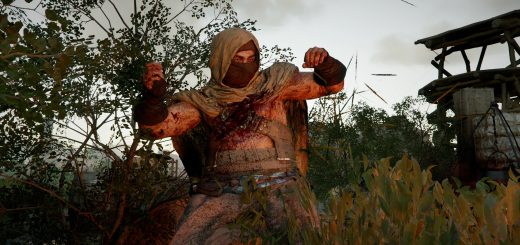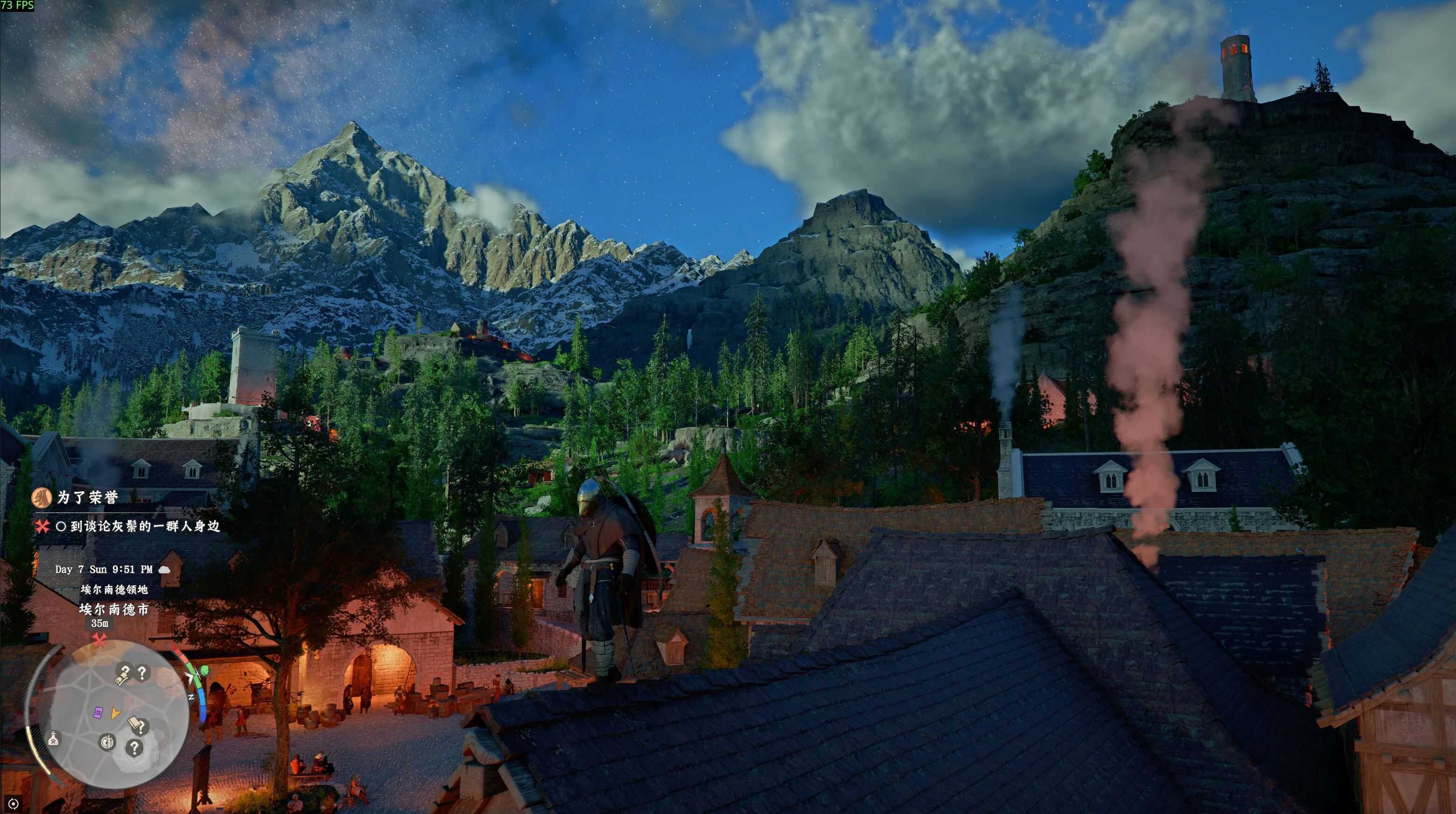
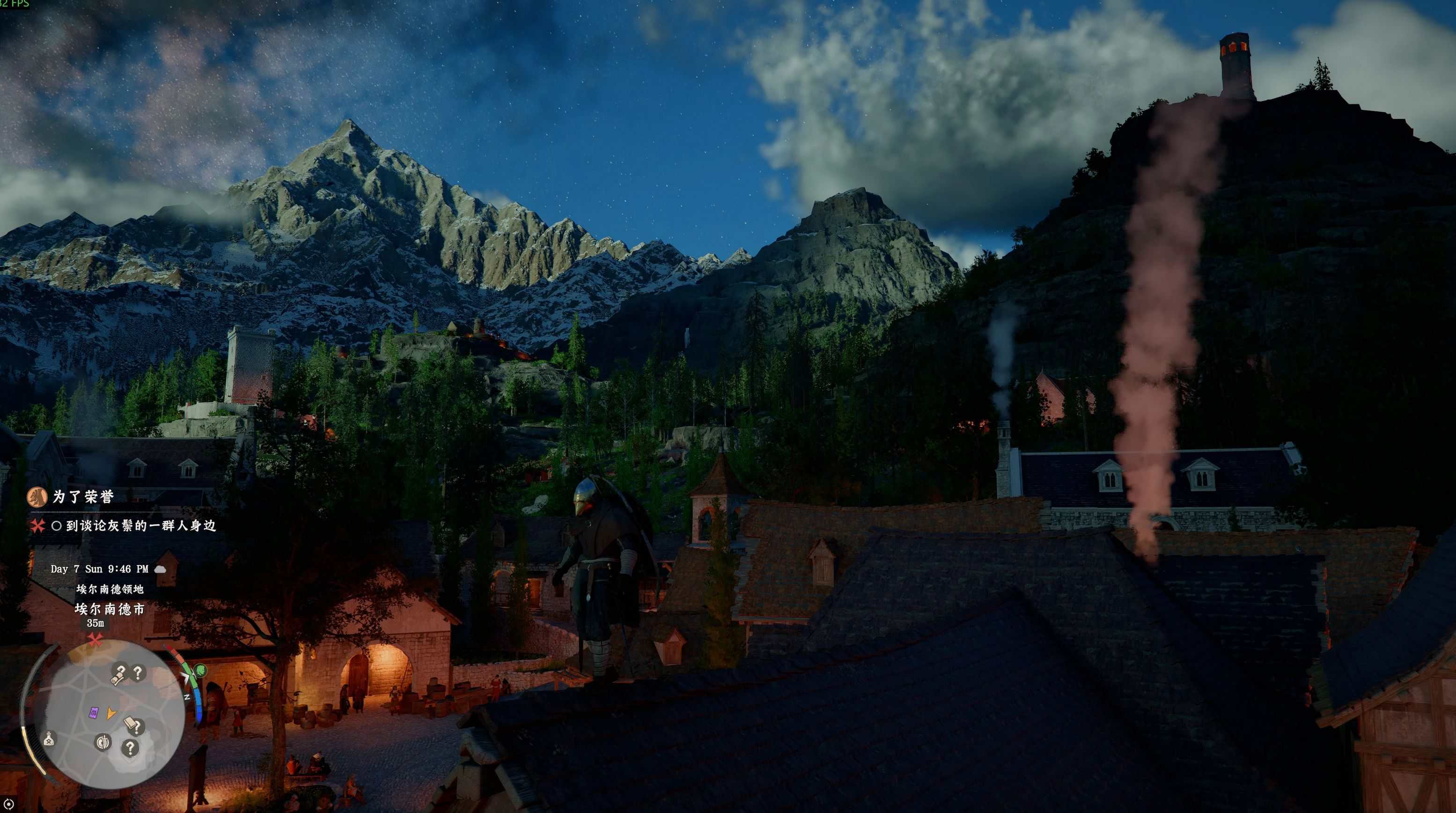
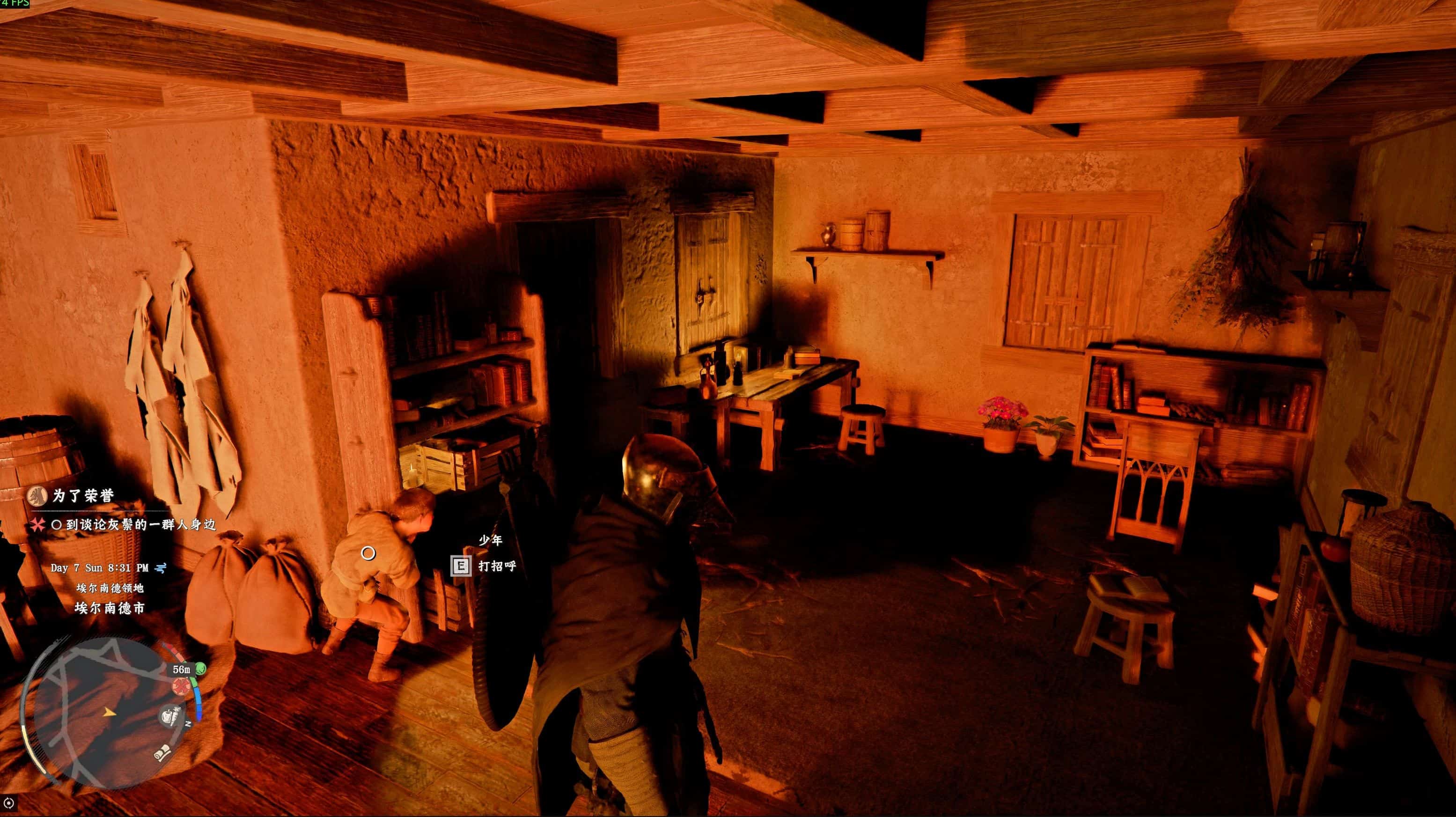
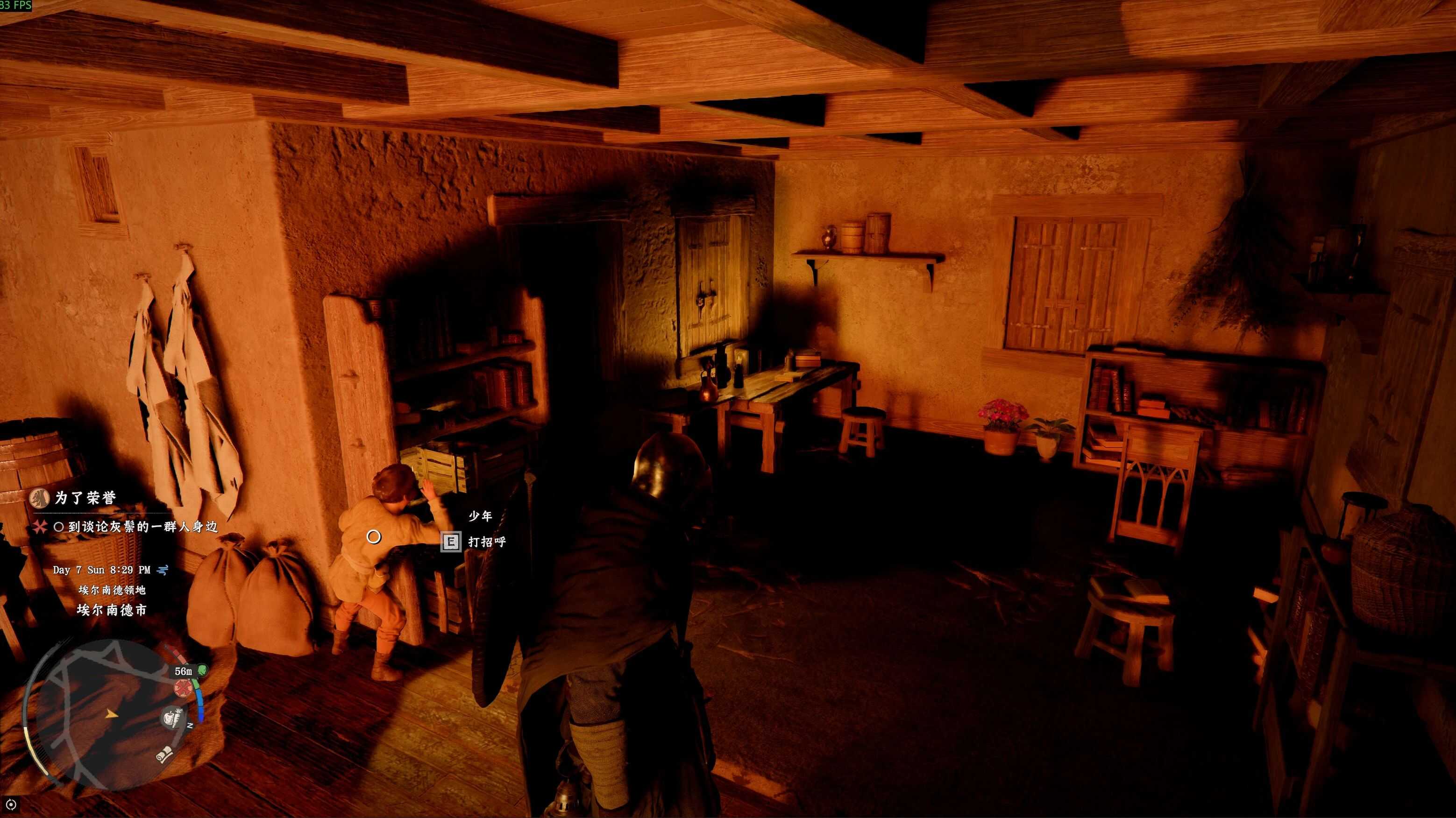
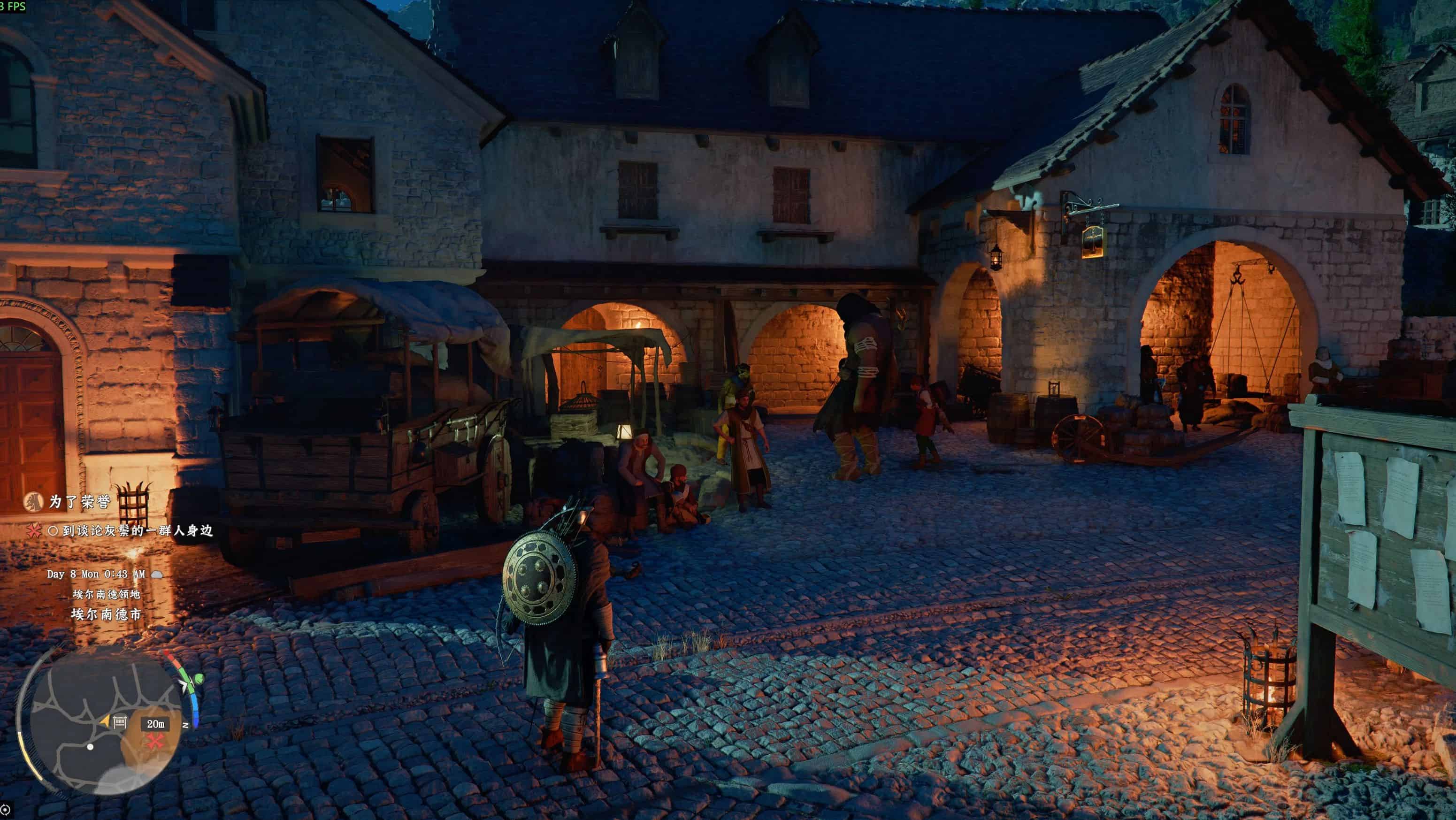
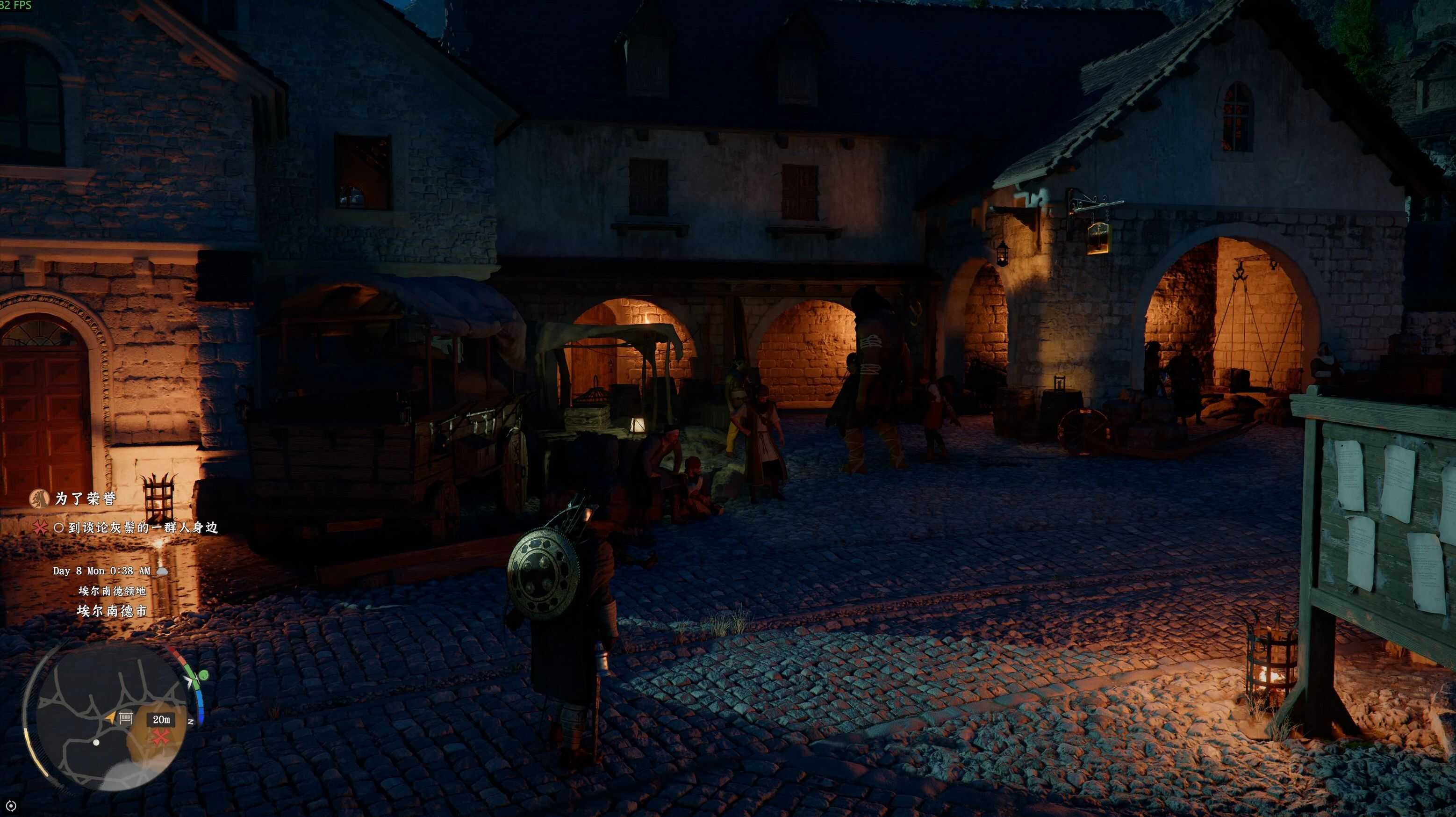
Crimson Desert Shadows Optimization NVIDIA Filter.
Requirements:
NVIDIA App
– Core: Fix crushed shadow blacks, restore lost shadow details
– Notice: Approx. 10 FPS performance loss after enabling
– Recommended: Users with native game FPS ≥70
– Not Recommended: Users with native game FPS <60
Usage Steps:
– Install the latest NVIDIA App, enable “NVIDIA Overlay”
– Launch the game, press Alt+F3 to open the filter panel
– Select an empty numbered preset slot(1/2/3)
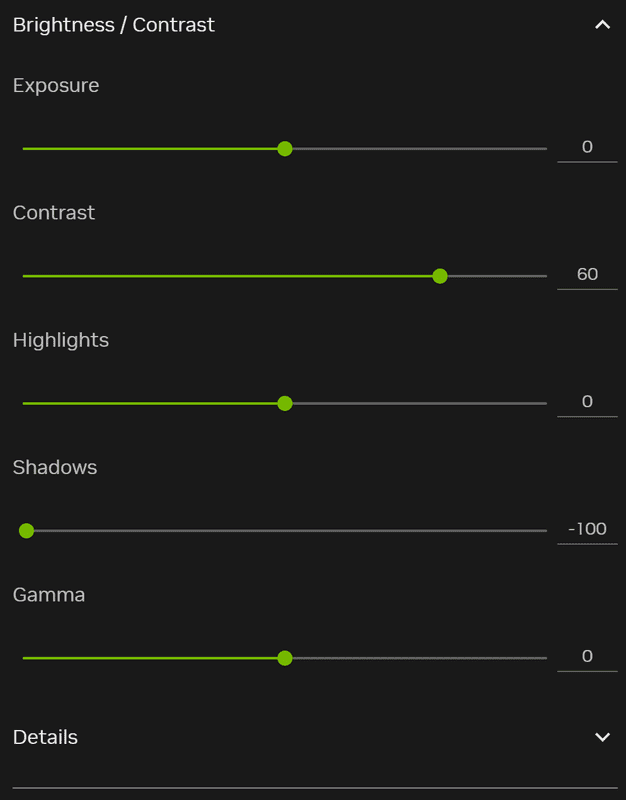
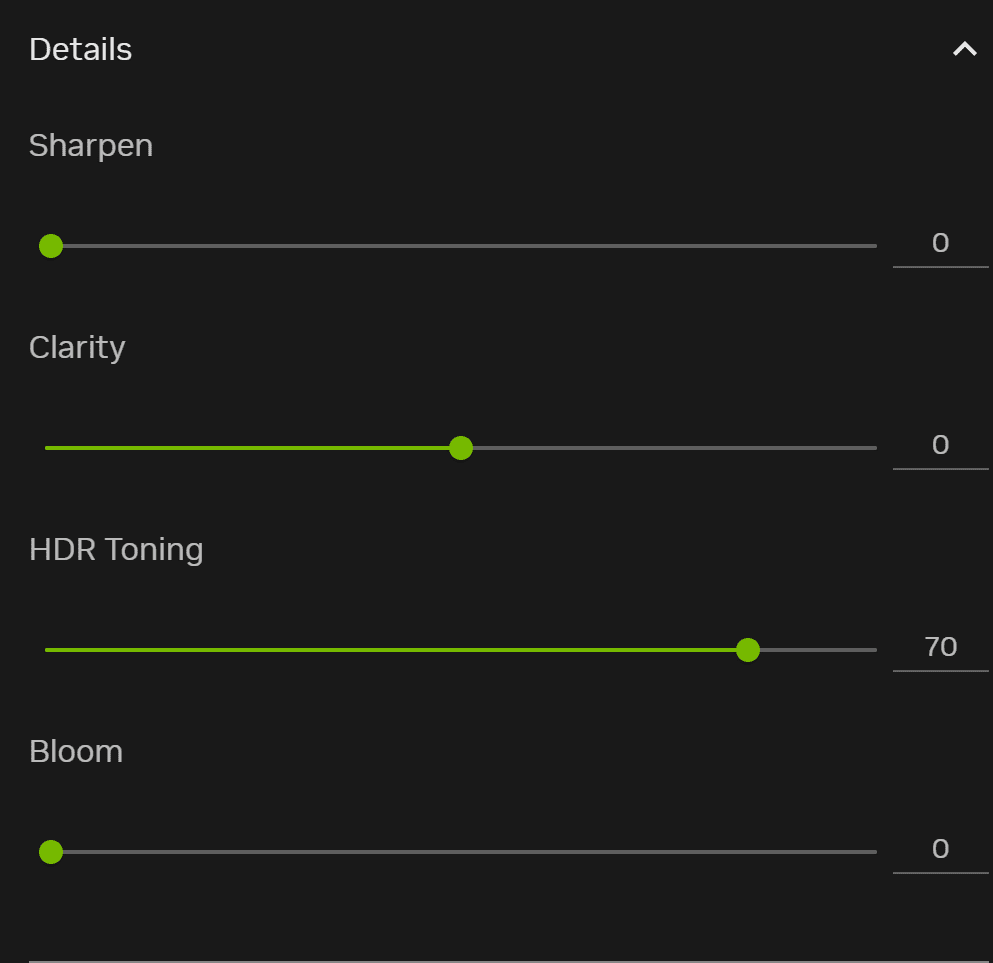
– Add “Brightness/Contrast” & “Details” filters in sequence, adjust as reference
– Config auto-saved, click the preset to enable
Note: Parameters are eye-calibrated on an OLED display, fine-tune freely if the effect is unsatisfactory.