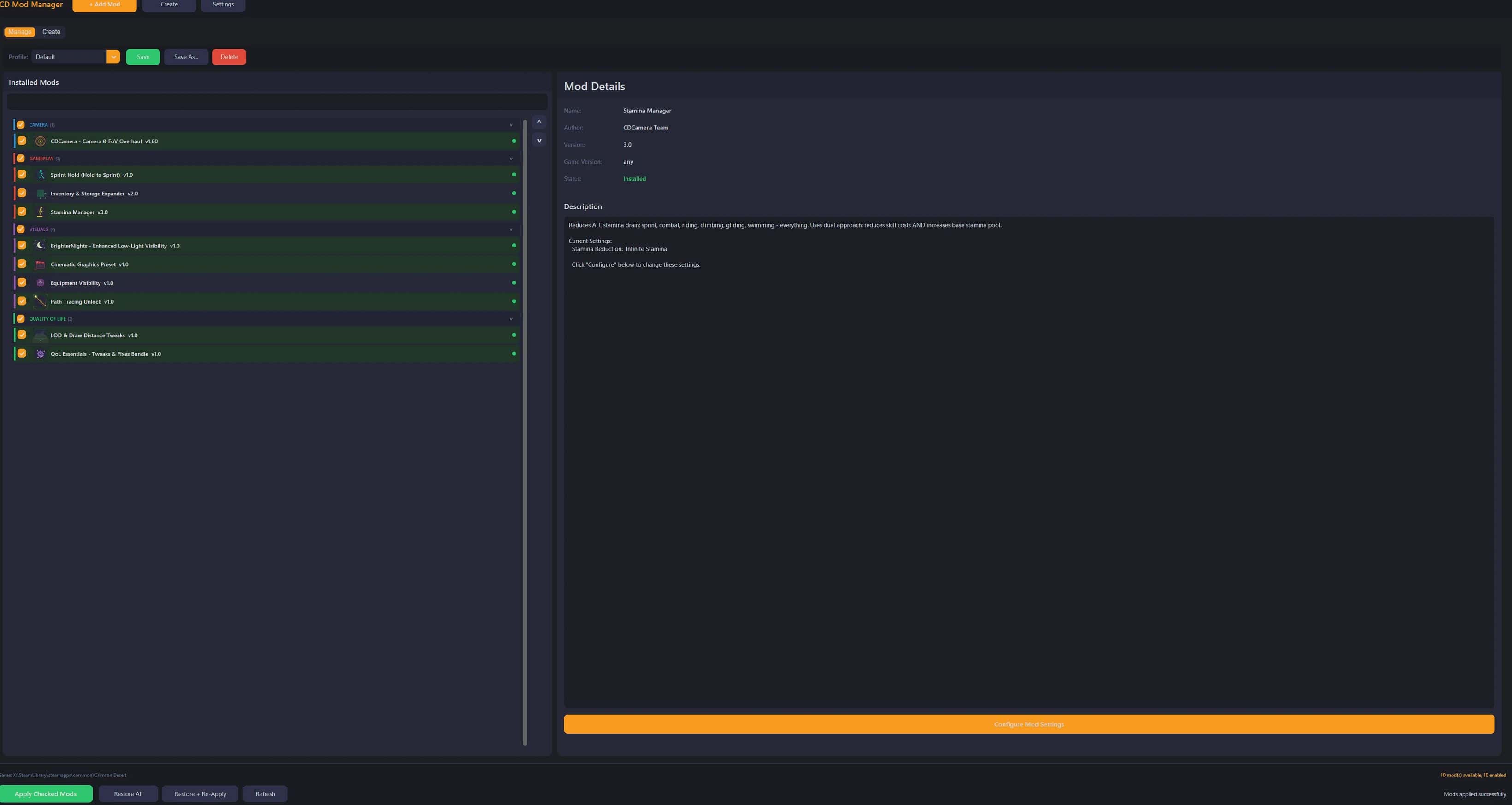
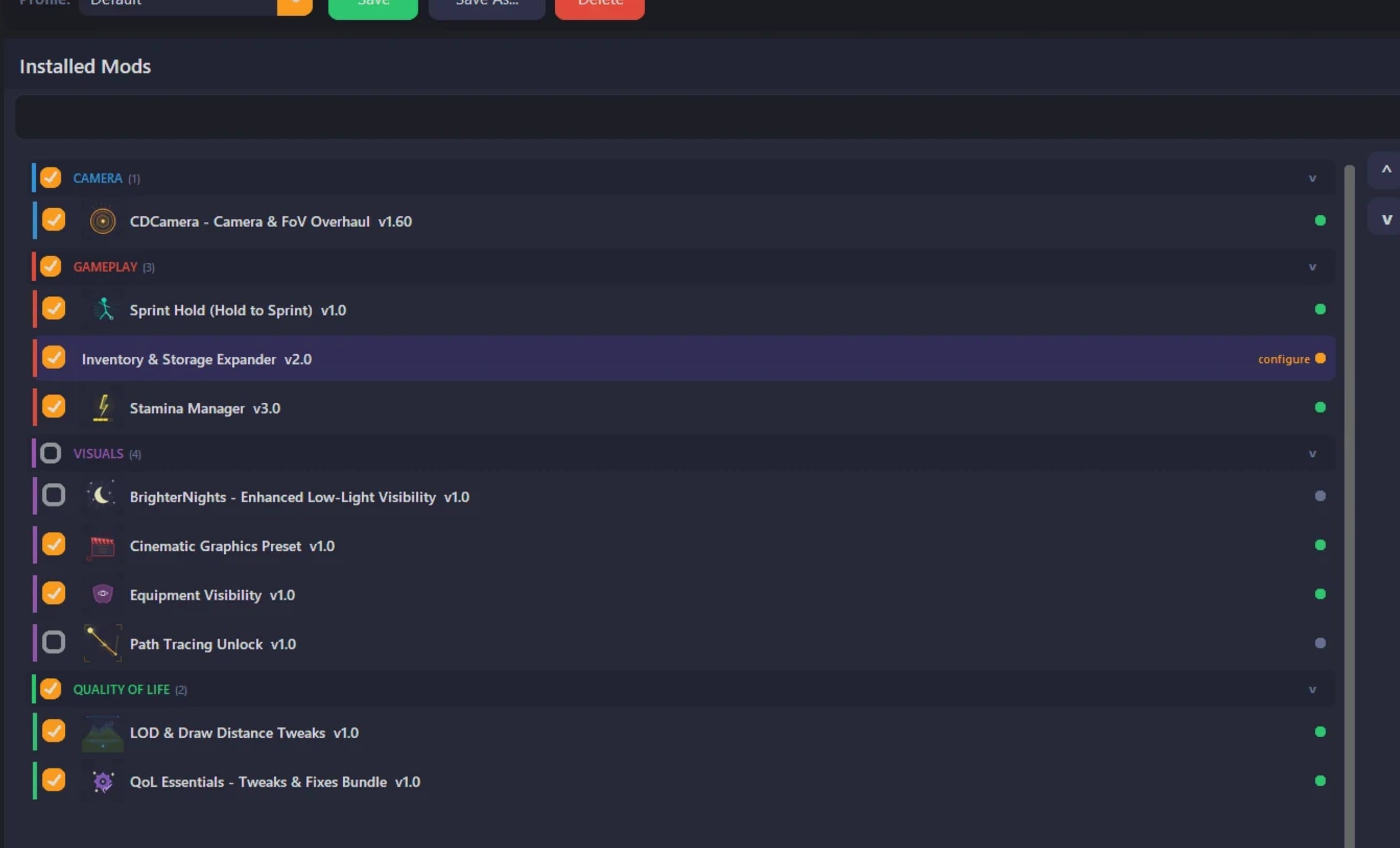
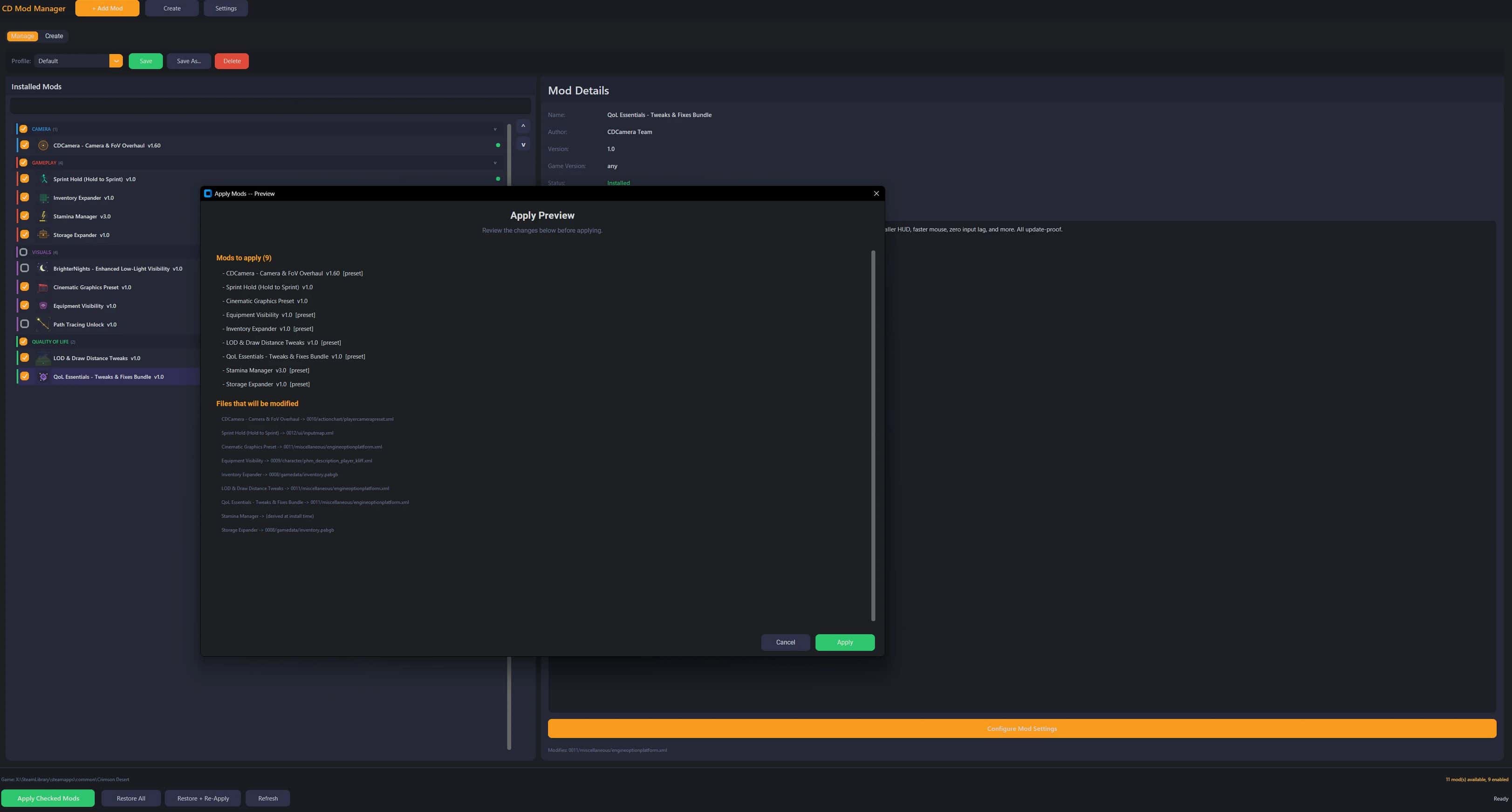
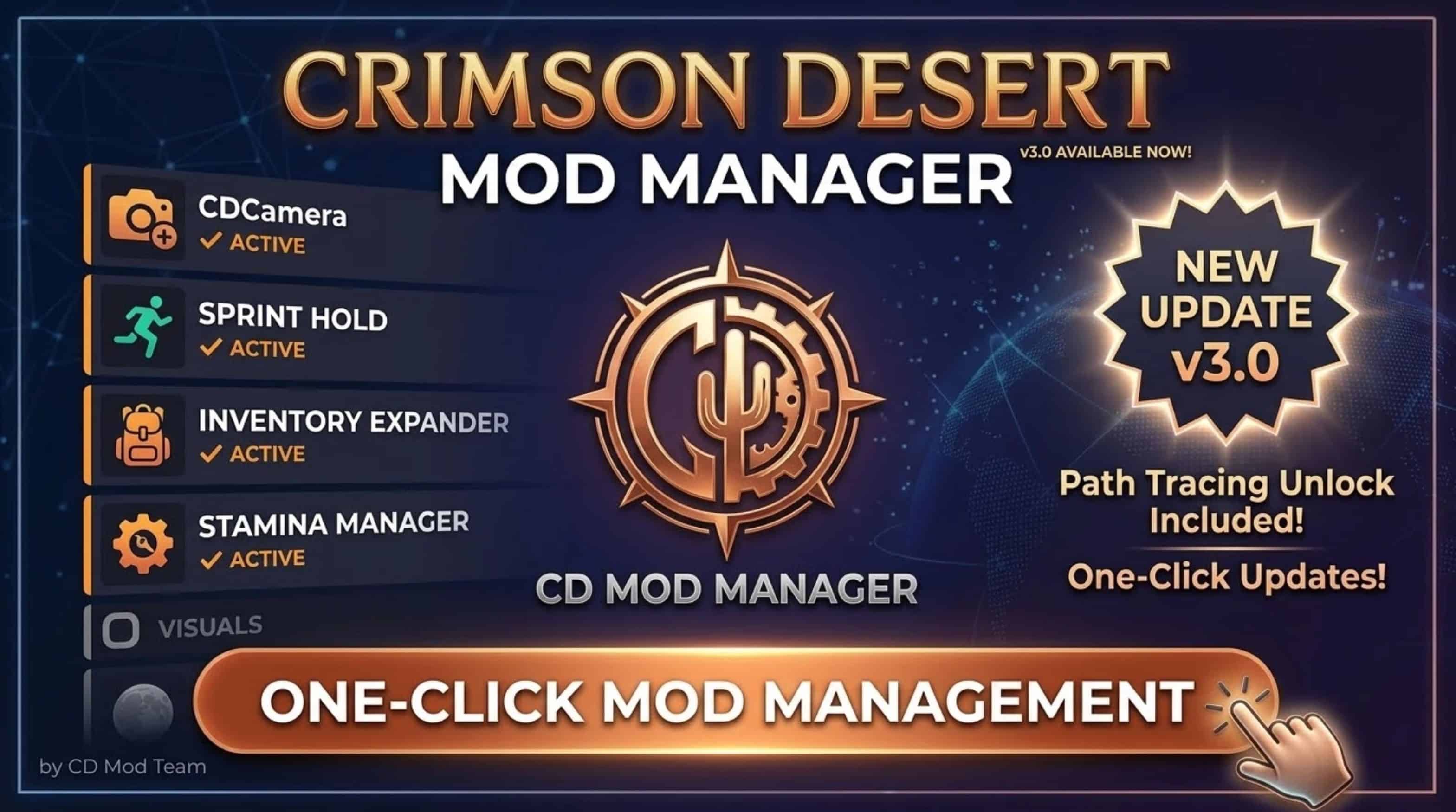
The first universal mod manager for Crimson Desert. Comes pre-loaded with the most requested QoL mods, all configurable with step-by-step preset dialogs.
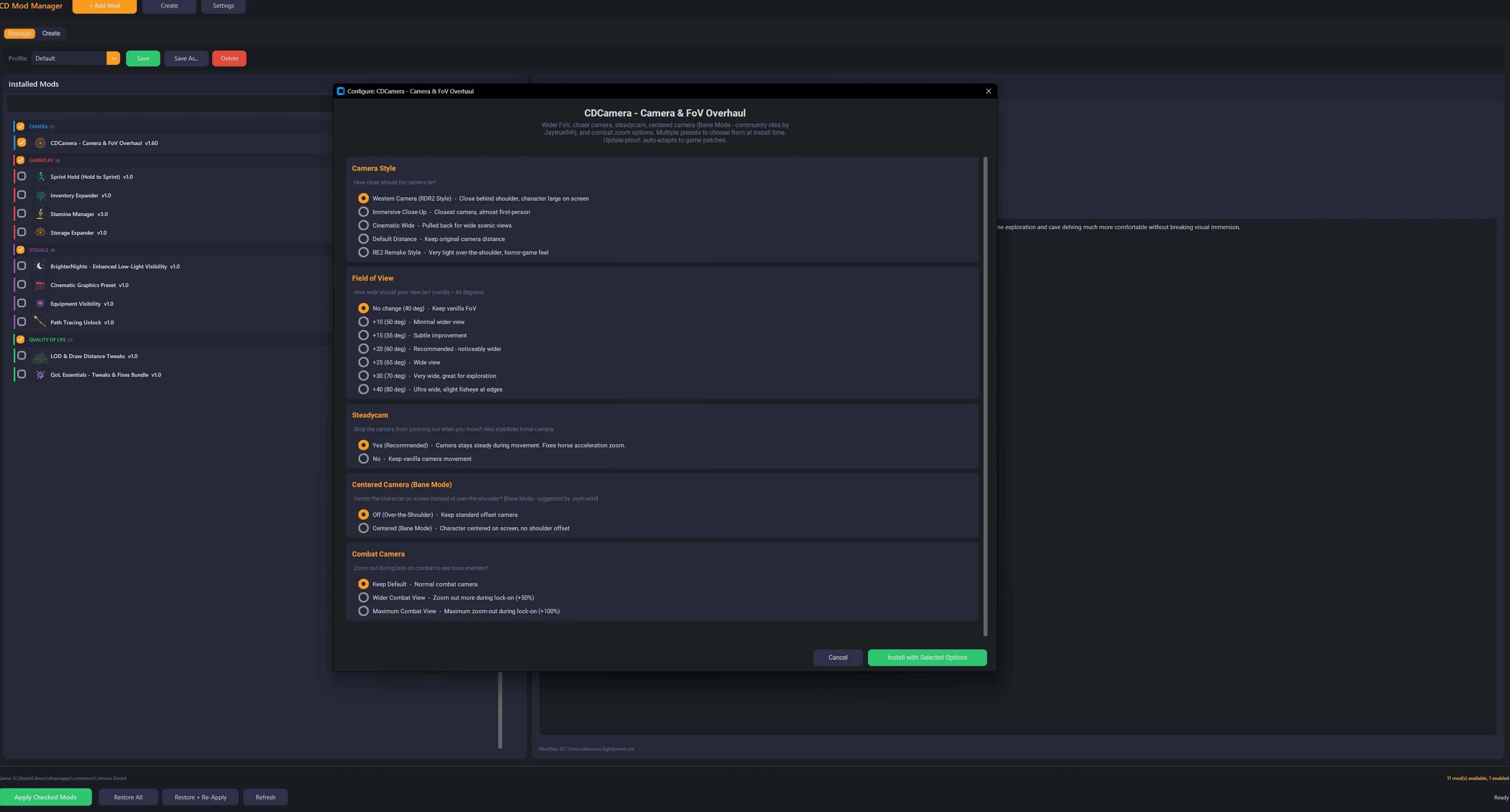
CDCamera – Camera & FoV Overhaul v1.60
Configurable camera with step-by-step presets:
– 8 Camera Styles: Western (RDR2), Immersive (closest), Cinematic (wide), RE2 Remake (horror-style), Lower Camera (Witcher 3/GOW), Very Low, Ultra Low, Steady
– 6 FoV Levels: +10 / +15 / +20 / +25 / +30 / +40 degrees
– Steadycam: Locks camera during movement – no zoom-out when running
– Centered Camera (Bane Mode): Centers character on screen, works on foot + horseback + flight
– Combat Zoom: Default / Wider (+50%) / Maximum (+100%)
– Horse camera zoom fix – no more erratic zooming on horseback
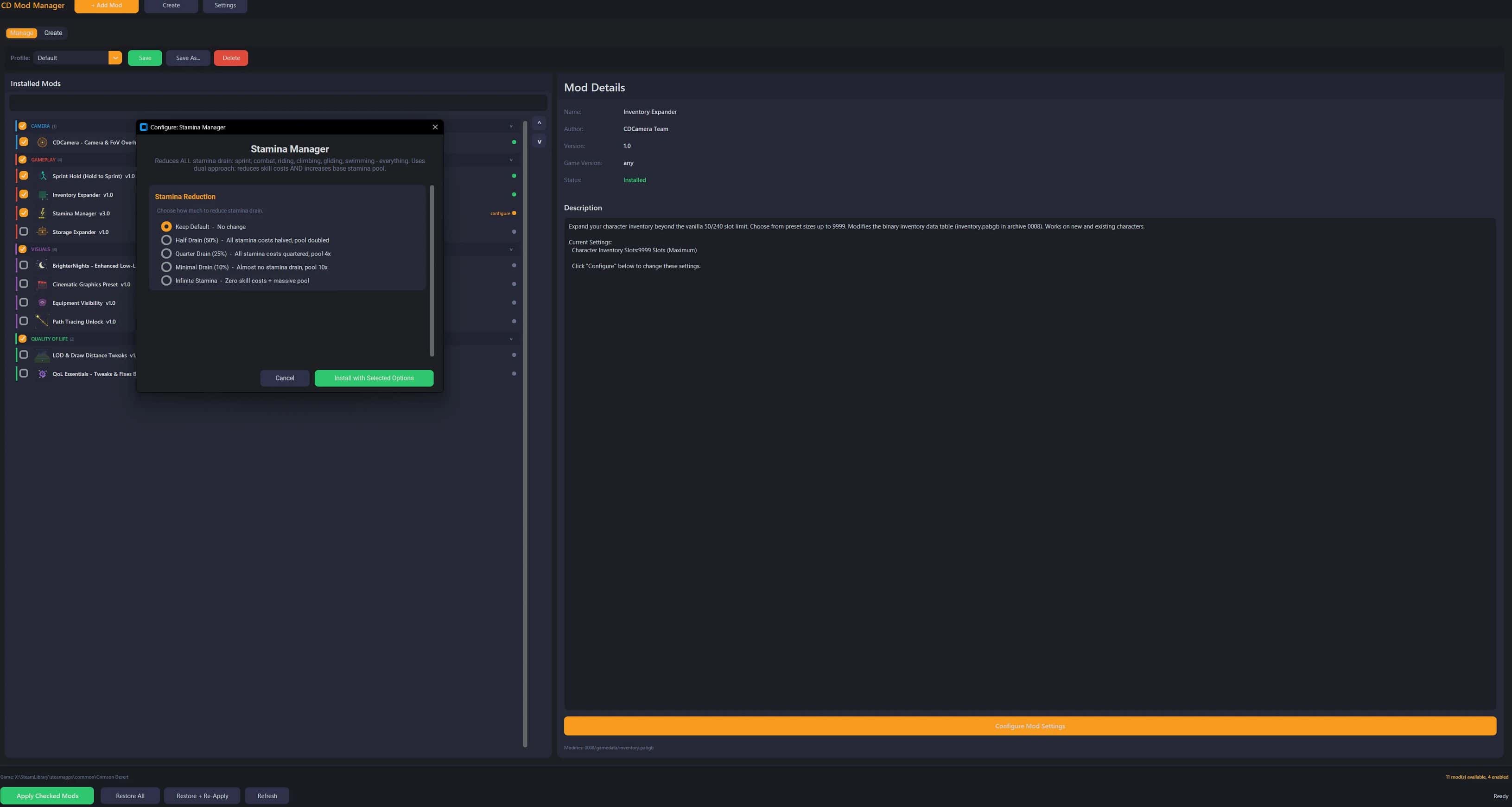
Stamina Manager v3.0 (NEW)
Reduces ALL stamina drain – sprint, combat, riding, climbing, gliding, swimming. Uses dual approach: skill cost reduction + base pool increase for complete coverage.#
– Half Drain (50%) – Skill costs halved, pool doubled
– Quarter Drain (25%) – Skill costs quartered, pool 4x
– Minimal Drain (10%) – Almost no drain, pool 10x
– Infinite Stamina – Zero skill costs + massive pool
Sprint Hold
– Hold Shift to sprint instead of toggle. Works on foot, horse, M+KB and gamepad (A button).
QoL Essentials – Tweaks & Fixes Bundle
5 configurable tweaks:
– Screen Blur: Disable / Reduce 50%
– Camera Shake: Disable / Reduce 50%
– HUD Scale: Unlock full 50-100% range (vanilla locks to 90-100%)
– Mouse Feel: Zero input lag + extended sensitivity / Extended only
– Particle Effects: Full / Reduce 50% / Minimal 25% (FPS boost)
I will add removing Chromatic Aberration and other effects in the next update.
Cinematic Graphics Preset
– Pushes ALL 11 quality settings to the hidden Cinematic tier. Vanilla “Ultra” caps Lighting, Water, and Volumetric Fog at “High” – this unlocks the real maximum.
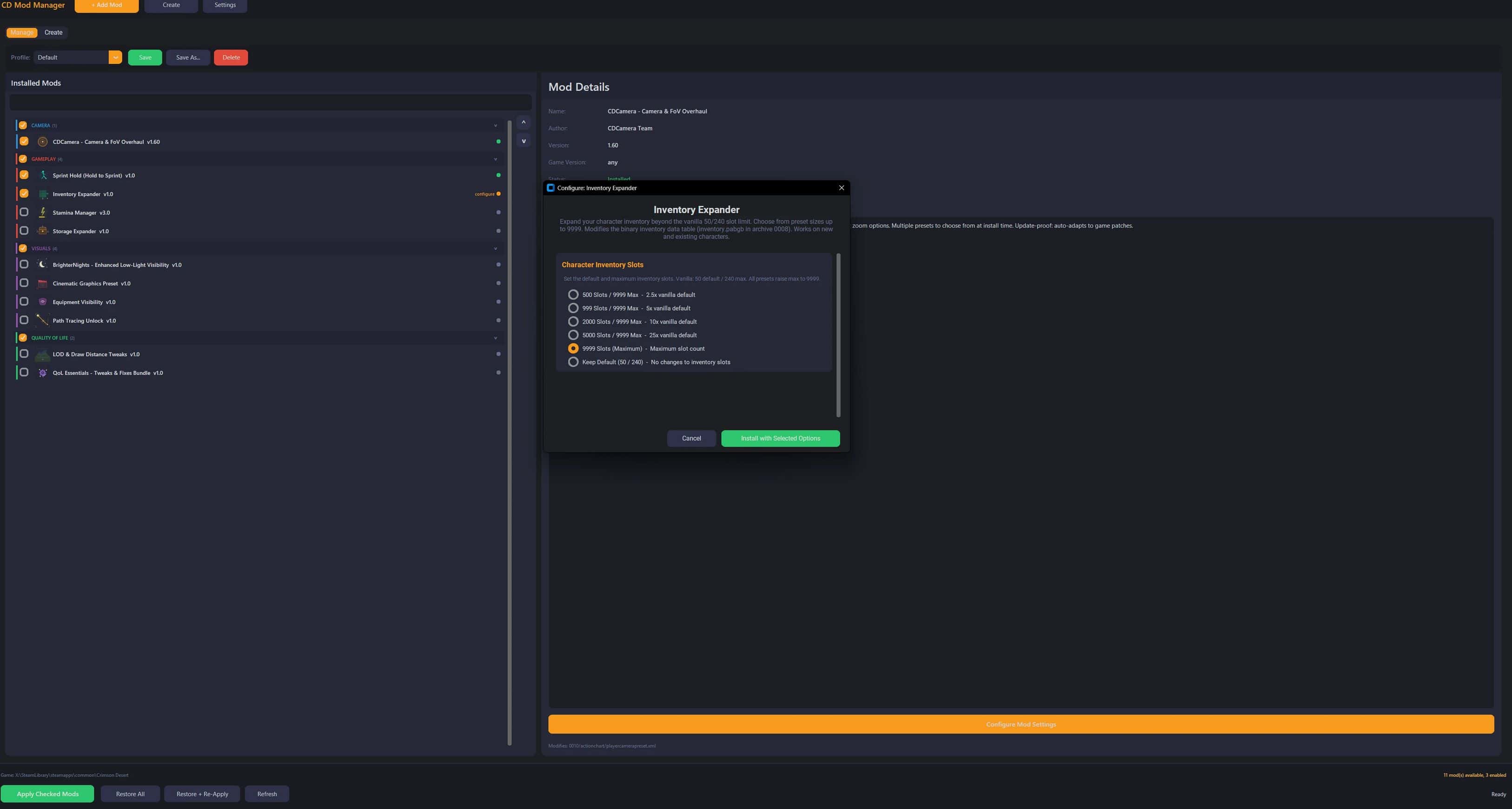
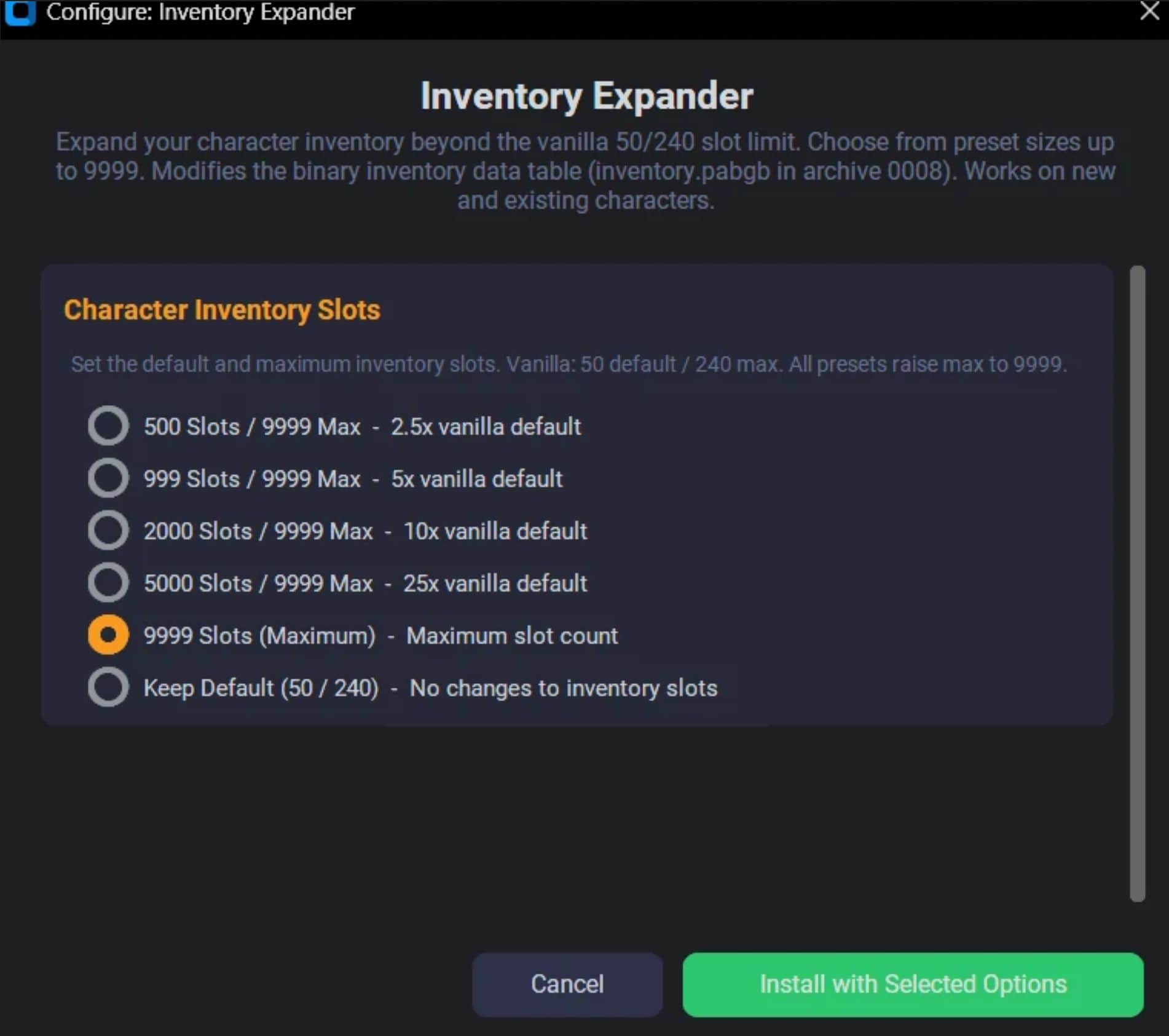
Inventory Expander
– Increase character inventory slots: 200 / 500 / 9999.
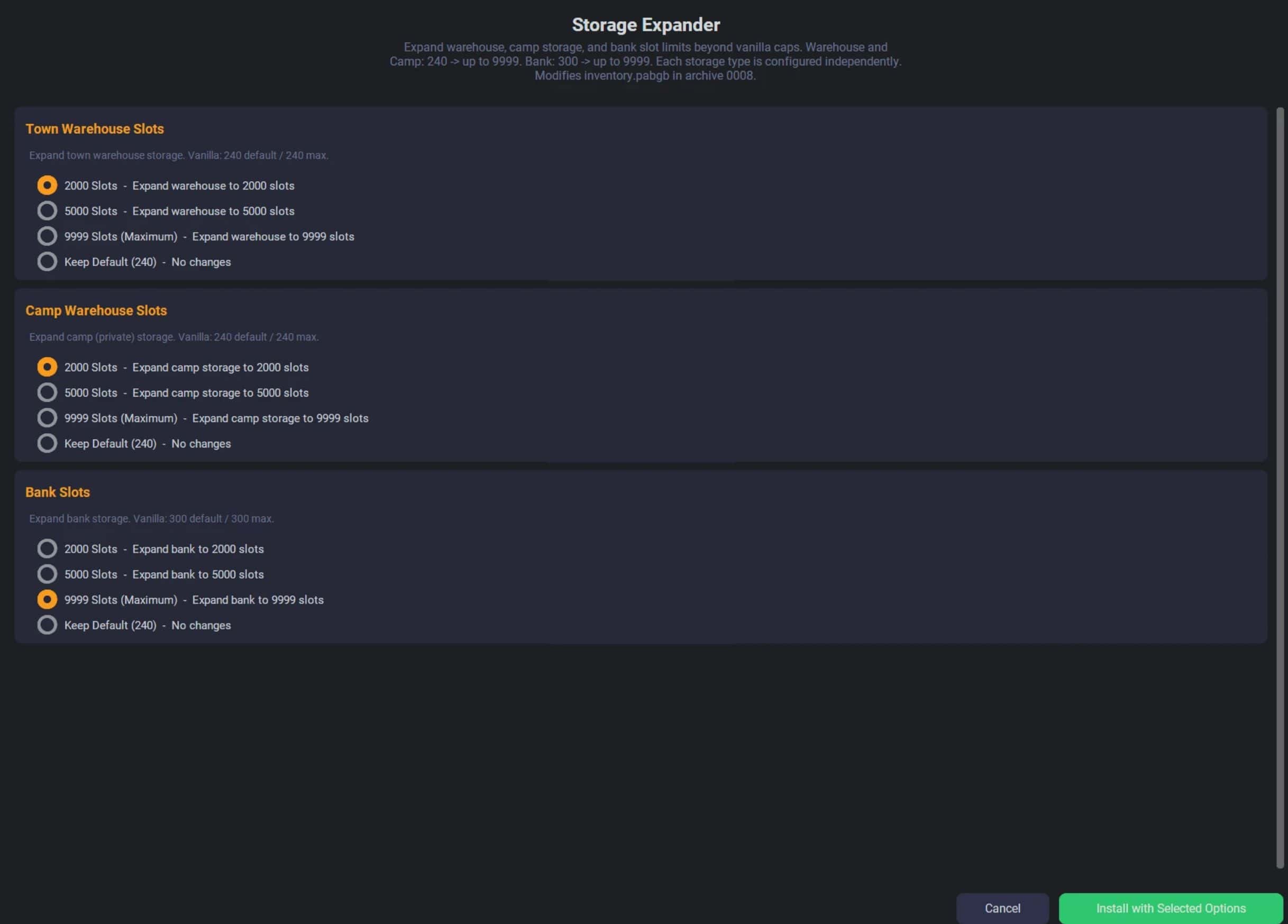
Storage Expander
– Increase warehouse, camp chest, and bank storage: up to 9999 slots each.
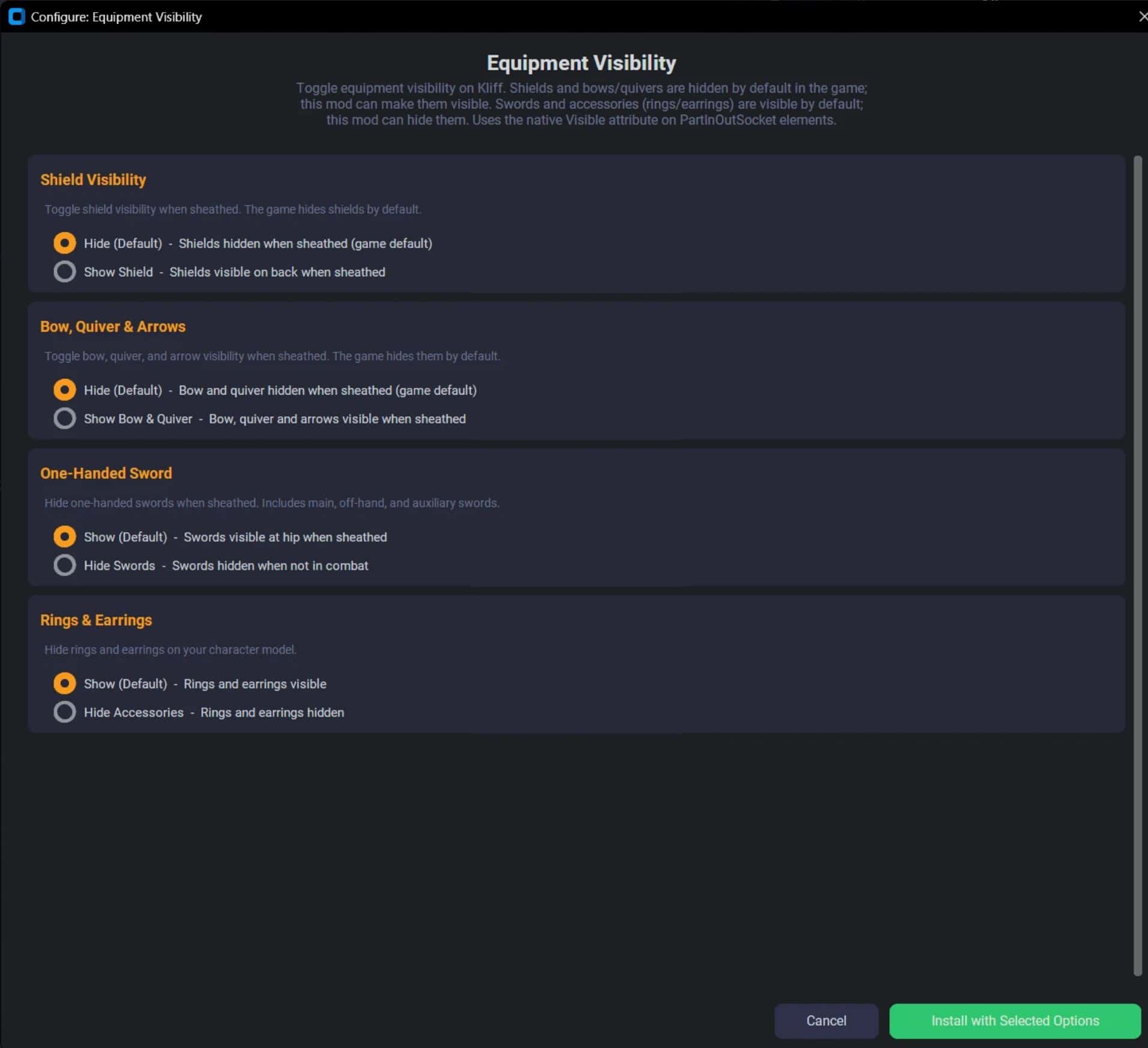
Equipment Visibility
– Show or hide shields, bows, swords, and accessories when sheathed.
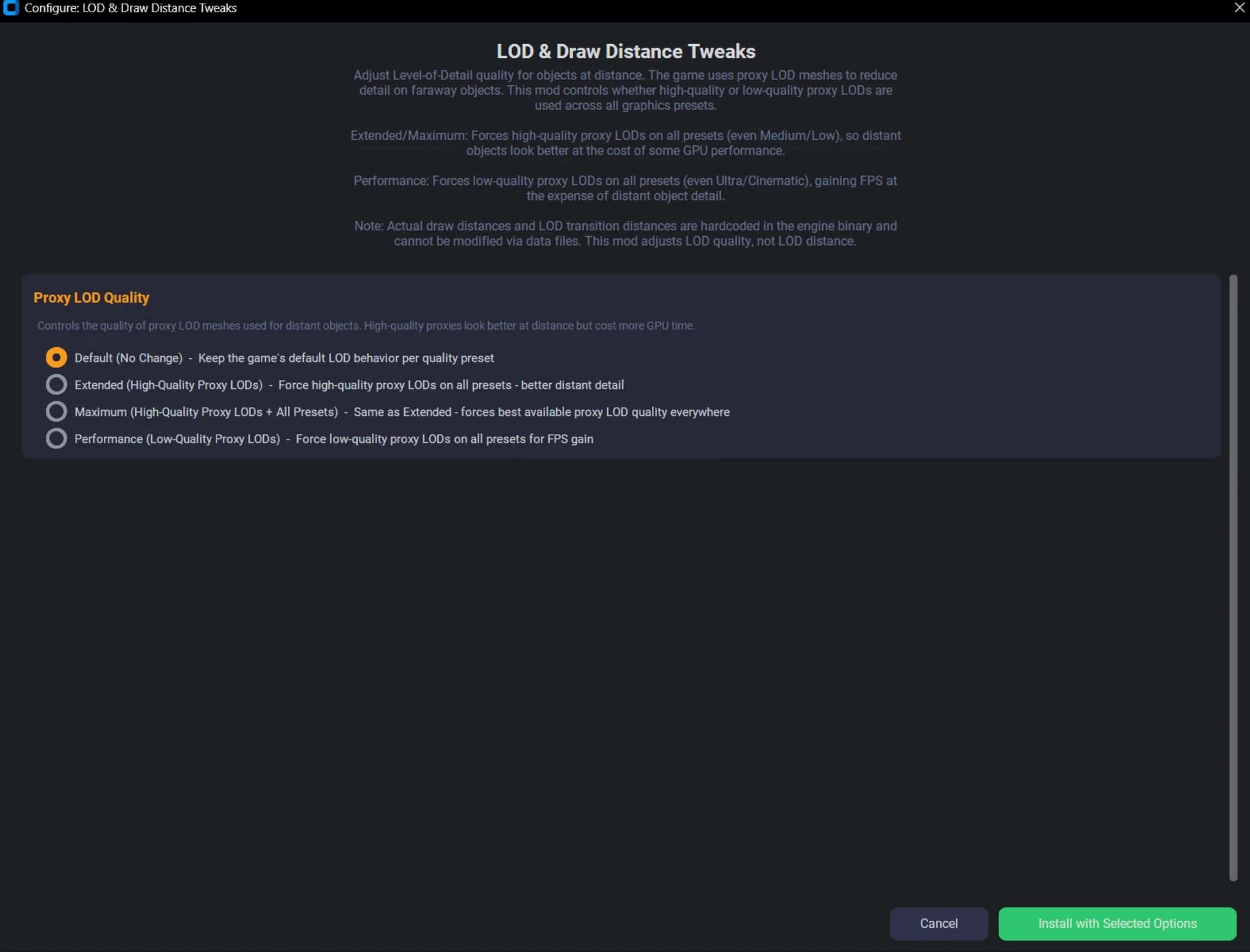
LOD & Draw Distance Tweaks
– Adjust Level of Detail quality: Performance / Extended / Maximum.
BrighterNights – Enhanced Low-Light Visibility
– Boosts moonlight, cave lighting, LED, aura, and indoor ceiling light brightness. Makes nighttime exploration and cave delving comfortable without breaking visual immersion.
Path Tracing Unlock
– Removes the forced Lighting dependency when enabling Ray Reconstruction.
Installation
– Extract the ZIP anywhere
– Close Crimson Desert
– Run CDModManager.exe
– Check the mods you want
– Click Apply Checked Mods
– Launch the game
Unchecking a mod and clicking Apply removes it. Or click Restore All to go back to vanilla.
Features
– One-click install/uninstall with automatic backup
– Step-by-step preset dialogs for configurable mods
– Smart merge when mods edit the same files
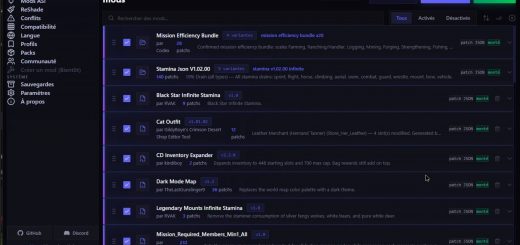
– Mod profiles – save and switch between configurations
– Auto-detects game location
– Zero dependencies – single .exe, no Python, no frameworks
For Mod Authors
A .cdmod is just a JSON file with text replacement rules:
{
“format”: “cdmod-v1”,
“name”: “My Mod”,
“patches”: [{
“archive”: “0010”,
“entry_path”: “actionchart/playercamerapreset.xml”,
“patch_type”: “text_replace”,
“replacements”: [
{“old”: “Fov=\”40\””, “new”: “Fov=\”60\””}
]
}]
}
You can find a detailed Author Guide in the the Mod Manager Download .zip, walking you through the whole process.
The mod manager also supports:
– Binary presets for exact file replacement
– Archive overlays for PAZ-level mods (new in v1.1)
– Configurable presets with auto-generated dialogs
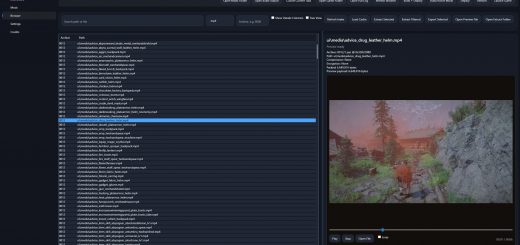
– Built-in PAZ Browser, XML Compare, and Quick Create tools
Compatibility
– Crimson Desert (Steam)
– Windows 10/11
– Works alongside ASI mods and ReShade
– All mods tested on game version 1.4