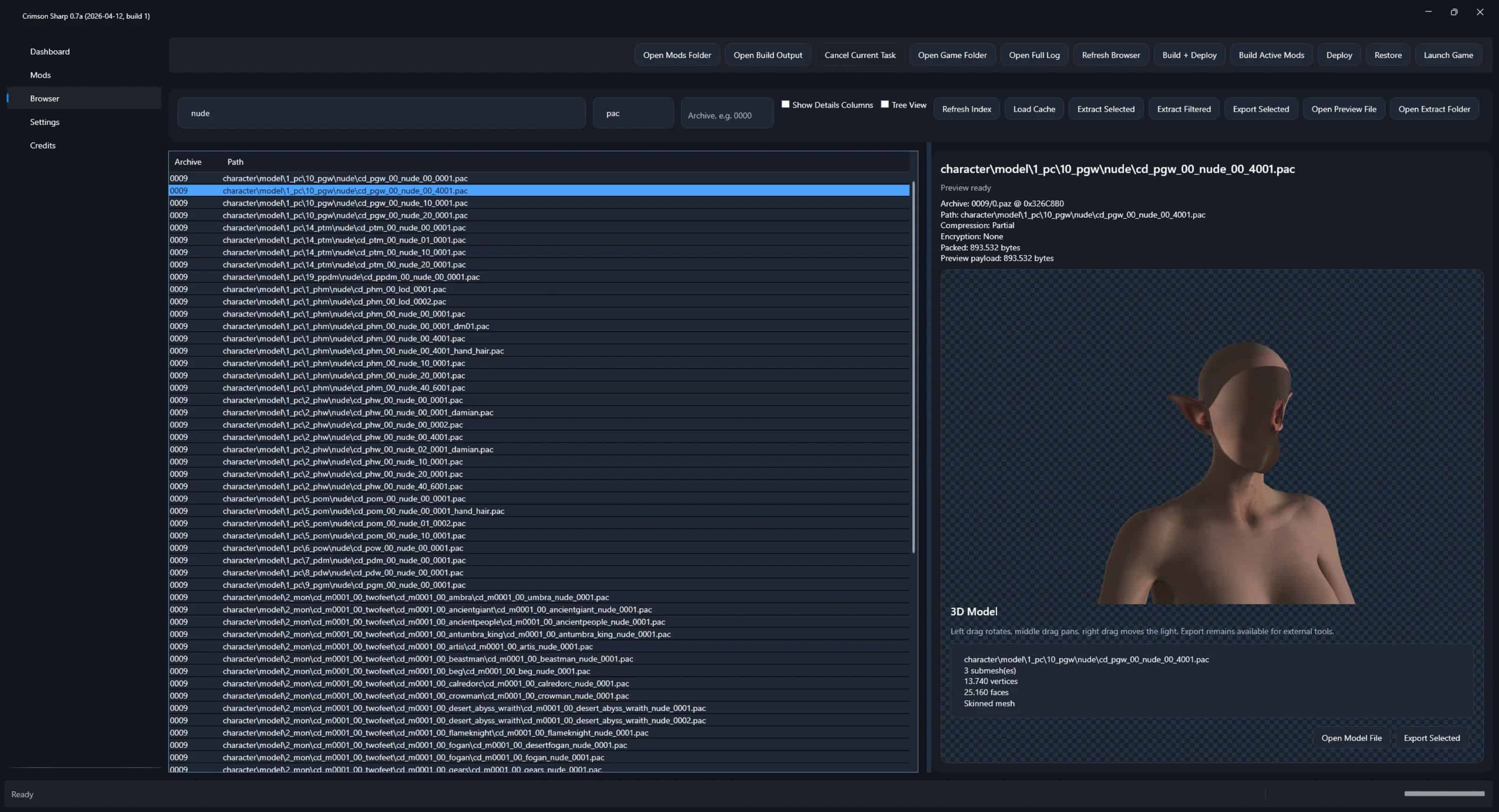
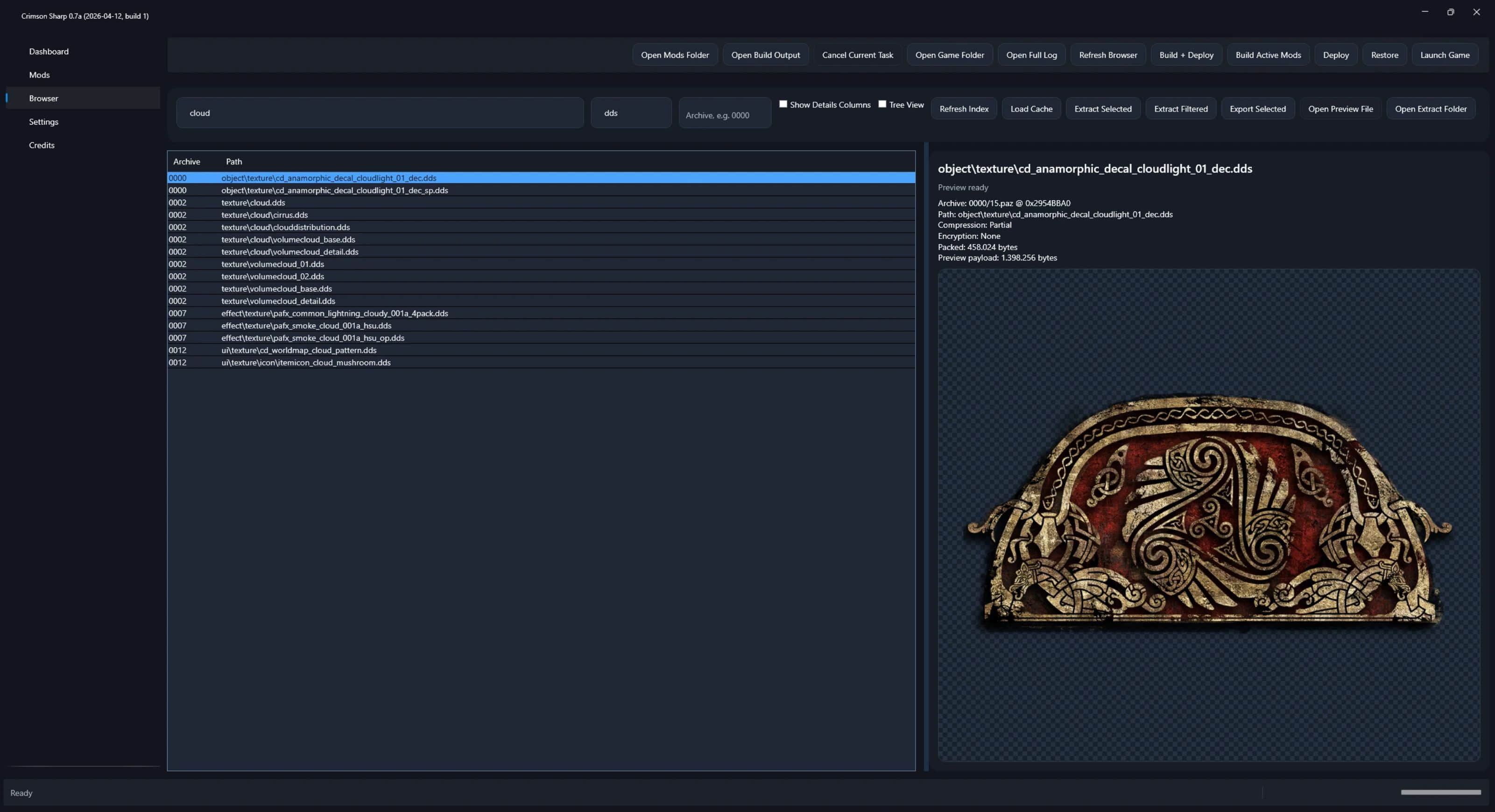
Crimson Sharp is a rewrite of the original Crimson Browser & Mod Manager, built from the ground up in .NET to handle large-scale mods with better performance and stability. It already surpasses most of the old workflows, but keep in mind: this is still alpha.
Status
– Significantly faster and more stable
– Still missing feature parity in some areas
– Expect bugs, rough edges and incomplete features
Mod Management
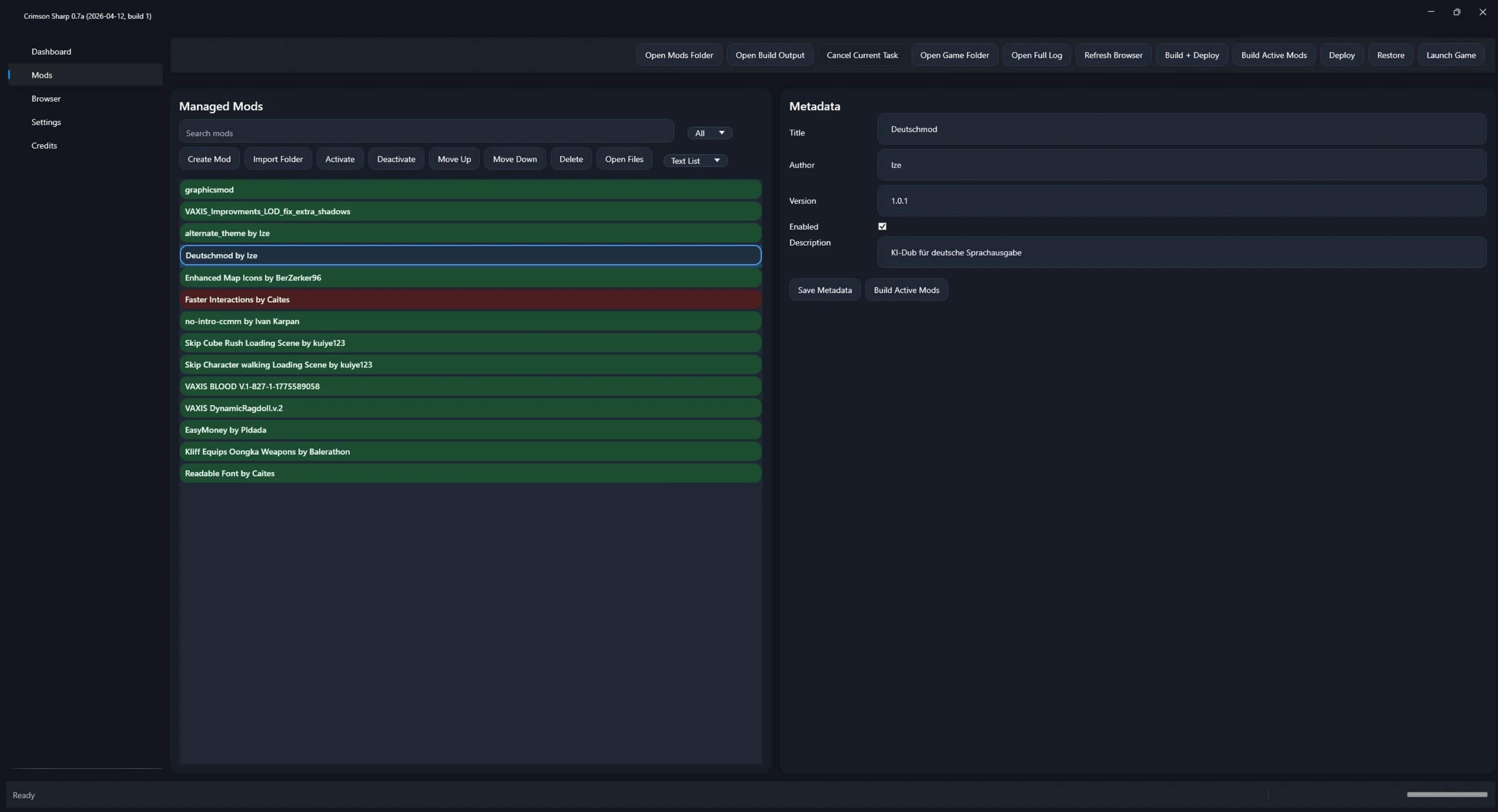
– Import single mods or entire folders
– Enable / disable mods
– Load order control (move up / down)
– Metadata system (name, author, version, description)
– Basic conflict awareness
– Build only active mods
– Restore original game state
Build & Deploy
– One-click Build & Deploy
– Patch-based system (no full overwrite required)
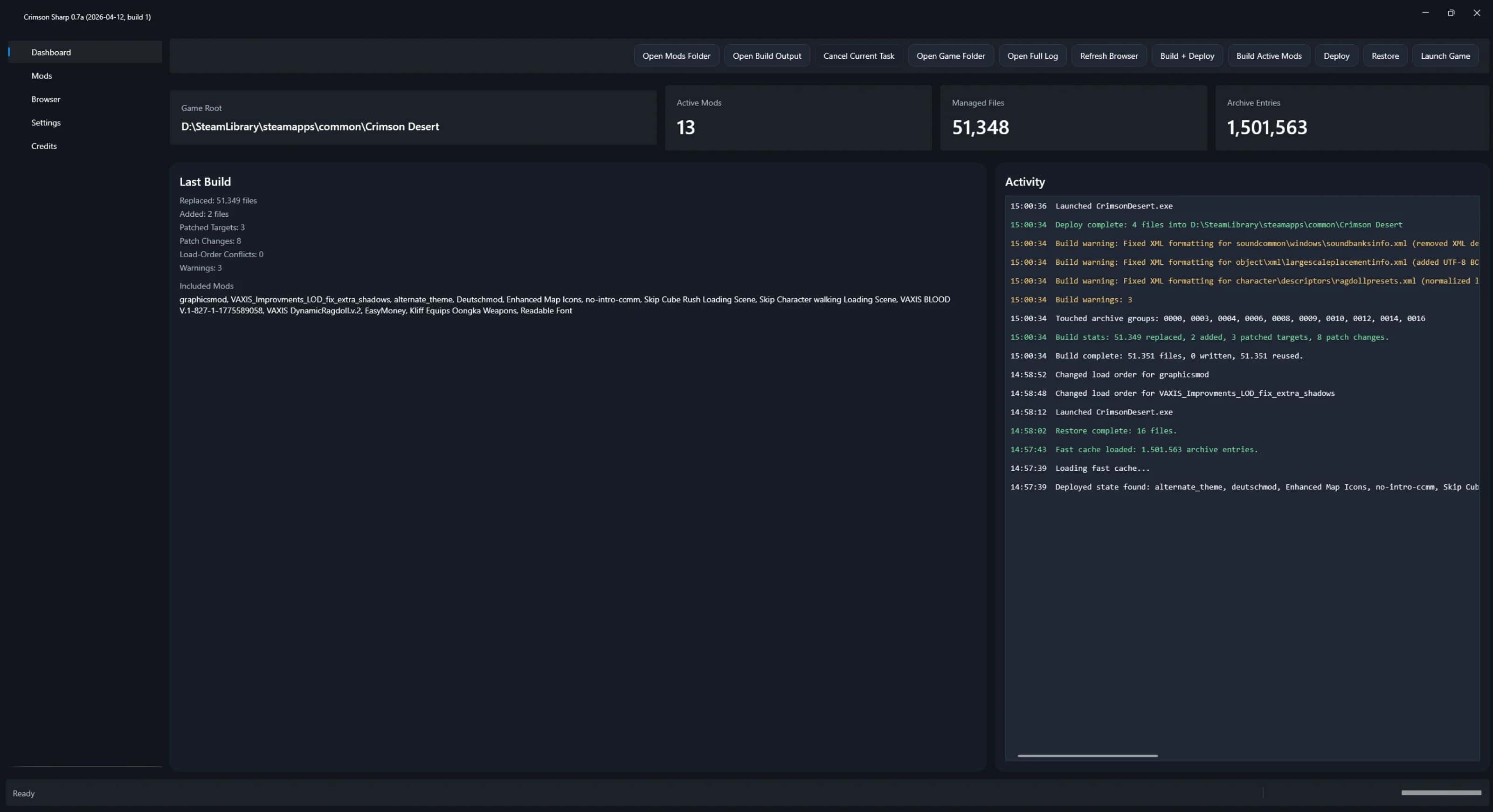
– Detailed build stats:
– – replaced / added / patched files
– Verbose error messages (shows which mod caused issues)
– Warning system (e.g. XML fixes)
– Cancel running tasks
– Optional auto game launch
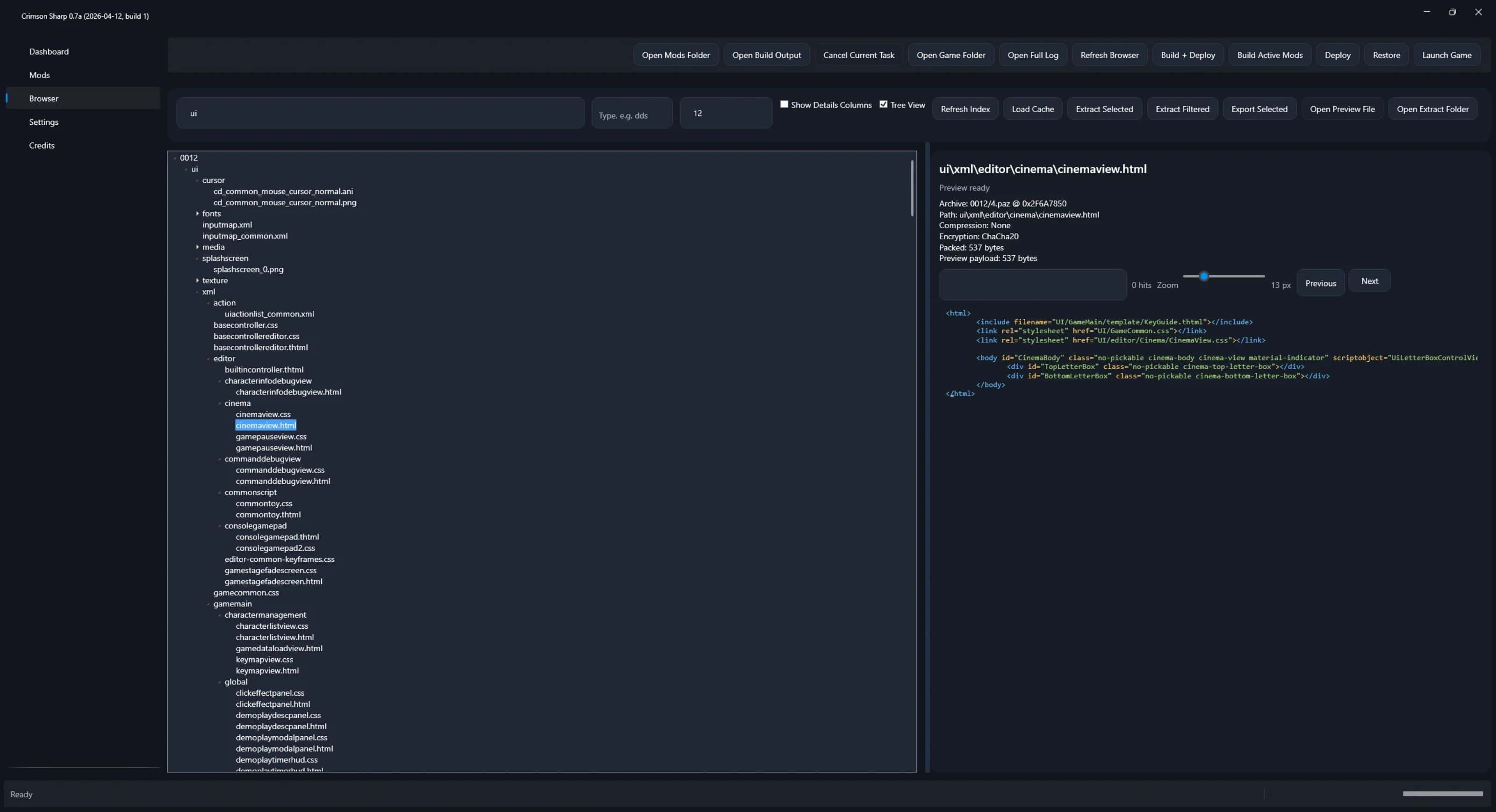
Archive Browser
– Full access to game archives (.paz / .pamt)
– Fast indexing with cache system (handles very large datasets)
– Tree view and list view
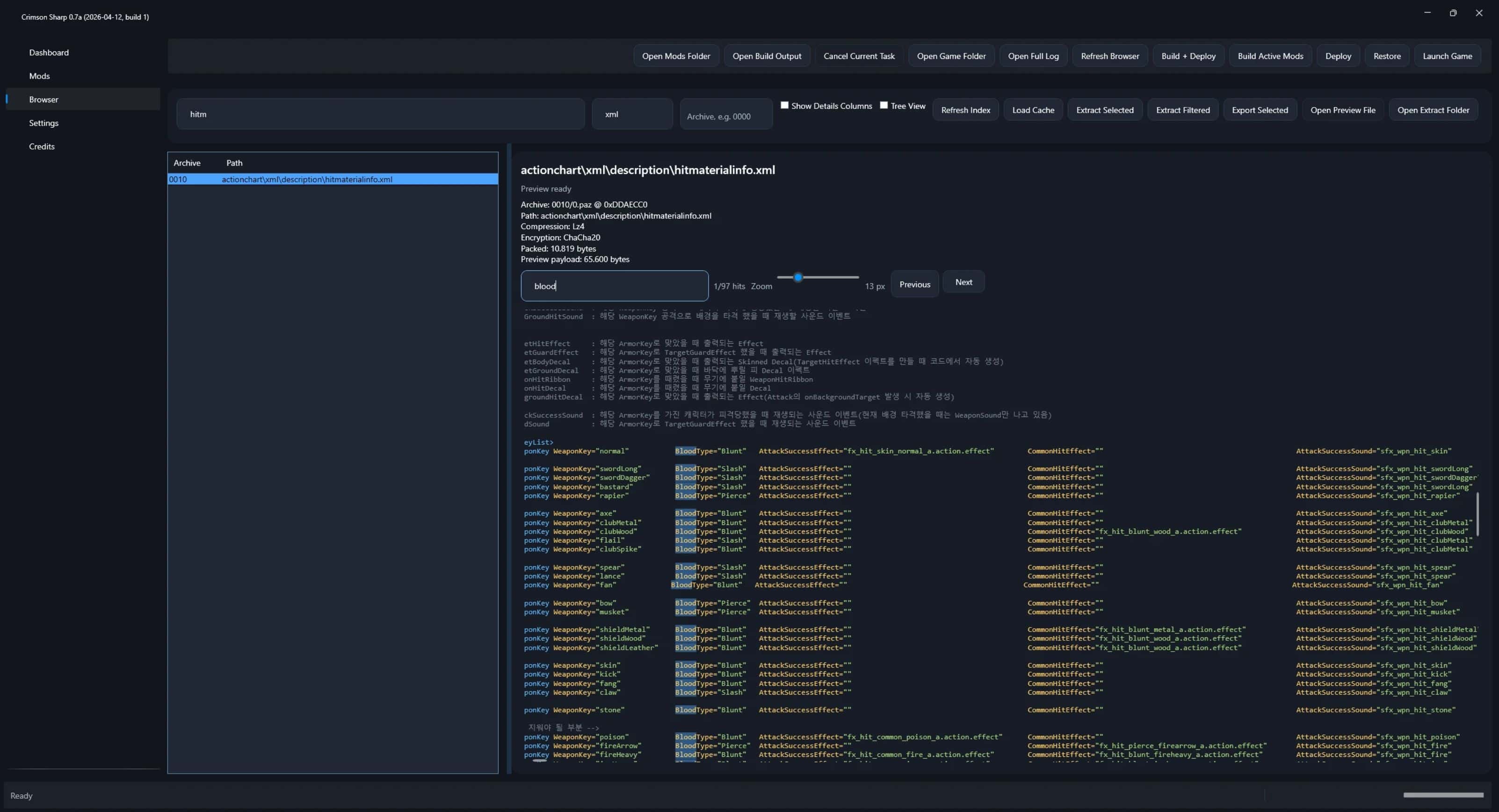
– Advanced search:
– – wildcards (*)
– – file extension filters
– – archive filters (0000–0035 etc.)
– Displays compression, encryption and file metadata
– Preview System
– Preview files directly without extracting:
3D Models
– Real-time preview
– Rotation + light control
– Skinned mesh support
– Mesh statistics
Audio (.wem)
– In-app playback
– Waveform display
– Loop support
– WAV export
– Audio metadata
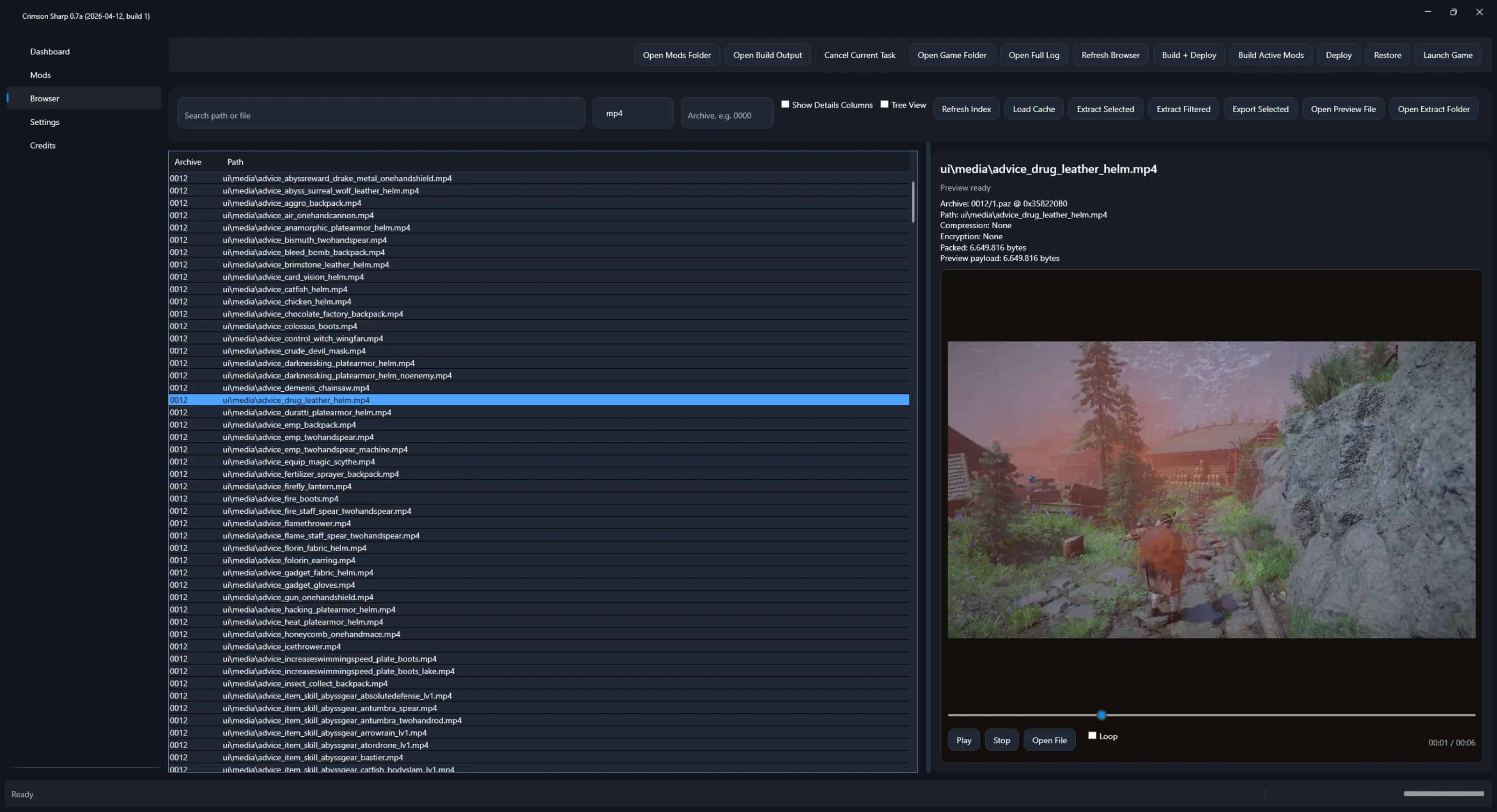
Video (.mp4)
– Built-in playback
– Loop support
Text / XML
– Syntax highlighting
– Search and navigation
– Zoom
Extraction & Export
– Extract selected files
– Extract filtered results
– Export selected entries
– Open extract folder
– Preview before extraction
Performance
– Handles very large mods (50k+ files tested)
– Fast cache system (1.5M+ entries)
– No freezing during heavy operations
– Optional hardlink usage for faster builds
Quality of Life
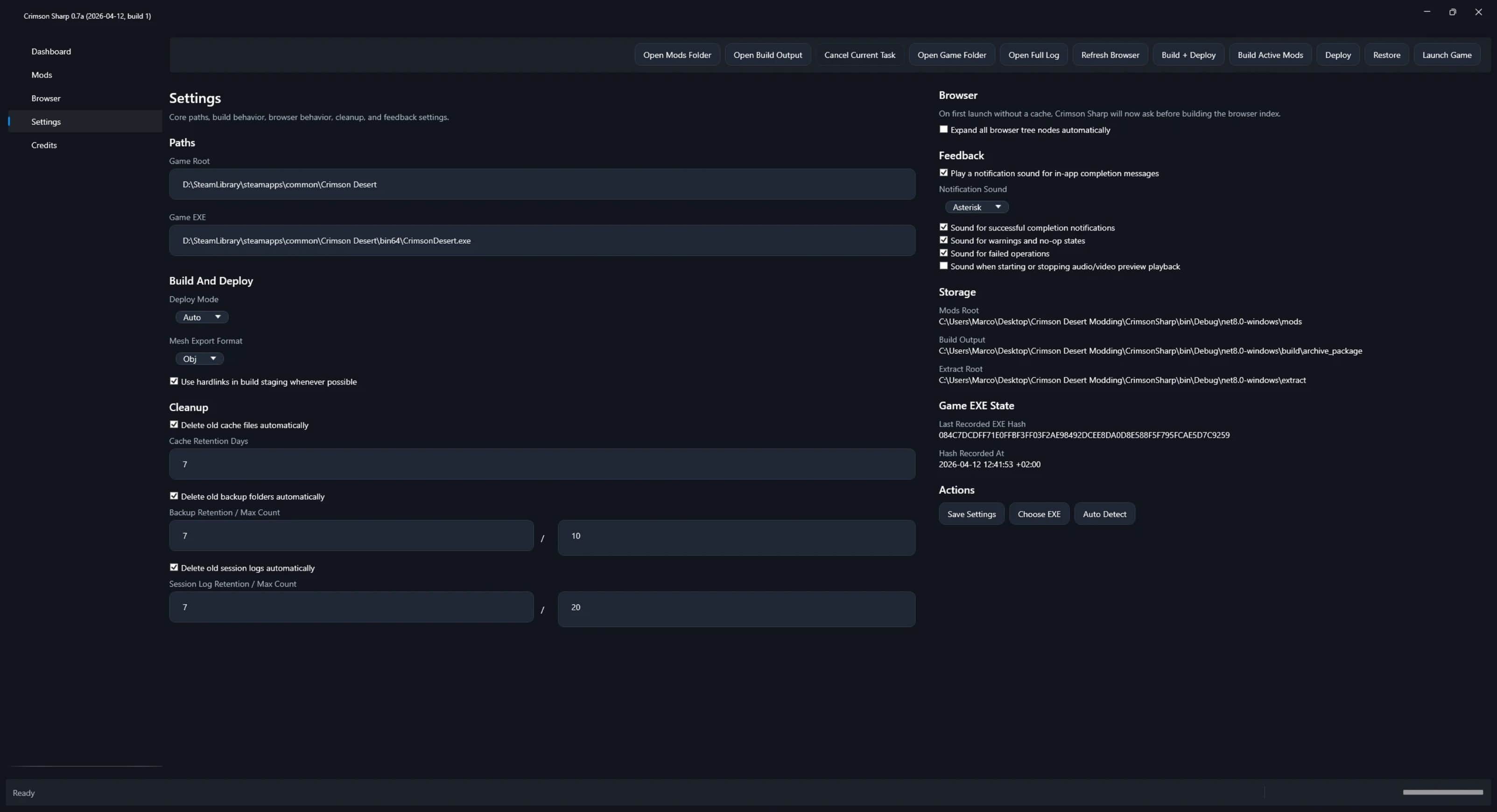
– Auto-detect game path
– EXE hash check (game version detection)
– Cache & cleanup system:
– – cache retention
– – backup cleanup
– – session log cleanup
– Live activity log
– Optional notification sounds
UI
– Clean dark interface
– Dashboard with key stats (mods, files, archive entries)
– Quick access buttons for logs, folders and build output