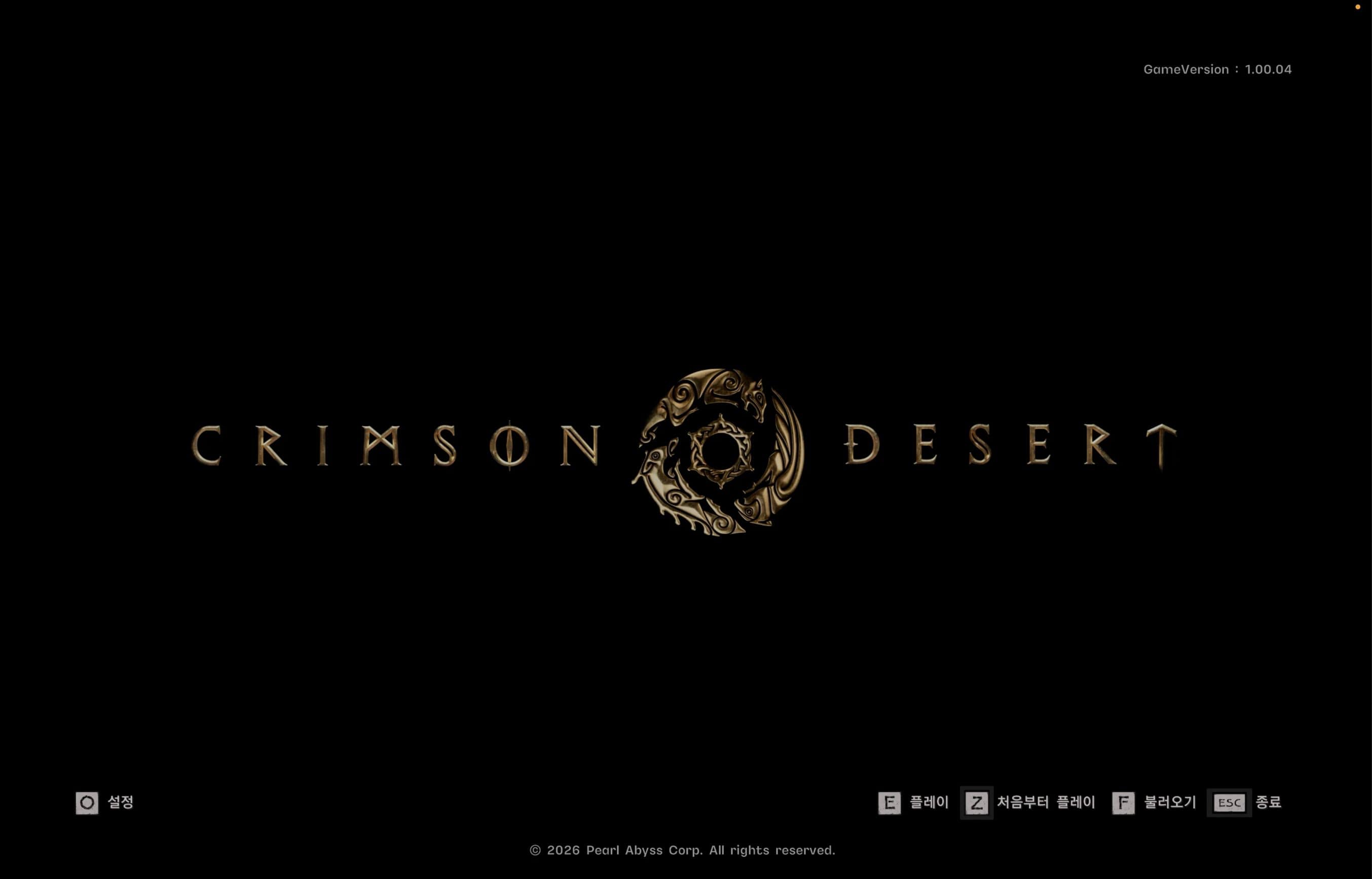
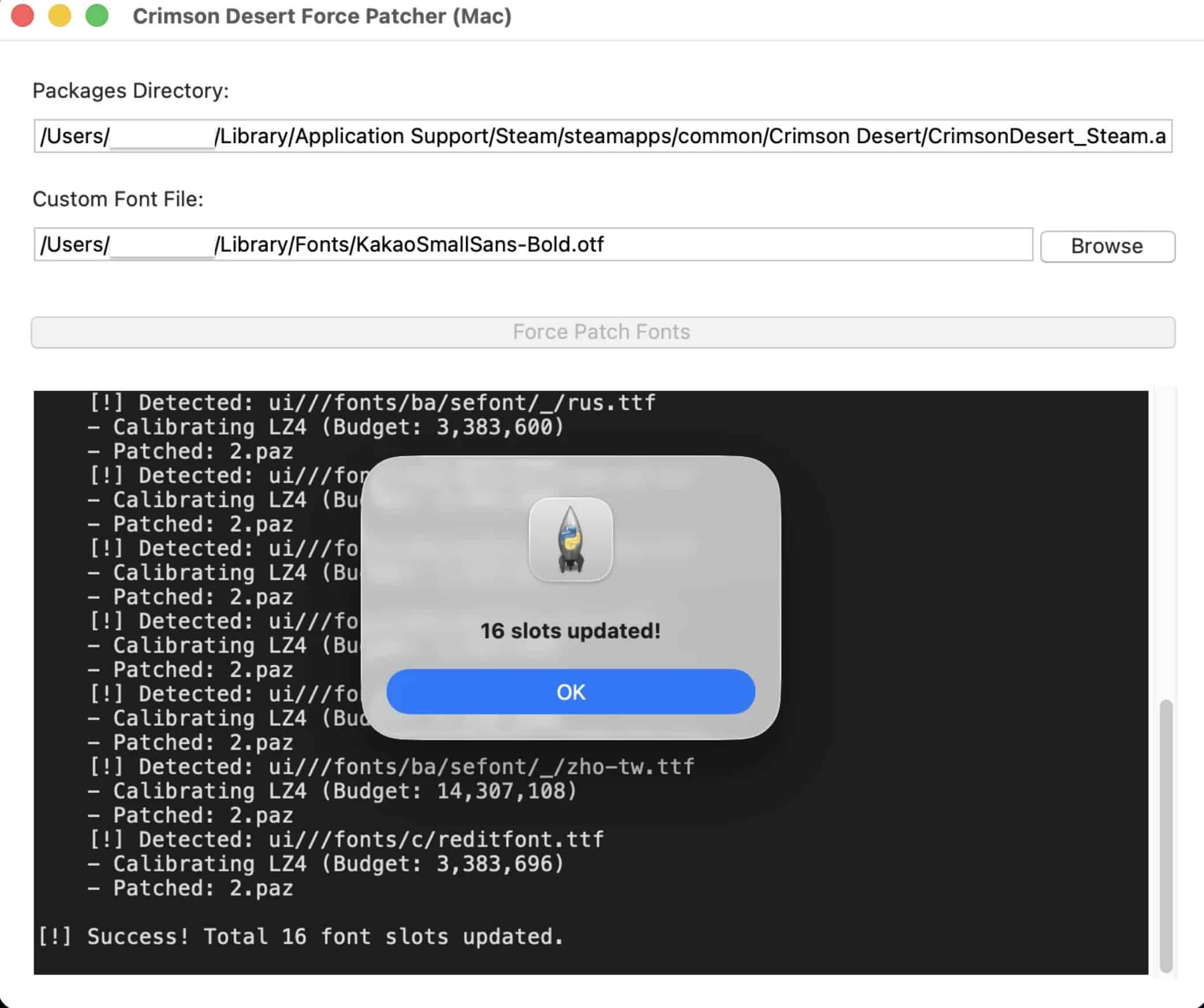
This is a standalone Python-based GUI tool specifically created for the macOS Native/Steam version of Crimson Desert. While Windows users have various patching options, Mac users often face unique challenges due to system security (SIP/Quarantine). This tool automates the process of patching font files while providing a clear path to bypass these restrictions.
Key Features
– Full Font Overwrite: Patches all 16 internal font slots (Korean, English, Japanese, etc.) with your custom .ttf or .otf file.
– macOS Native Support: Specifically targets the file structure found in the Mac version (e.g., basefont/.ttf).
– High-Performance Patching: Optimized logic using LZ4 compression to match original file budgets perfectly on macOS.
Requirements (First-time only)
You must have Python and necessary libraries installed. Run these commands in your Terminal:
1. Install Homebrew (if not installed)
– /bin/bash -c “$(curl -fsSL https://raw.githubusercontent.com/Homebrew/install/HEAD/install.sh)”
2. Install Python-tk and LZ4 library
– brew install [email protected]
– pip3 install lz4
How to Use
1. Permissions: Go to System Settings > Privacy & Security > Full Disk Access and enable Terminal. (Restart Terminal after!)
2. Run Tool: Navigate to the tool’s folder in Terminal and run:
– python3 CrimsonDesertFontModGUI_Mac.py
3. Patch: Click [Browse] to select your font, then click [Force Patch Fonts].
4. Final Step (Bypass Quarantine): Run this command in Terminal to ensure the game launches:
– sudo xattr -rd com.apple.quarantine “/Users/$(whoami)/Library/Application Support/Steam/steamapps/common/Crimson Desert/CrimsonDesert_Steam.app”
Credits & Ethics
– Inspired by the font patching methods found in various Windows mods
– This tool is an original Python implementation developed specifically for macOS.
Note: If the game updates and the font resets, simply run the tool again.