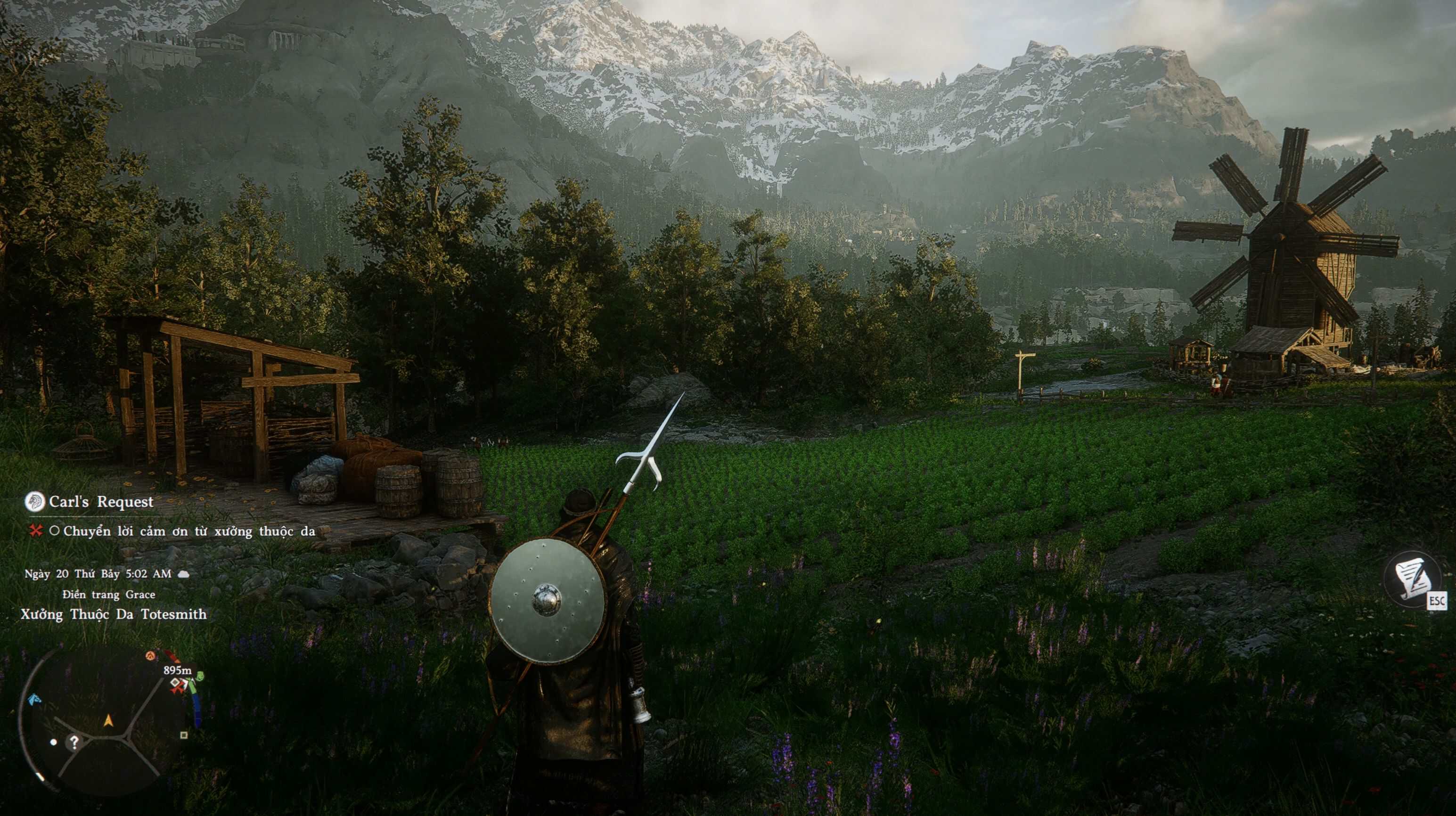
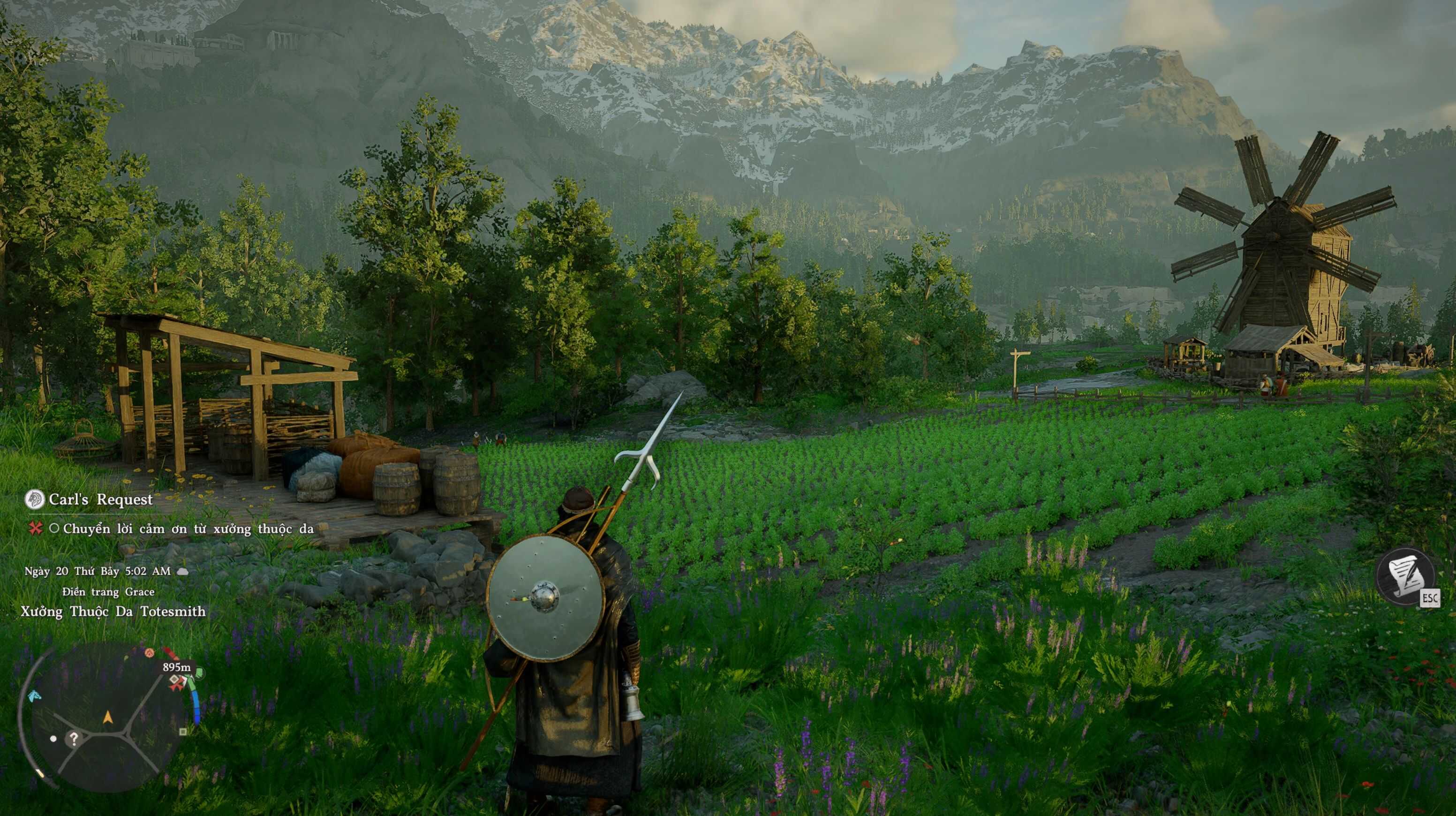
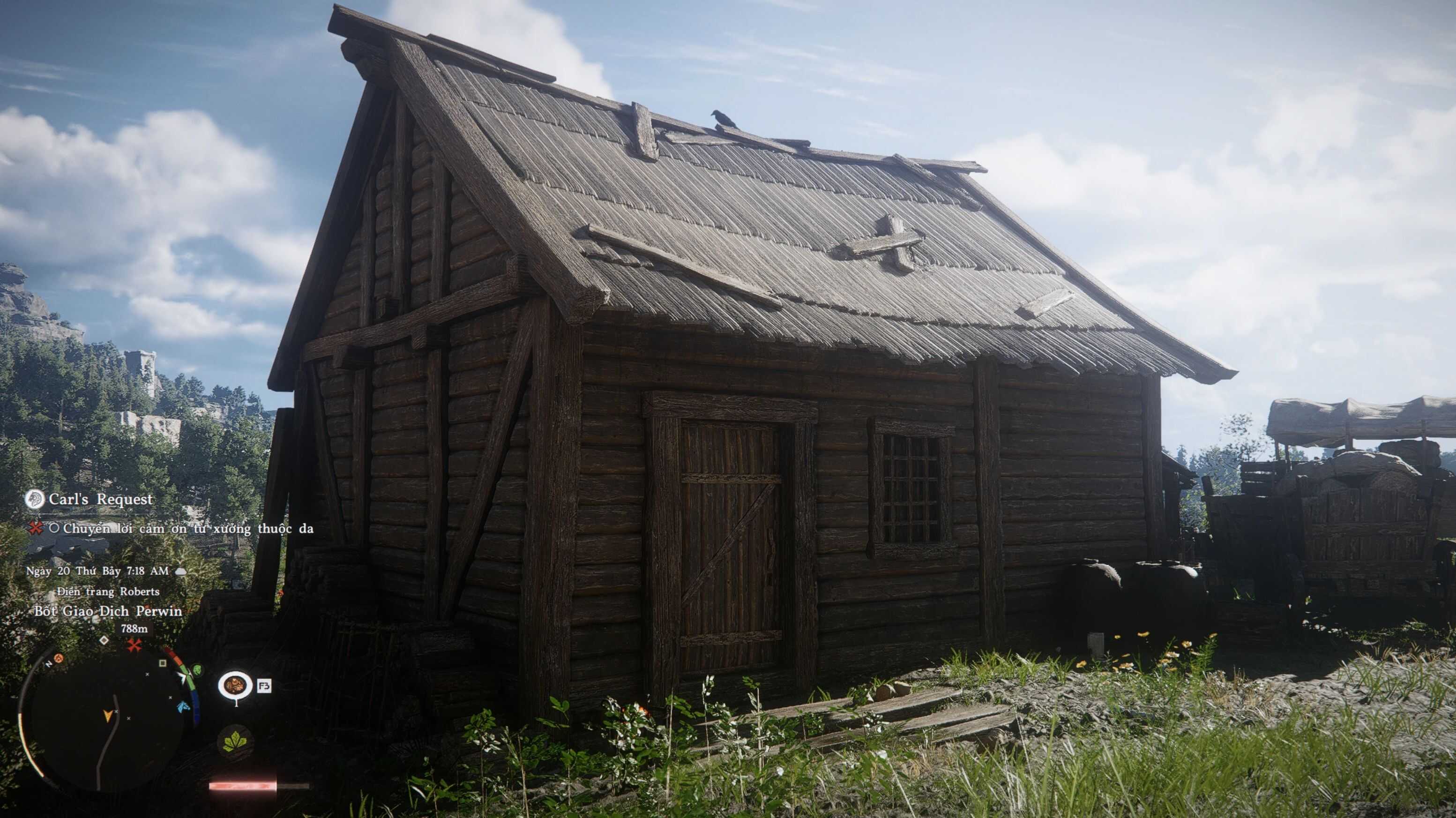
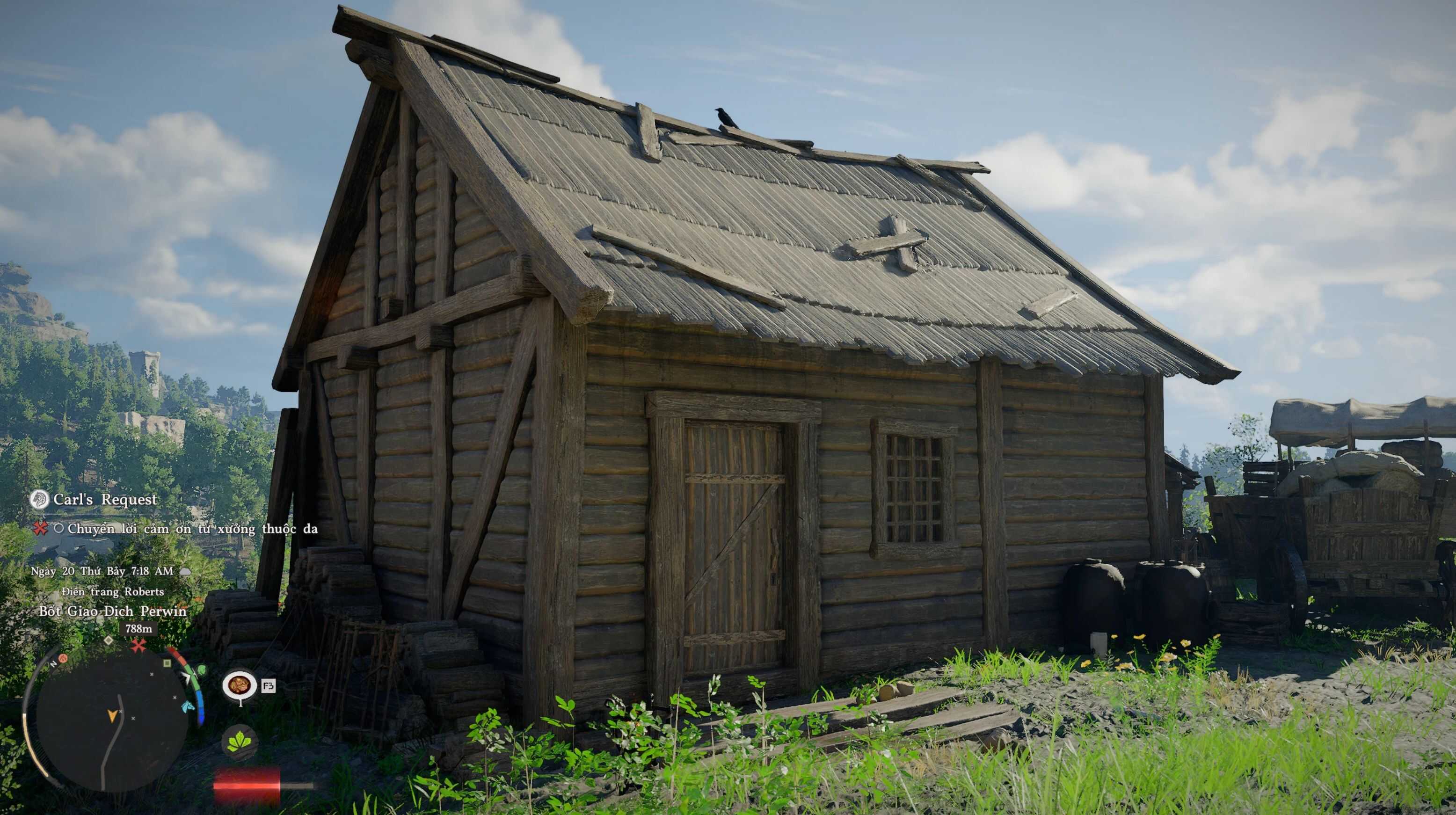
This ReShade preset will take you back to the Medieval era, enhancing the atmosphere with a darker, more realistic, and immersive visual style. Perfect for players who want a gritty, historical feeling while exploring the world.
Installation instructions
– Download and install ReShade from the official website.
– Make sure all required shaders effect are installed.
– Extract this preset into your game’s root folder (where the .exe file is located).
– Launch the game.
– Open the ReShade menu (default key: Home).
– Select the preset from the list.
Main features
– Medieval-inspired color grading
– Enhanced shadows and lighting for a realistic atmosphere
– Slight desaturation for a gritty, historical feel
– Improved contrast and depth
– Improved sharpen
Requirements
https://reshade.me/