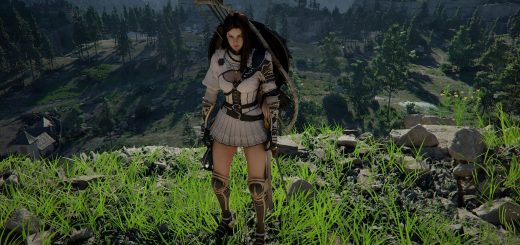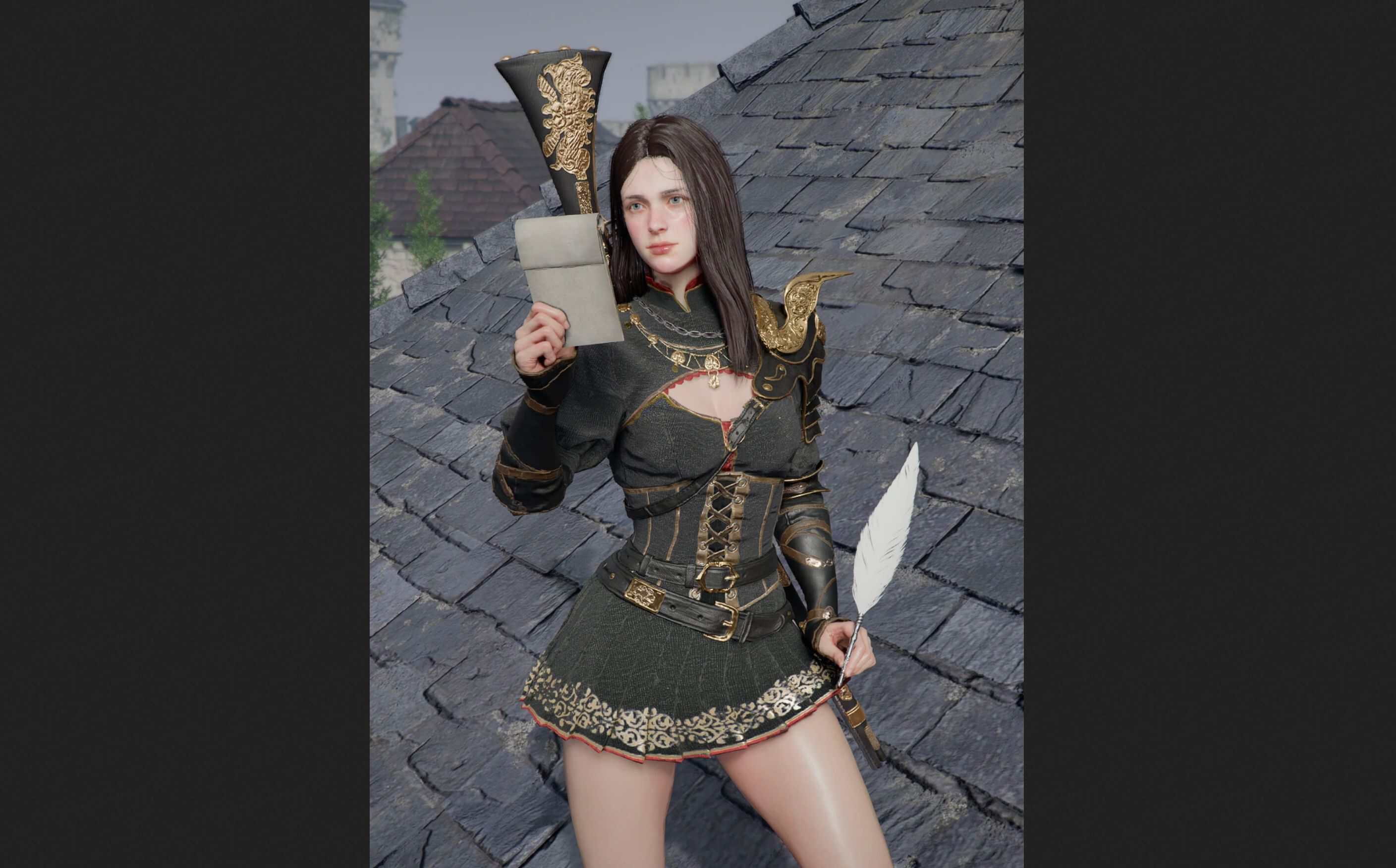
This mod removes the sleeve decoration from the Carmine leather armor.
Optional Files
– The default armor uses very short pants as the inner layer. Upon request, this has been replaced with the default female inner.
– The default color of the female inner in the game is light yellow. Upon request, it can be changed to black or white.
– Make sure to install the Carmine inner change (optional tab) mod first, then install the color change mod.
How to Change to Other Colors
1. Locate the file
– cd_phw_00_lb_00_0191.pac.xml
– in the color change mod.
2. Open the file with Notepad (or any text editor).
3. Find the following section:
<MaterialParameterColor StringItemID=”_dyeingDetailLayerColorMaskR” _value=”#000000ff”/>
<MaterialParameterColor StringItemID=”_dyeingDetailLayerColorMaskG” _value=”#000000ff”/>
<MaterialParameterColor StringItemID=”_dyeingDetailLayerColorMaskB” _value=”#000000ff”/>
<MaterialParameterColor StringItemID=”_dyeingDetailLayerColorBlend” _value=”#000000ff”/>
– #000000ff
– represents black.
– Change the HEX value to any color you want.
You can obtain HEX color codes from tools like Photoshop or by searching online.
Alternatively, you can use the dye tab in a save editor to get the exact color code.
After making changes:
– Save the file
– Update the mod in JSON Mod Manager
– Launch the game
Inner Glitching with Skirts
– The game uses the short pants mesh to slightly shrink the lower body (especially the inner area), preventing clipping through skirts.
– If you forcefully replace it with a different inner, clipping with skirts will inevitably occur.
– It is recommended to match the inner color and skirt color as closely as possible instead.
Please use JSON MOD MANAGER 9.9.1 or above.