
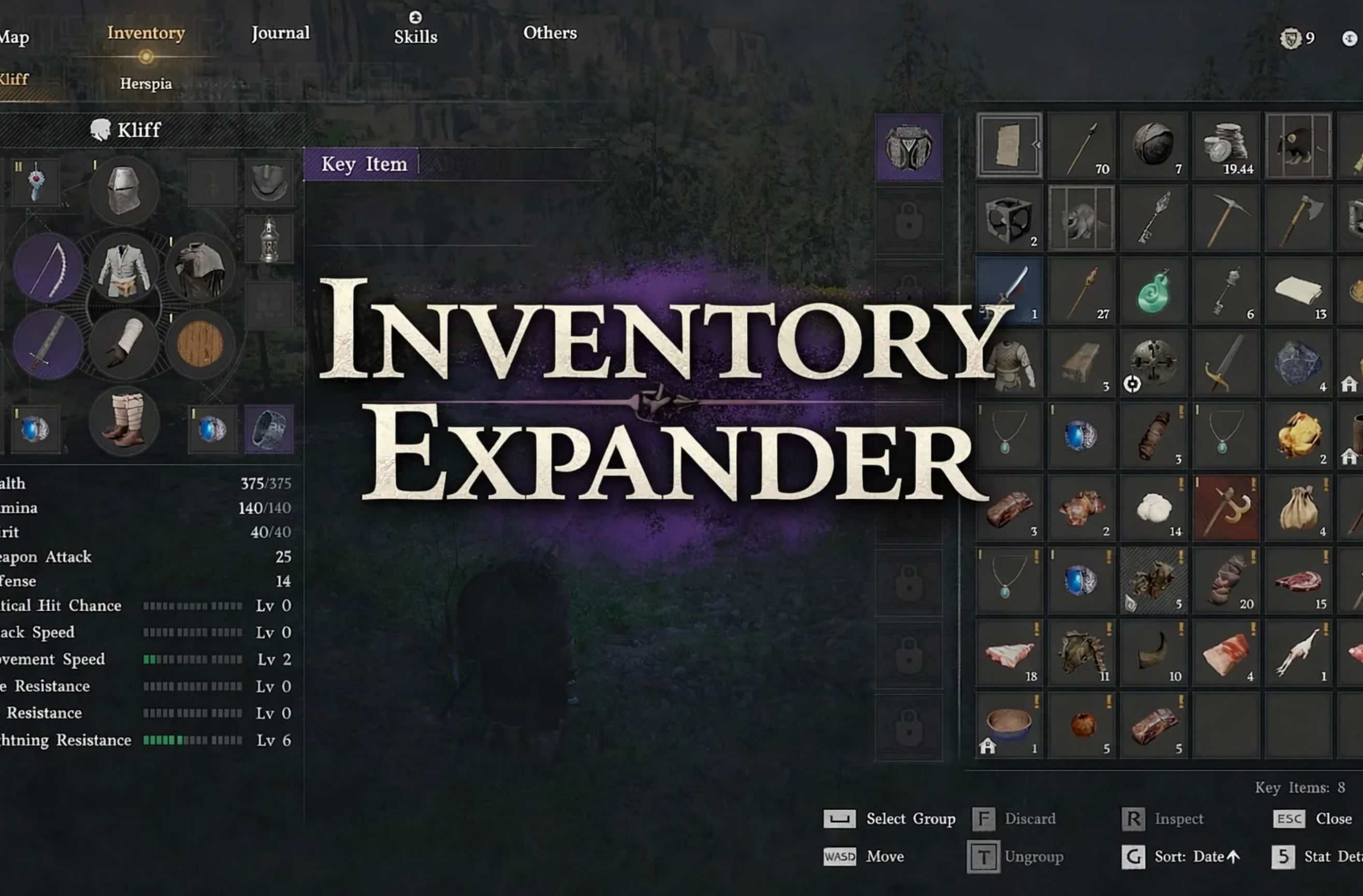
Tired of running out of inventory space? This mod patches the game’s data files to expand your starting inventory slots and raise the maximum cap. No DLLs, no injectors, no executables — just a simple batch file that edits 4 bytes.
Tired of running out of inventory space? This mod patches the game’s data files to expand your starting inventory slots and raise the maximum cap. No DLLs, no injectors, no executables — just a simple batch file that edits 4 bytes.
What It Does
┌────────────────┬─────────┬──────────────────┐
│ Setting │ Vanilla │ Modded (Default) │
├────────────────┼─────────┼──────────────────┤
│ Starting slots │ 50 │ 200 │
├────────────────┼─────────┼──────────────────┤
│ Maximum slots │ 230 │ 500 │
└────────────────┴─────────┴──────────────────┘
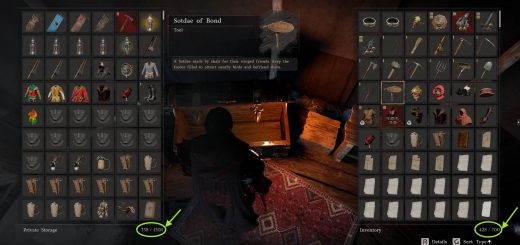
Your existing bag upgrades still count. If you’ve collected 20 slots worth of bags, your total will be 220 (200 + 20) instead of 70 (50 + 20). You can also set custom values — want 999 slots? Go for it.
Installation
1. Download and extract the zip
2. Double-click CDInventoryExpander.bat
3. The script auto-detects your game install
4. Choose option 1 (preset 200/500) or option 2 (custom values)
5. Launch the game — your inventory is expanded
No Python, no .NET, no extra software needed. The script uses only built-in Windows tools. Want to verify it’s safe? Right-click the .bat file → Edit — it’s plain text, you can read every line.
Uninstall
Three ways to restore vanilla:
– Run the script again and choose option 3 (Restore vanilla)
– Steam → Right-click Crimson Desert → Properties → Installed Files → Verify integrity of game files
– Manual → Go to your game’s 0008 folder, delete 0.paz, rename 0.paz.backup to 0.paz
How It Works
The game stores inventory configuration in 0008/0.paz as part of the InventoryInfo data table. The Character inventory type has two uint16 values: _defaultSlotCount (starting slots) and _maxSlotCount (hard cap). This mod patches those two values directly in the PAZ archive. The game reads the patched values on startup — no runtime injection needed.
Compatibility
– Works with Steam, Epic, and GamePass versions (as long as the PAZ file layout is the same)
– Compatible with other mods (controller remapper, ReShade, Special K, etc.)
– Safe to install mid-playthrough — your save file is not modified
– Game updates may revert the patch — just run the script again after updating
FAQ
Q: Will this get me banned?
A: Crimson Desert is a single-player game with no anti-cheat. This mod only changes a local data file.
Q: Does this affect the UI?
A: The inventory grid expands to show all available slots. No UI issues observed.
Q: Can I set slots higher than 500?
A: Yes, use option 2 for custom values. The maximum possible value is 65535. Values above ~1000 are untested and may cause UI issues.
Q: I updated the game and my inventory is back to normal.
A: Steam overwrote the patched file. Run the script again.
Credits
Developed by reverse-engineering the BlackSpace Engine’s PAZ archive format and InventoryInfo data table structure.










Thank you