This mod combines all my favorite shop mods, updates them to the current version of the game, and adds some new surprises. It’s a one stop shop!
Settings
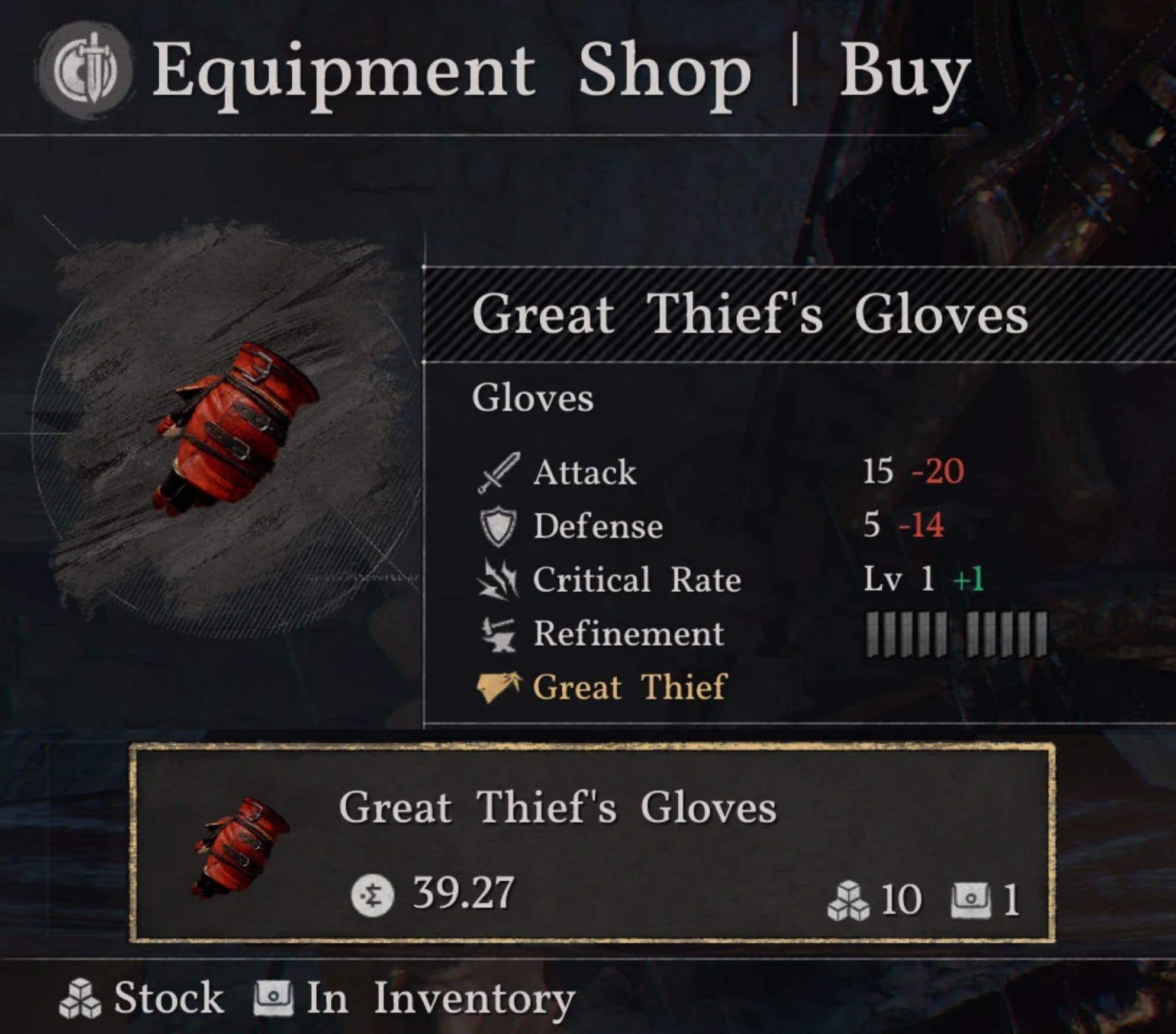
Equip Shop:
Great Thief’s Gloves
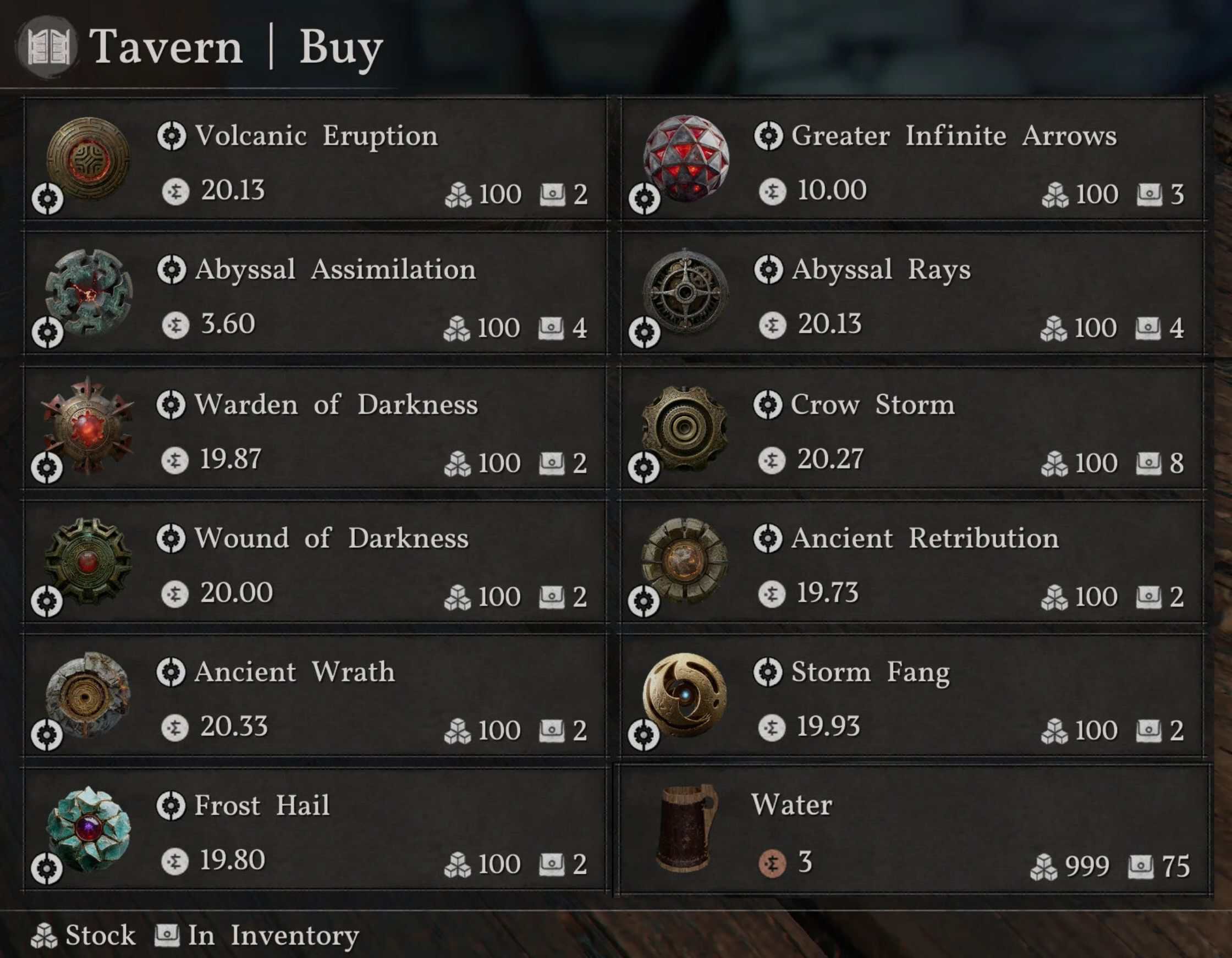
Tavern:
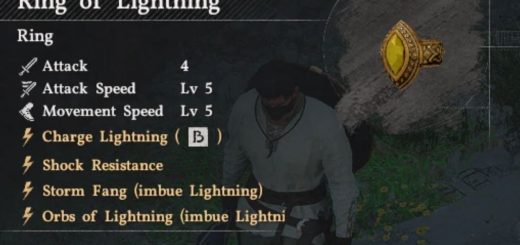
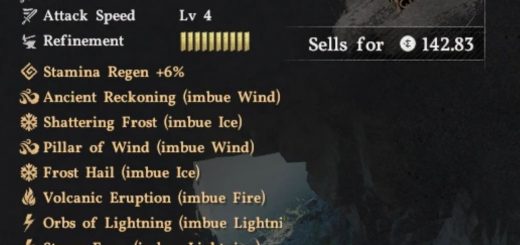
Abyss items
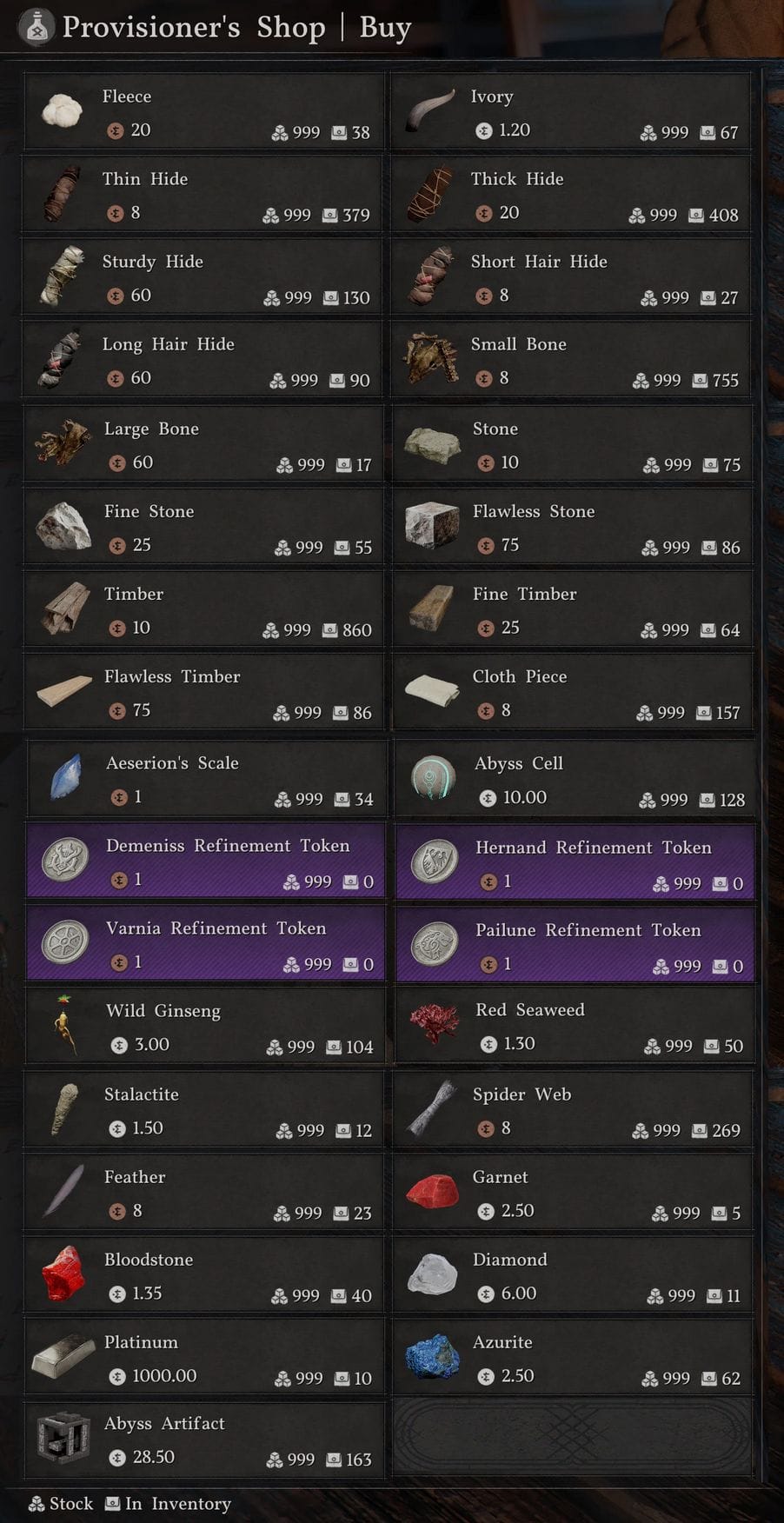
Provisioner:
Crafting materials
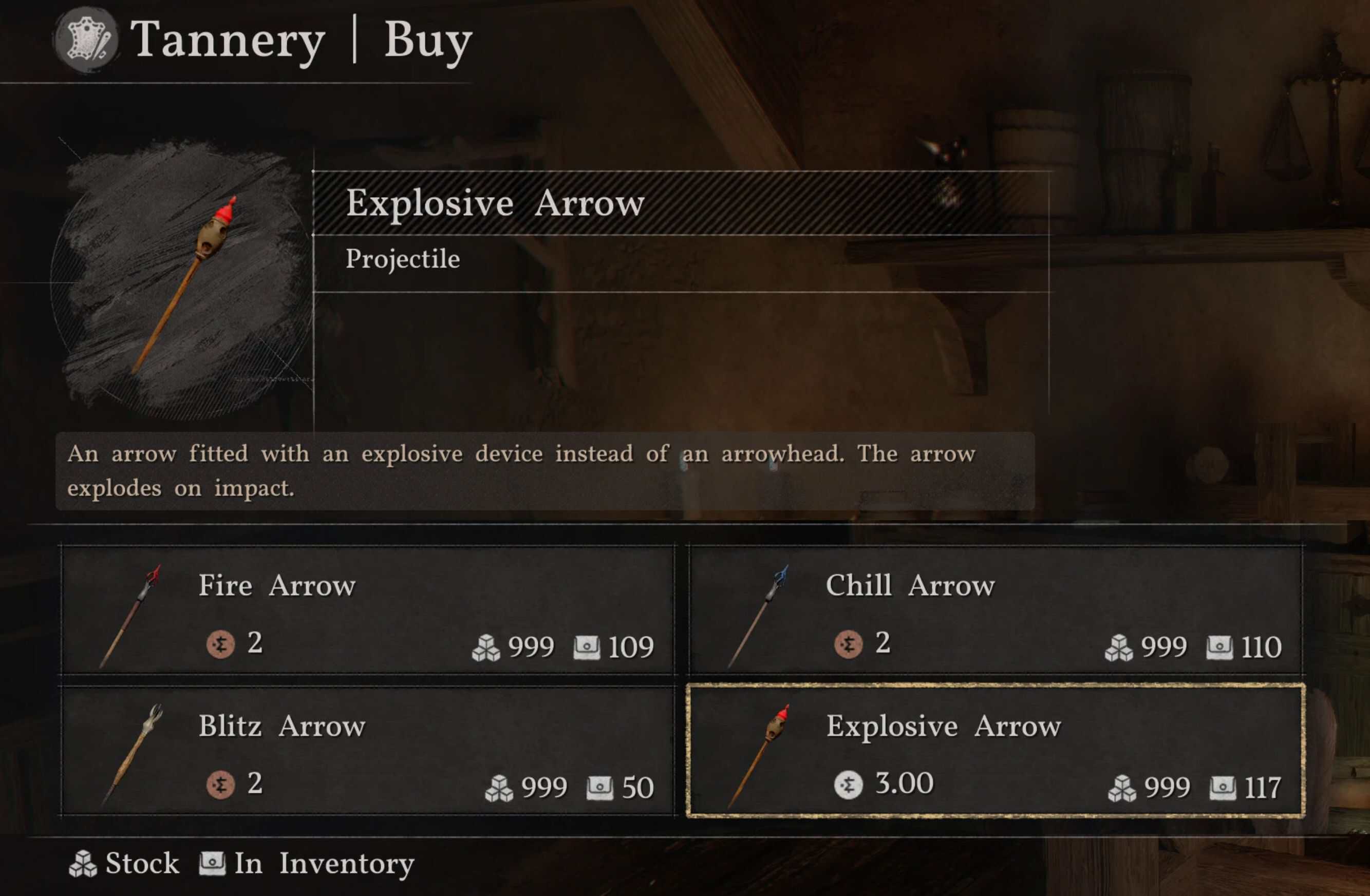
Tannery:
Elemental and explosive arrows
Note: I don’t know how to unlock the ability to fire the elemental arrows. If you figure it out let me know so I can share with everyone!
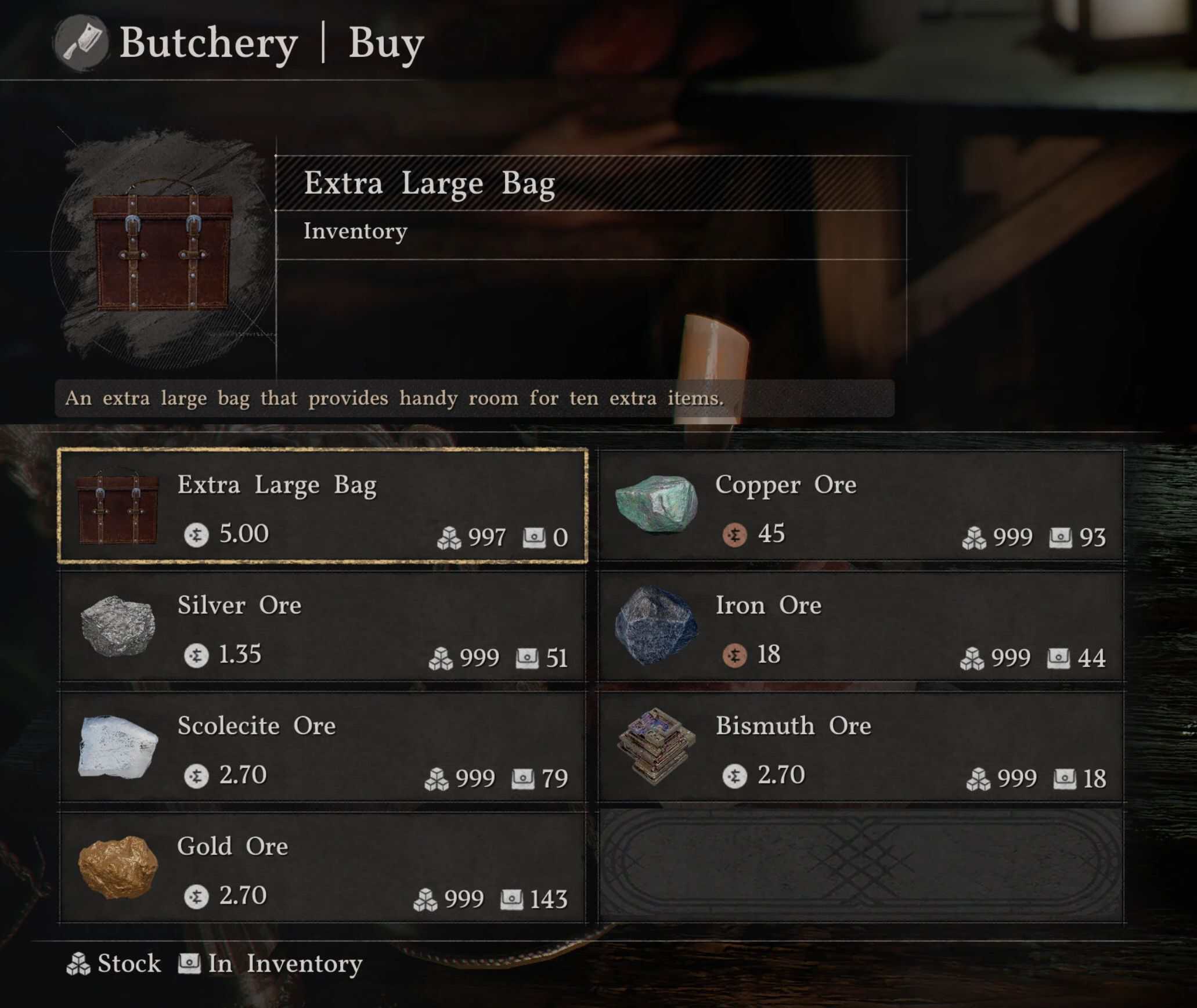
Butcher:
Ores and extra large bags
The bags increase your backpack inventory slots by 10, up to the max value (240).
Compatibility
If you use this mod with other Hernand shop mods, make sure you only enable one mod per shop. Mine are setup as options under the mod, so you can disable one or more of the shops it affects easily.
This is a legacy or v1 json patch mod. It should support all mod managers that support mods with true offsets.
Prior to 1.06.00, I tested with JMM. Since JMM won’t receive updates anymore, I have switched to DMM and will test with the latest version. If it doesn’t work in other mod managers, you will have to report a bug to them.
Requirements
Any mod manager that supports json mods with real offsets, such as DMM.
Installation
Download the zip, drag to your mod manager, enable it, mount, run the game.
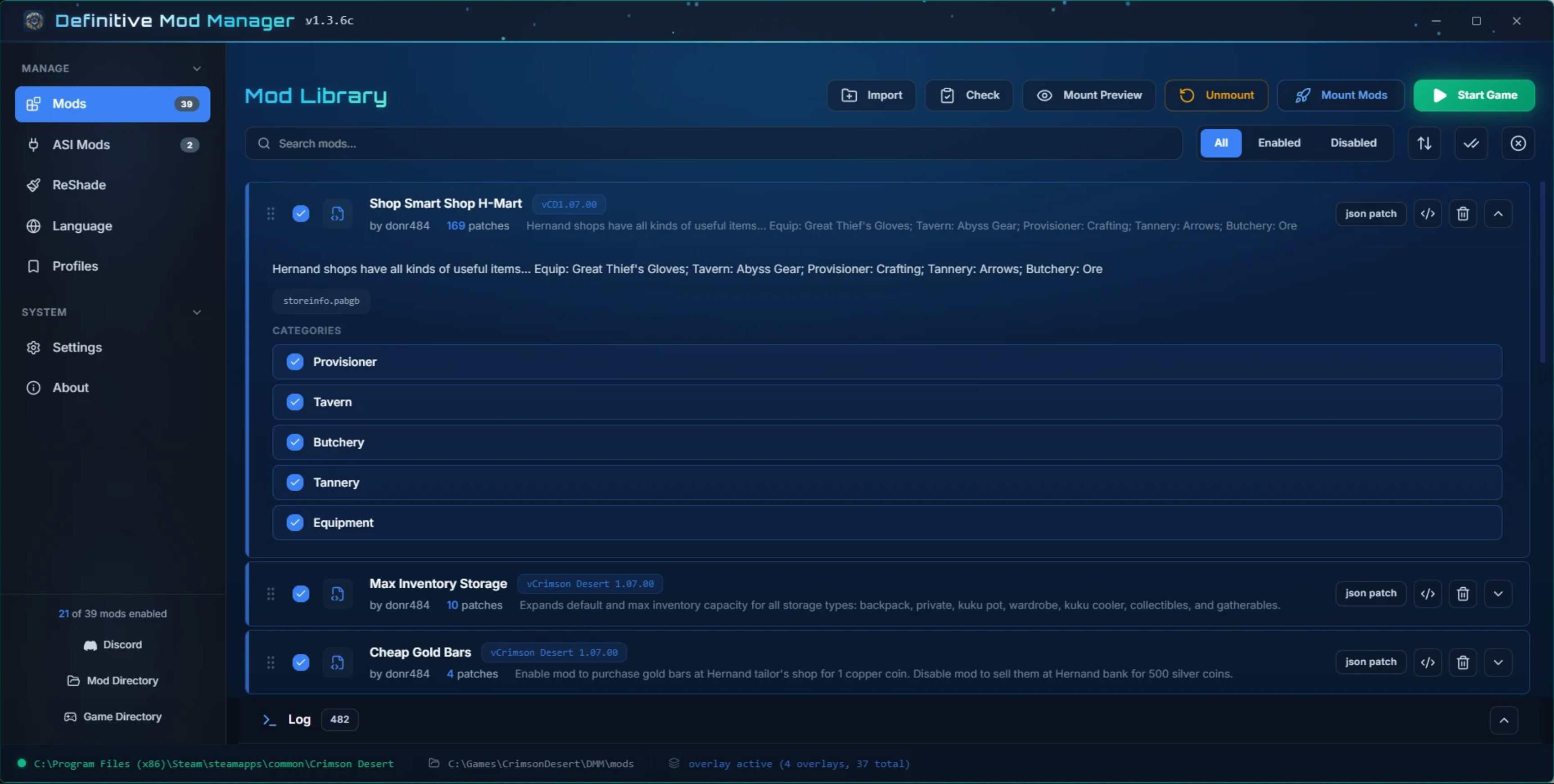
If you only want to add items to some of the shops, you can expand the mod in DMM and check or uncheck specific options. The names should be intuitive. If you make changes to the options, mount, then run the game.
Updates
If there is a new game patch, the offsets could change and break a lot of mods. Let us know and give us some time to update.
Once a new download is available, save it. Then in your mod manager, delete the old one, right-click the background and click refresh, drag the new one onto it, enable it, expand and configure it if you like, mount, run the game.
Troubleshooting
Note that some items in shops are temporary or one-time items. If you don’t have a particular item from the mod, you might not have the item that it was replacing in the shop for your game. Shoot me a message and maybe we can figure out something you do have that we can replace.
Make sure the download version matches the latest game patch version. If not, I just haven’t tested it yet.
Make sure you are using the latest DMM. Try disabling all other mods, mount, then check the slots in game.
If it still doesn’t work, try starting fresh. Unmount, remove every mod, then exit DMM. Delete any files/folders DMM made in its folder and in the steam folder. Do a steam verify on all the game files. Run DMM, install only this mod, enable, mount, then check the slots in game.
If it still doesn’t work, report a bug here with the DMM mount log.
Removal
Removing this mod will just restore the shops to their vanilla wares.