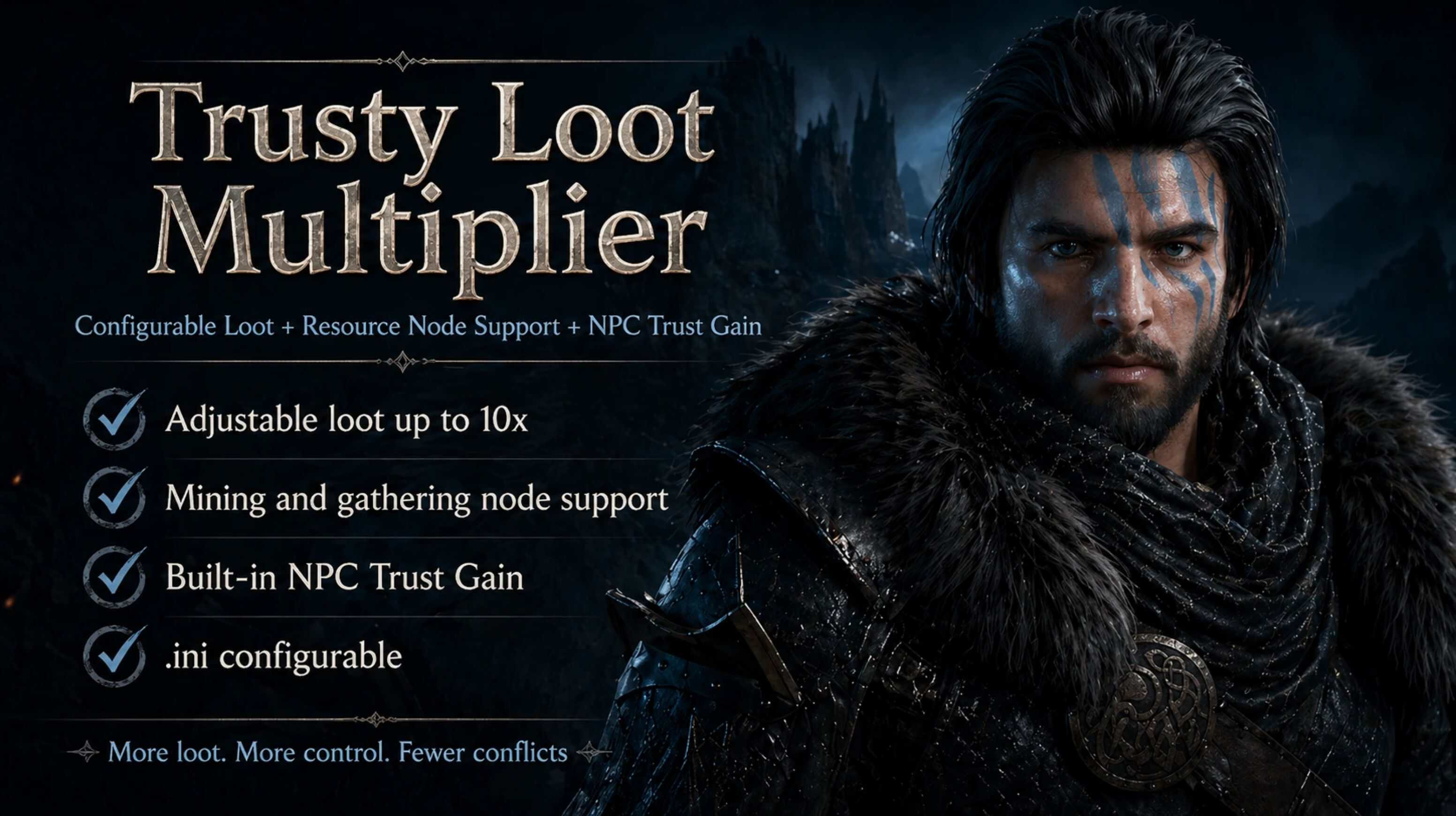
Tired of being locked into fixed 2x, 5x, or 10x loot json mods? This mod lets you adjust your own loot multiplier through an .ini file, adds support for mining and other resource-node rewards, and includes built-in NPC Trust Gain settings so you do not need a separate Trust mod.
Installation
1. Extract the downloaded files.
2. Place the .asi, .ini, and version.dll into your game’s bin64 folder.
3. bin64 is the same folder where CrimsonDesert.exe is located.
4. Open TrustyLootMultiplier.ini to adjust your settings.
5. Launch the game.
For compatibility with inventory/stack/archive mods:
1. Apply permanent archive mods first, such as Inventory Expander.
2. Enable JSON/CDUMM mods such as Fat Stacks.
3. Place TrustyLootMultiplier.asi in bin64 and launch the game.
Trusty Loot Multiplier patches at runtime, so it effectively runs after the other archive edits and restores back to that pre-launch state on normal game close.
Important
Steam Version Only: This mod was built and tested only on the Steam version of Crimson Desert. Other versions may work, but they are not tested.
Compatibility Note: Tested working with Inventory Expander Python + Fat Stacks 999999 when those mods are applied first and Trusty Loot Multiplier v2 is loaded at runtime after them. If you use other inventory, storage, stack-size, or archive-patching mods, test carefully.
Runtime Patching: This mod temporarily patches game archives at runtime. On normal game close, it should automatically restore the vanilla files from backup.
If Recovery Did Not Happen:
1. Remove or move TrustyLootMultiplier.asi out of bin64.
2. Open Steam.
3. Right-click Crimson Desert → Properties → Installed Files.
4. Click Verify integrity of game files.
5. Let Steam restore any modified files.
6. Put TrustyLootMultiplier.asi back into bin64 only after verification finishes.
Description
Trusty Loot Multiplier gives you direct control over your loot multiplier instead of forcing you to use fixed preset versions like 2x, 5x, or 10x. Adjust the multiplier yourself through the included TrustyLootMultiplier.ini file.
You can choose which loot categories are affected, including combat loot, skinning, containers, gathering, food, money, ammo, Abyss Gear, and seeds.
Resource nodes are supported as a separate on/off option. They are not controlled by the normal multiplier value. When enabled, mining and resource/gathering node yields are currently around 3–5x depending on the node.
NPC Trust Gain is built in, so you do not need a separate Trust Gain mod. Trust Gain can be set from 5, which is vanilla, up to 100 for very fast or instant NPC trust completion.
Features
– One global adjustable loot multiplier from 1x to 10x
– Fully configurable through TrustyLootMultiplier.ini
– Category toggles for combat, skinning, containers, gathering, food, money, ammo, Abyss Gear, and seeds
– Optional resource-node support, currently on/off and roughly 3-5x if not higher when enabled
– Built-in NPC Trust Gain adjustment from 5 to 100
– Loot multiplier and Trust Gain can be enabled or disabled separately
– Runtime ASI patcher with automatic restore on normal game close
– Uses backups for patched archive files
Known Behavior / Compatibility
– This mod primarily multiplies reward quantities, not rare-item drop rates. Rare items such as Abyss Gear should not drop more often, but when they do drop, the amount may be multiplied.
– The mod uses one global loot multiplier. Category options are enable/disable toggles for what gets affected by that global multiplier.
– Resource nodes are separate from the normal multiplier. They are currently an on/off option and are roughly 3-5x if not higher when enabled.
– Resource node support is the most sensitive part of the mod because mining/gathering nodes are handled differently from normal loot.
– Books, recipes, knowledge items, and other single-copy drops may multiply because they share broad dropset data with normal loot.
– Compatibility update: Tested working with Inventory Expander Python + Fat Stacks 999999 when Trusty Loot Multiplier v2 is used at runtime after those mods are already applied.
– Game updates may require a mod update if archive offsets change.