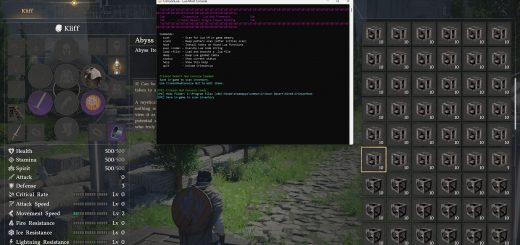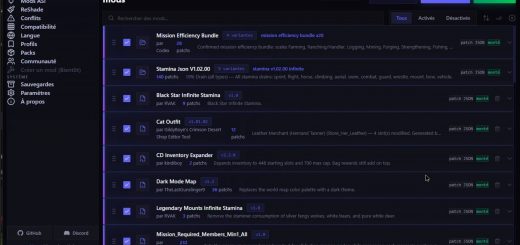
Still In Development but feel free to let me know what you think of it, of bugs, what to improve etc. In short I liked the simplicity of JMM and I wanted to make something similar and maybe better. I won’t comment on the other Mod Managers, it is what it is.
Guide:
– Double-click to run.
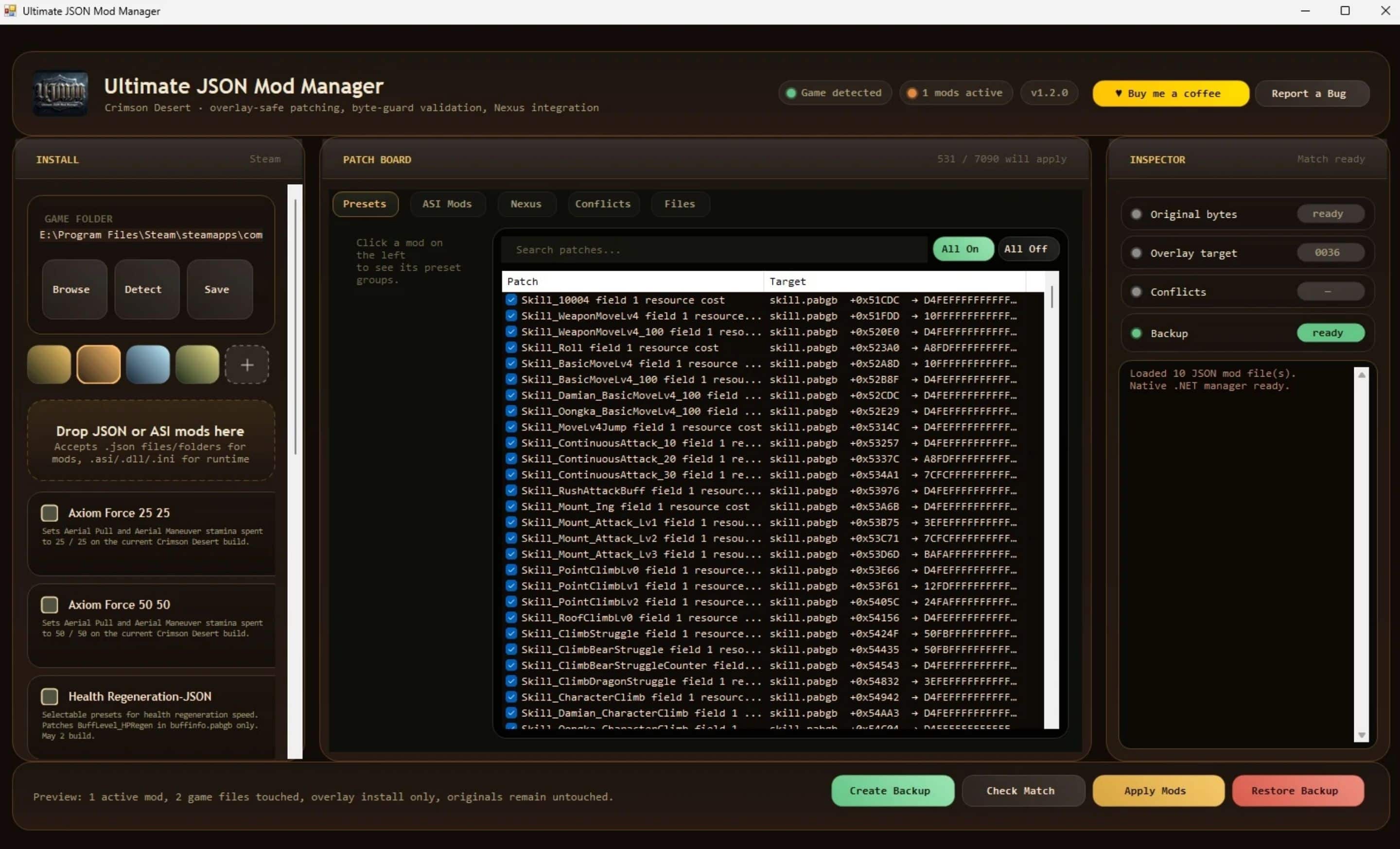
– Click Detect in the Install panel — it’ll find your Crimson Desert install via Steam paths. If it can’t, click Browse and pick the folder that contains
– bin64\ and
– 0008\
– and then click “Save”
Requires .NET Framework 4.7.2 or later (preinstalled on Windows 10 21H2 and later, and on all Windows 11)
– Click “Create Backup”.
– If you ever want to restore the original state of the game click “Restore Backup”.
– If by any chance your game has issues you can verify integrity your files through steam.
– Drag and drop the .json, .zip, .rar, .7z, raw files/folders etc you want to apply in the left field – select what you want to activate and “Apply Mods”.
– Some mods have different presets. You can select the ones you want to activate and you can use the search bar to easily find values you want to select individually.
– If you find a bug you can “Report a Bug” on top right.
– You can also change the app’s color theme if you’d like.
Very rough description but I wanted to push this since I’ve been working on it the whole weekend. Tested with a few mods and they worked without an issue. No code was shared with me so this was built from the ground up. Cheers.