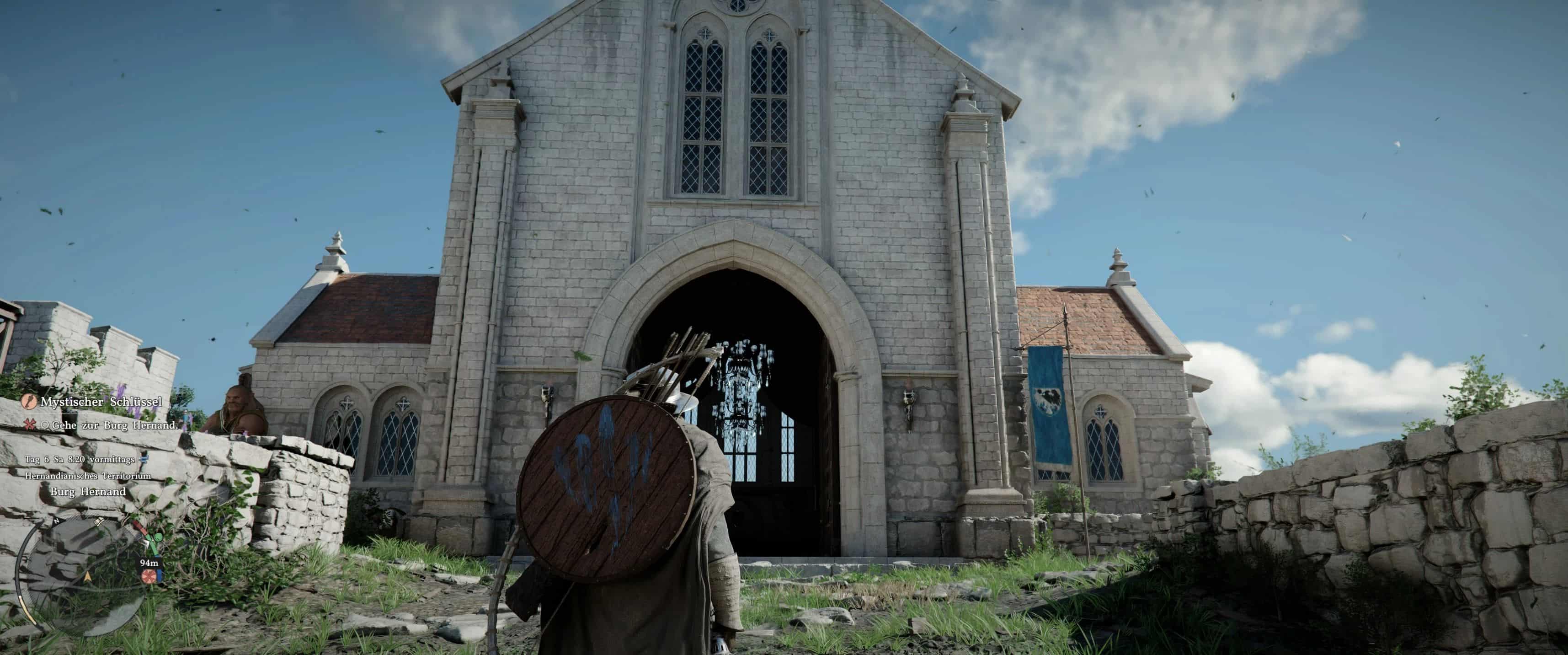
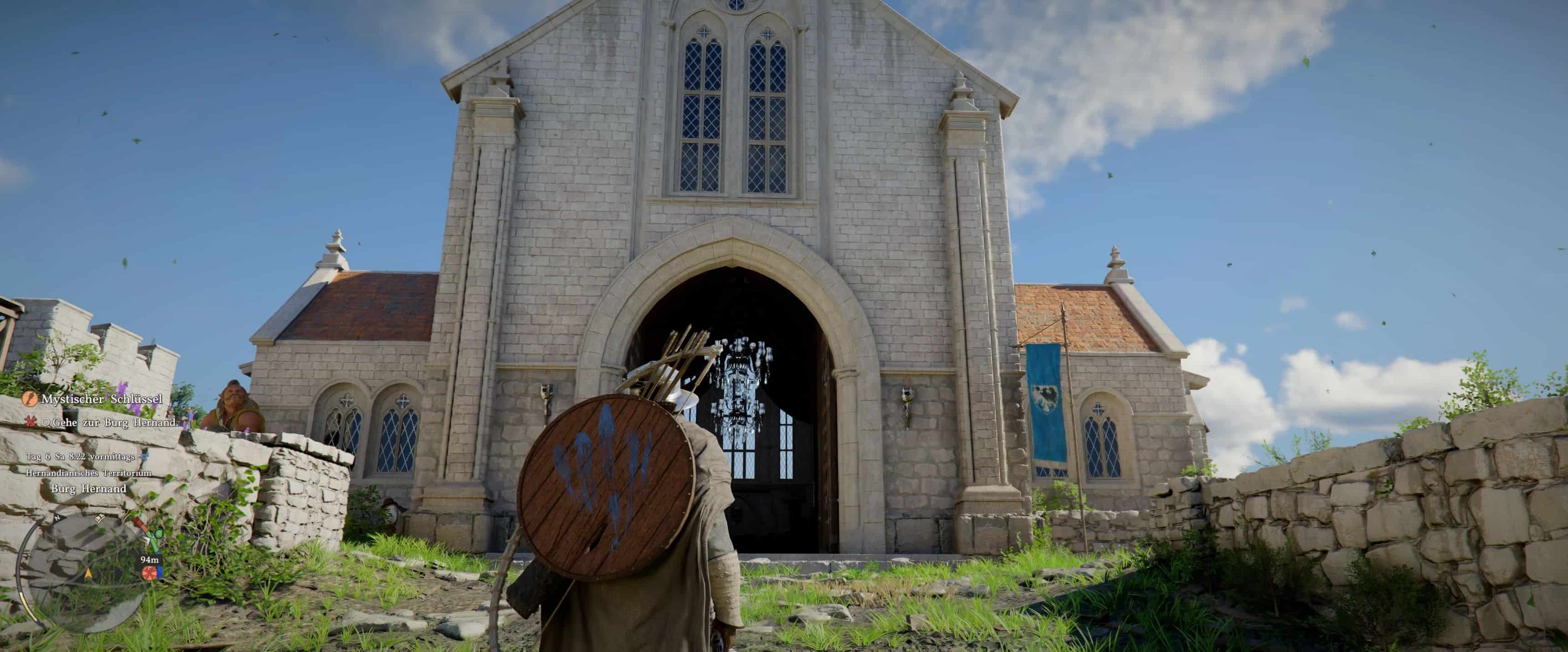
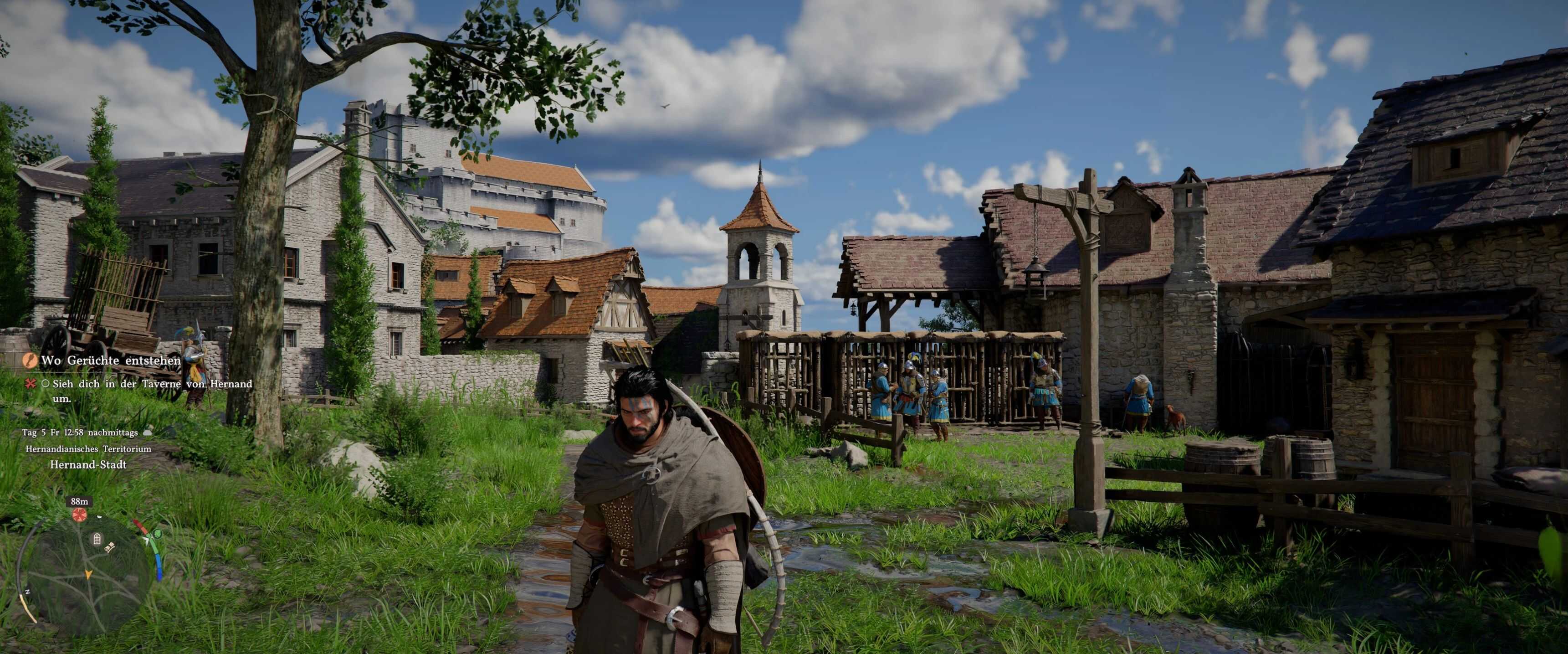
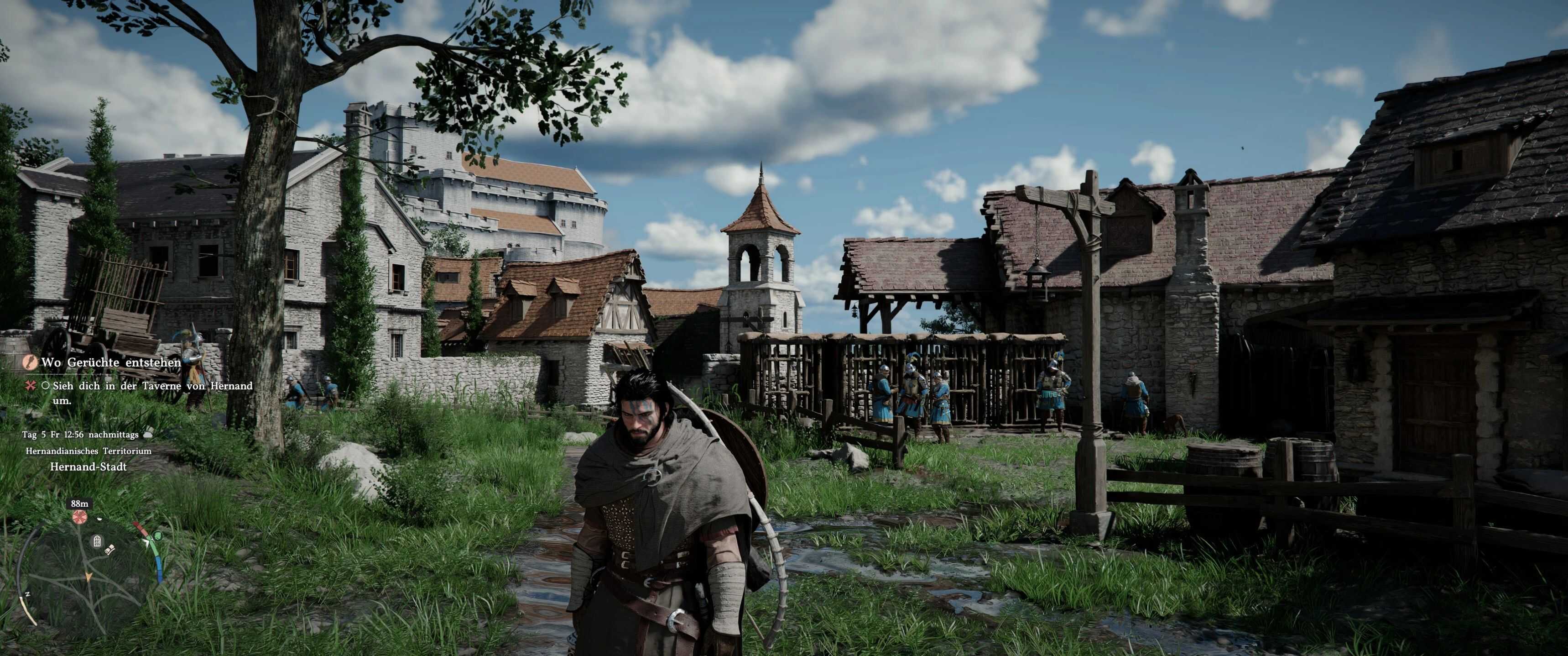
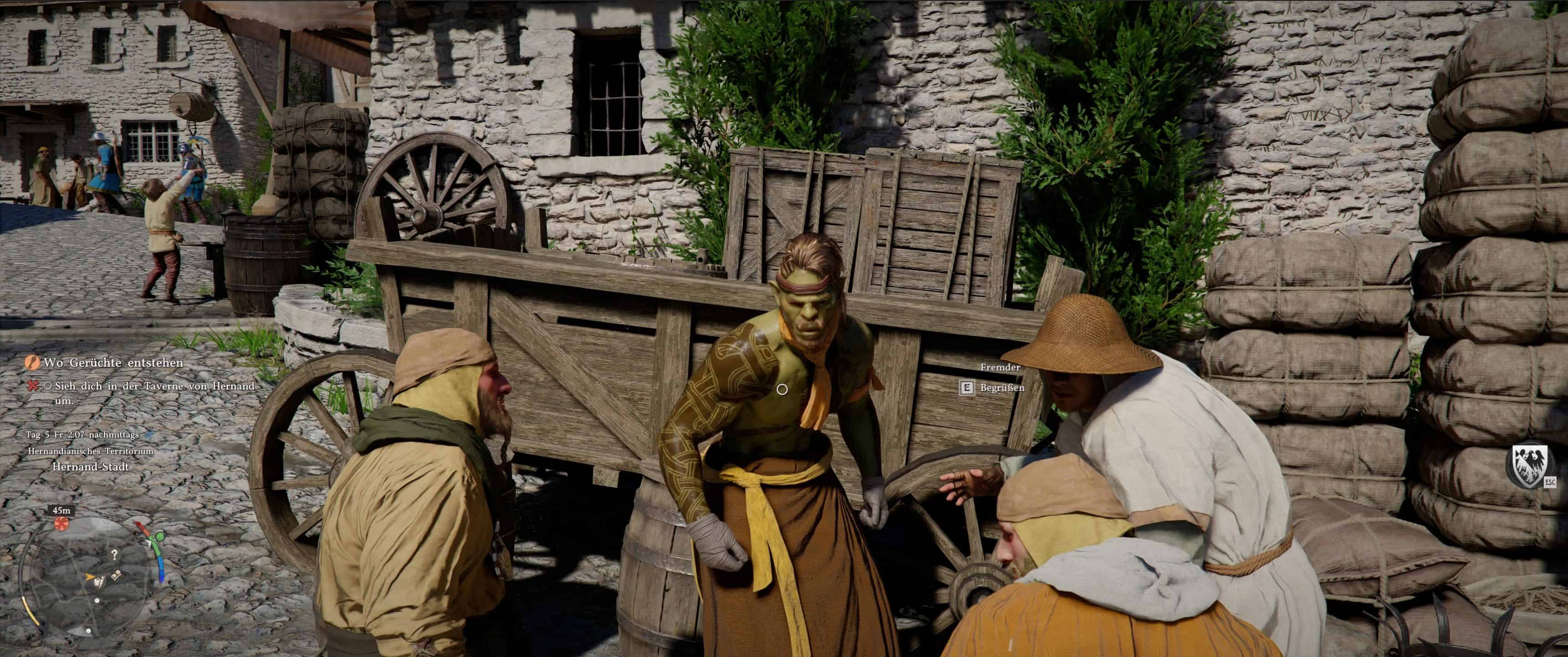
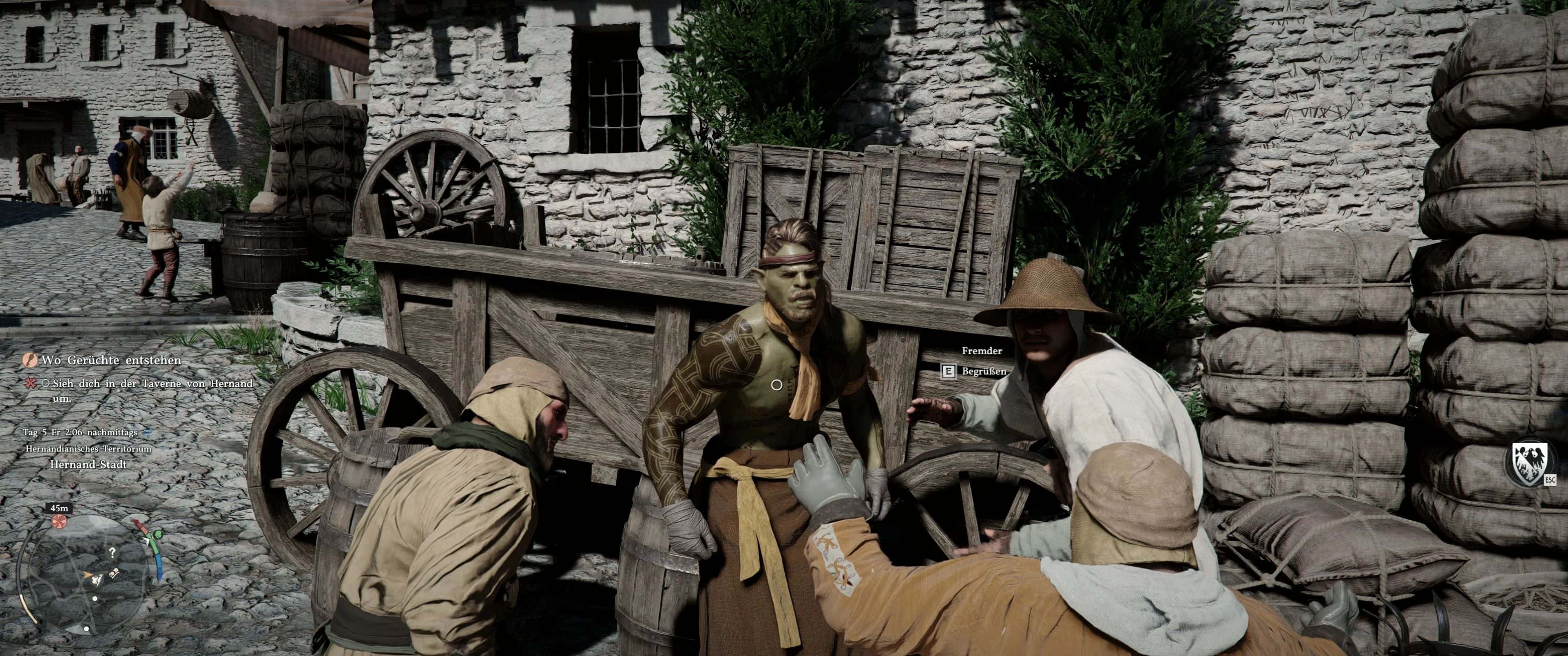
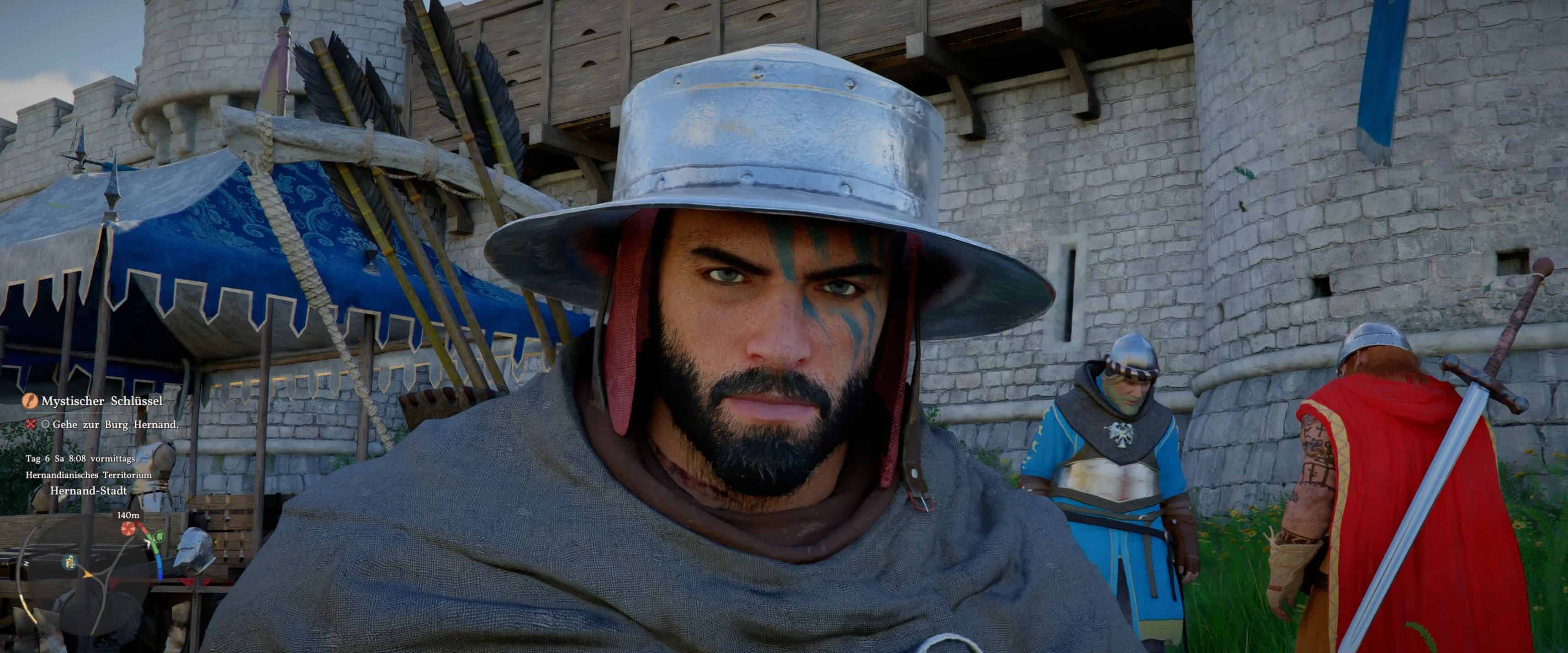
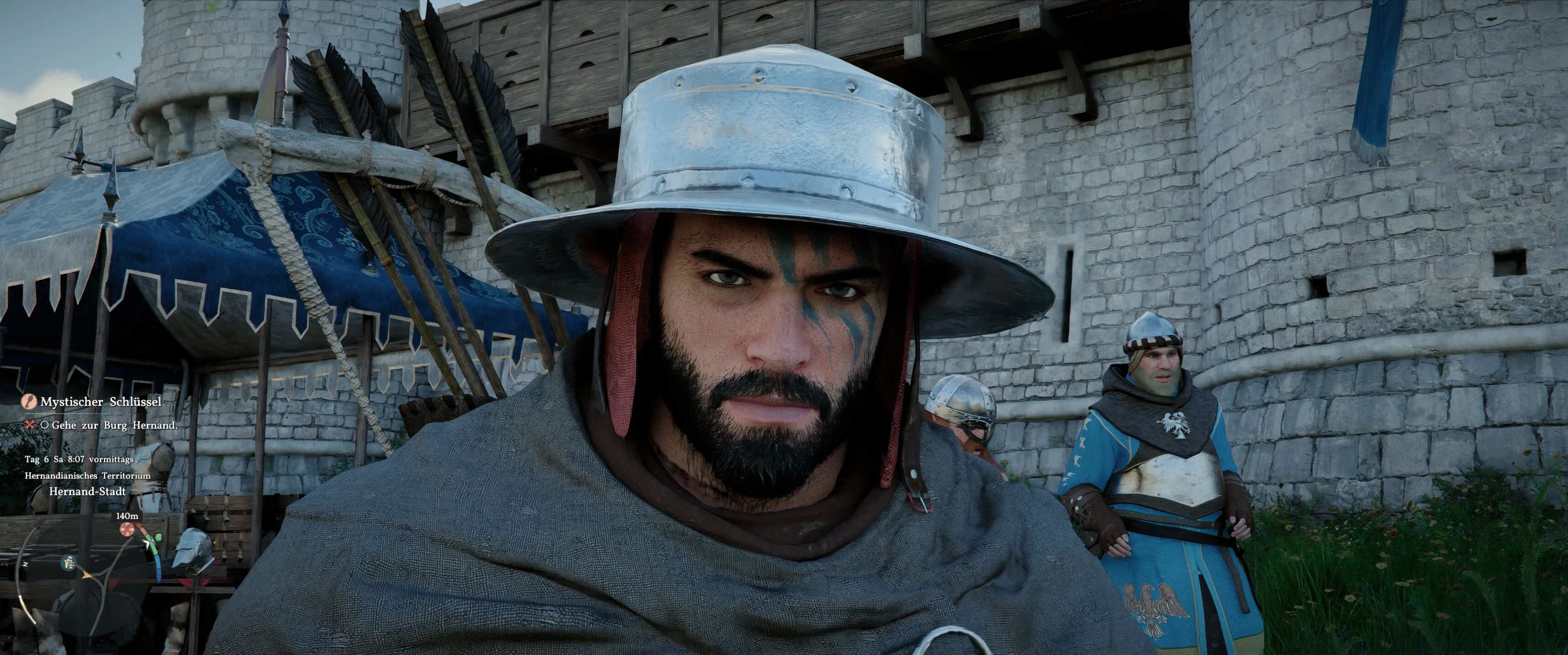
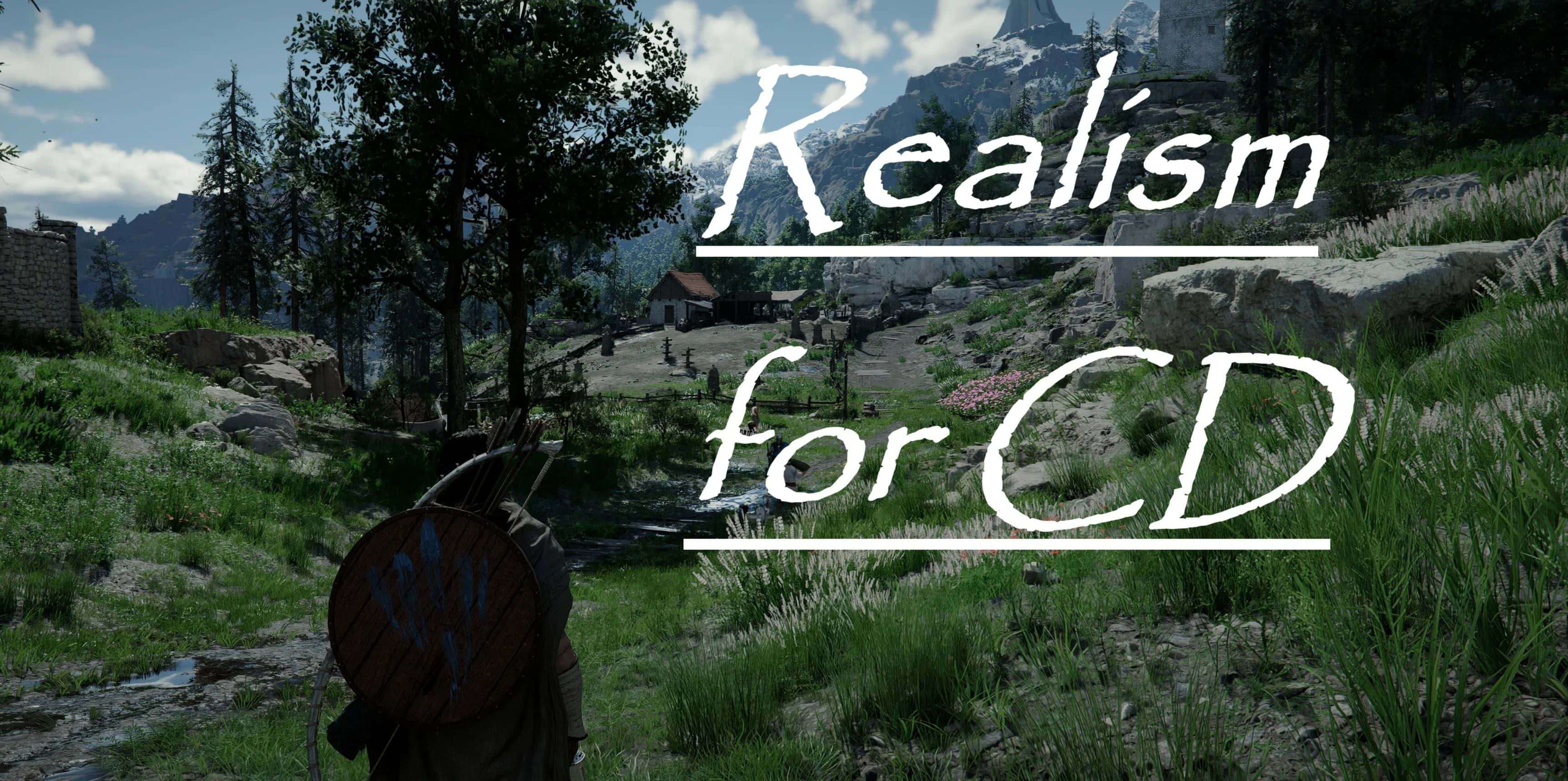
“Realism for CD” is a cinematic and realistic ReShade Preset for Crimson Desert.
How to intstall:
– Download the file “Realism for CD” from here.
– Move the file to your game folder where the .exe is located:
– C:\steam\steamapps\common\Crimson Desert\bin64 (your game path may be different)
– Download ReShade (Scroll down to the very bottom — the latest version of ReShade will be there)
– Run the ReShade installer.
– Click “Browse” and select the game .exe from:
– C:\steam\steamapps\common\Crimson Desert\bin64 (your game path may be different)
– Click “Next”.
– Select DirectX 10/11/12 and select all.
– In the next window, click “Browse” and select the preset file (you already moved it to the same folder).
– Click “Next”.
– Done! Launch the game