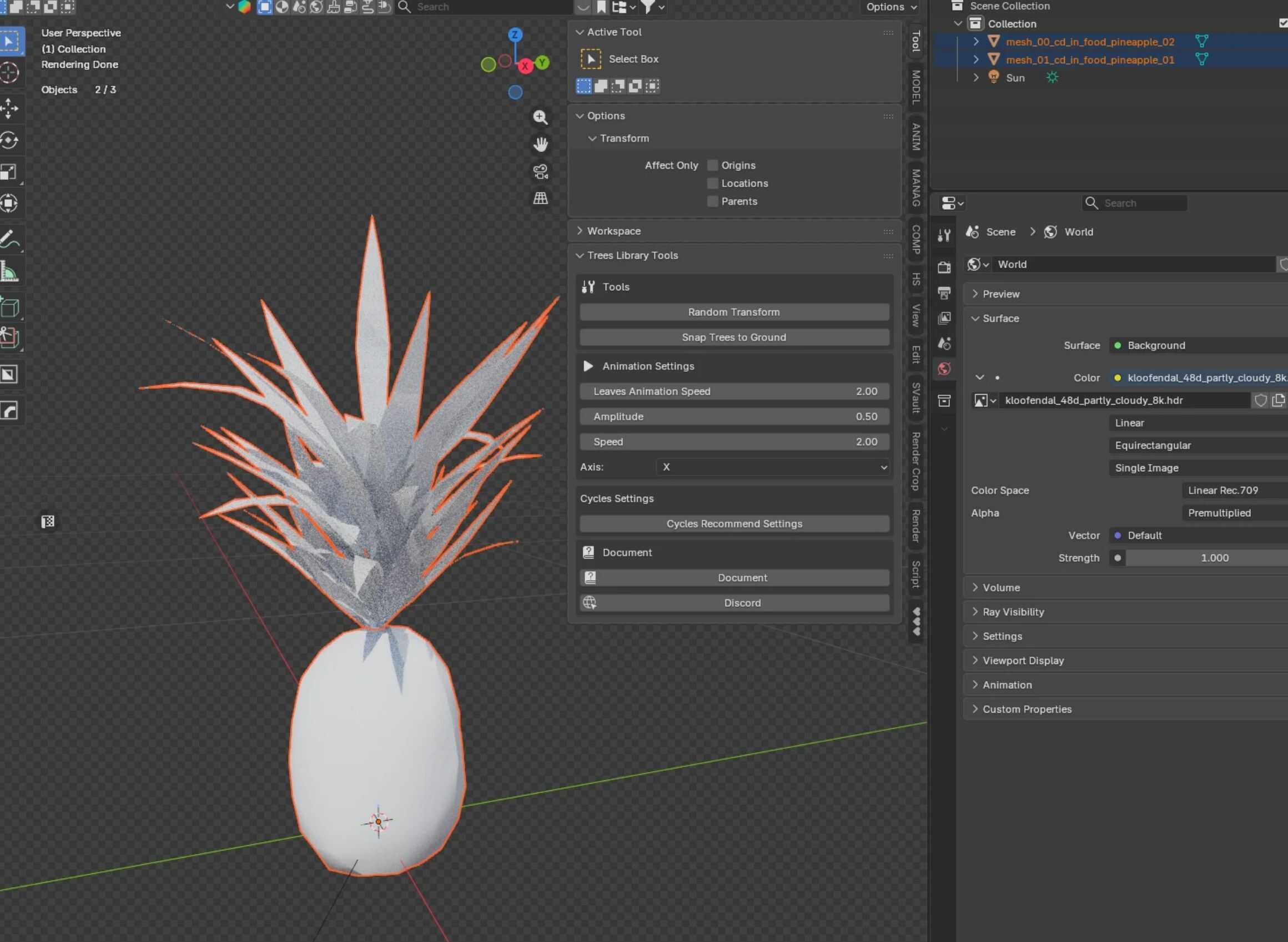
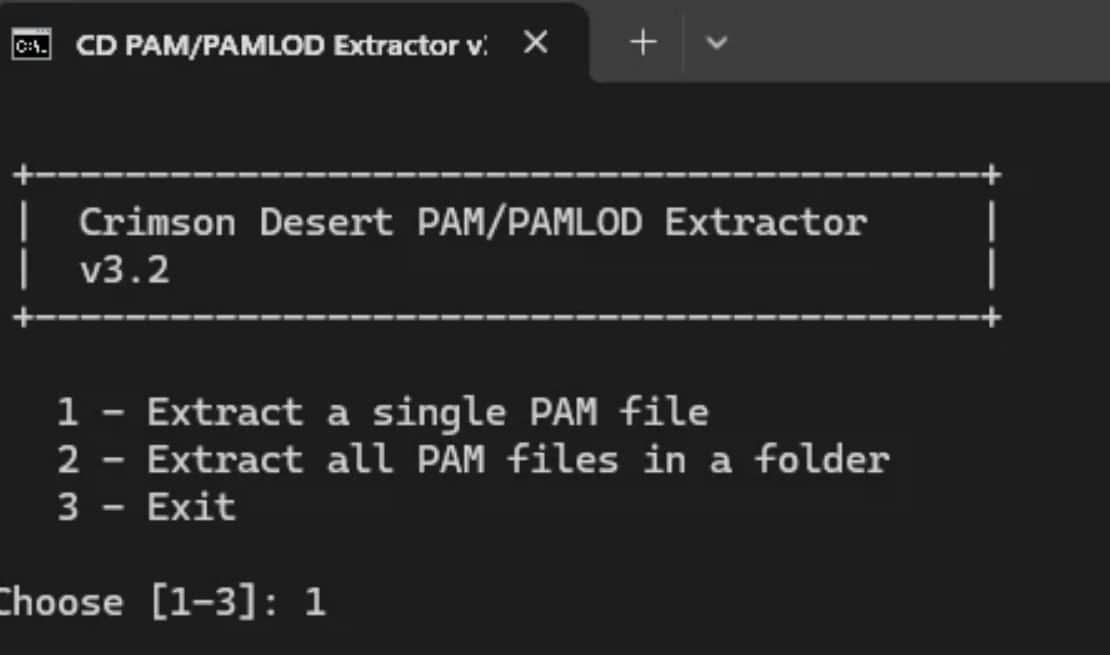
A small Python script with a batch executable to convert .PAM and .PAMLOD files into formats compatible with other 3D software.
Description
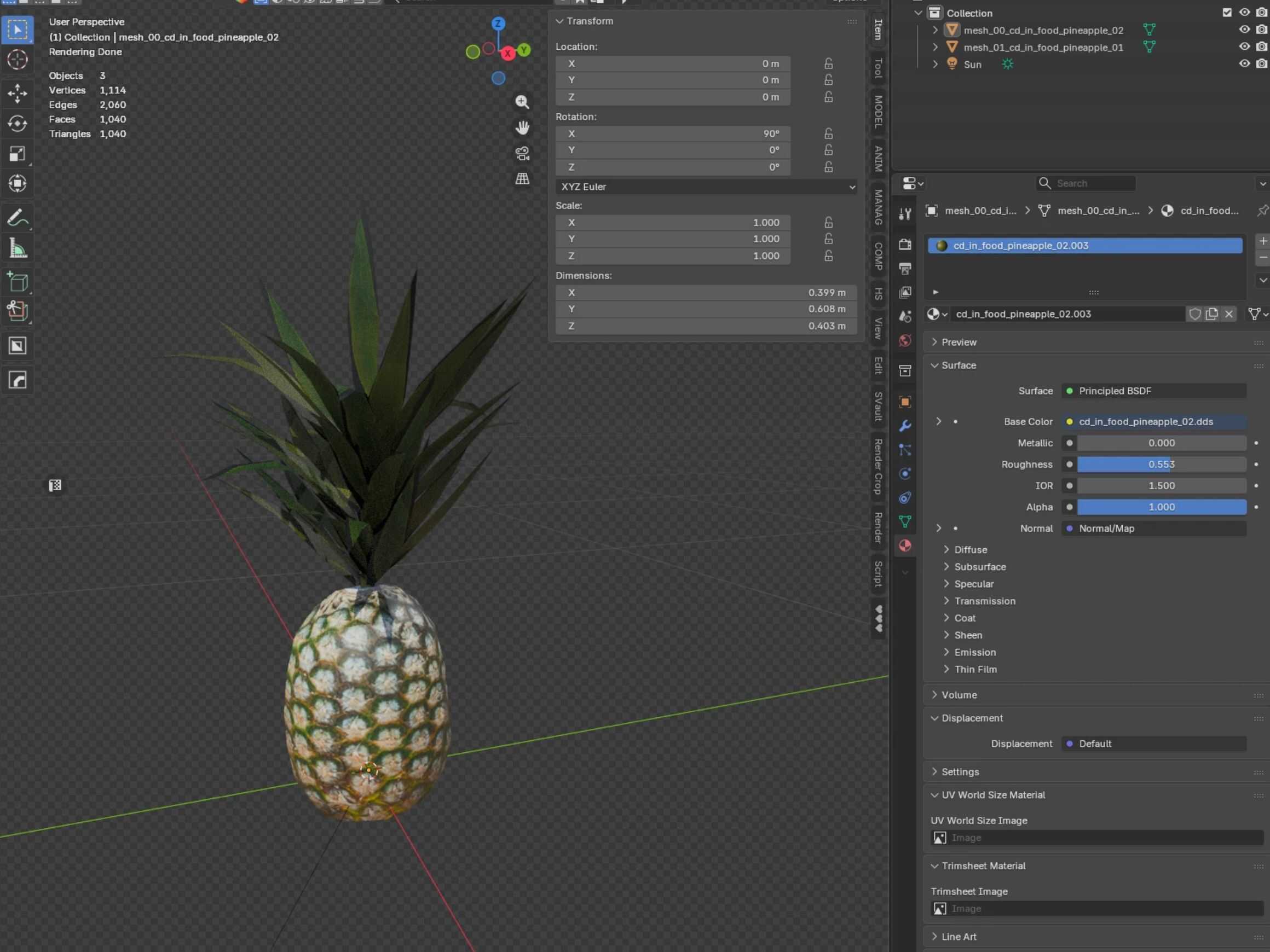
As in short description, its script that changes PAM and PAMLOD files into FBX or OBJ
Usage
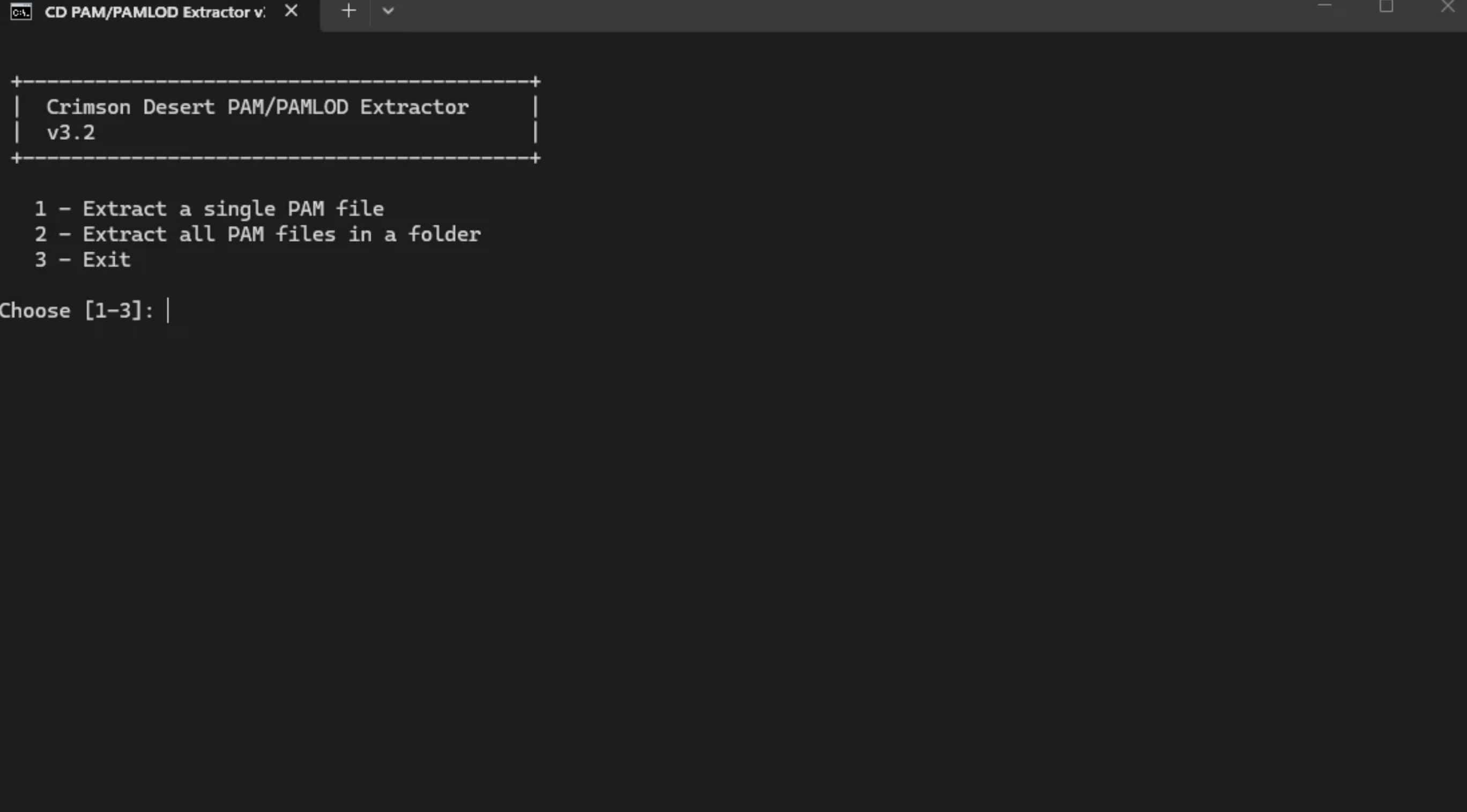
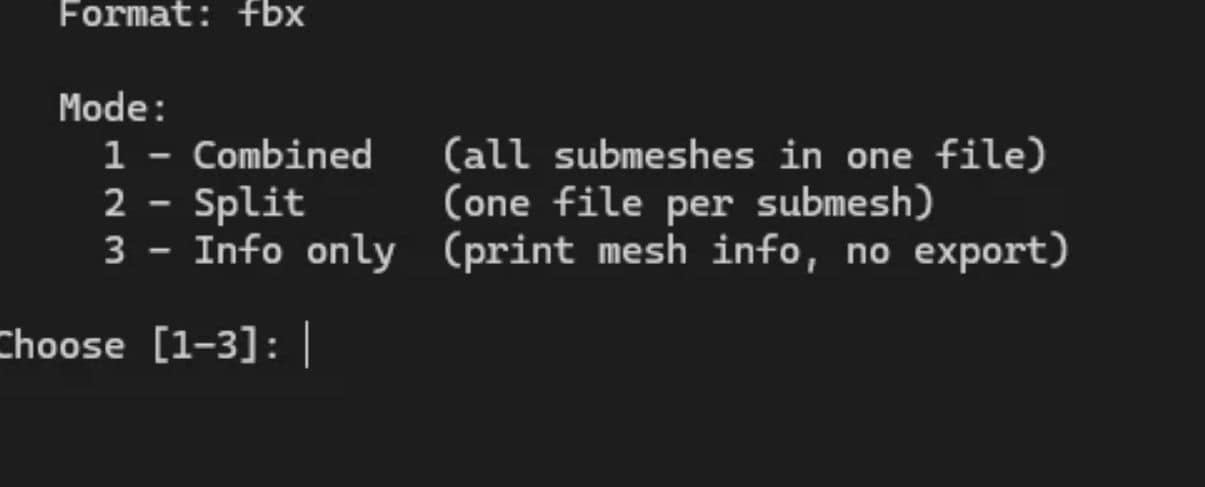
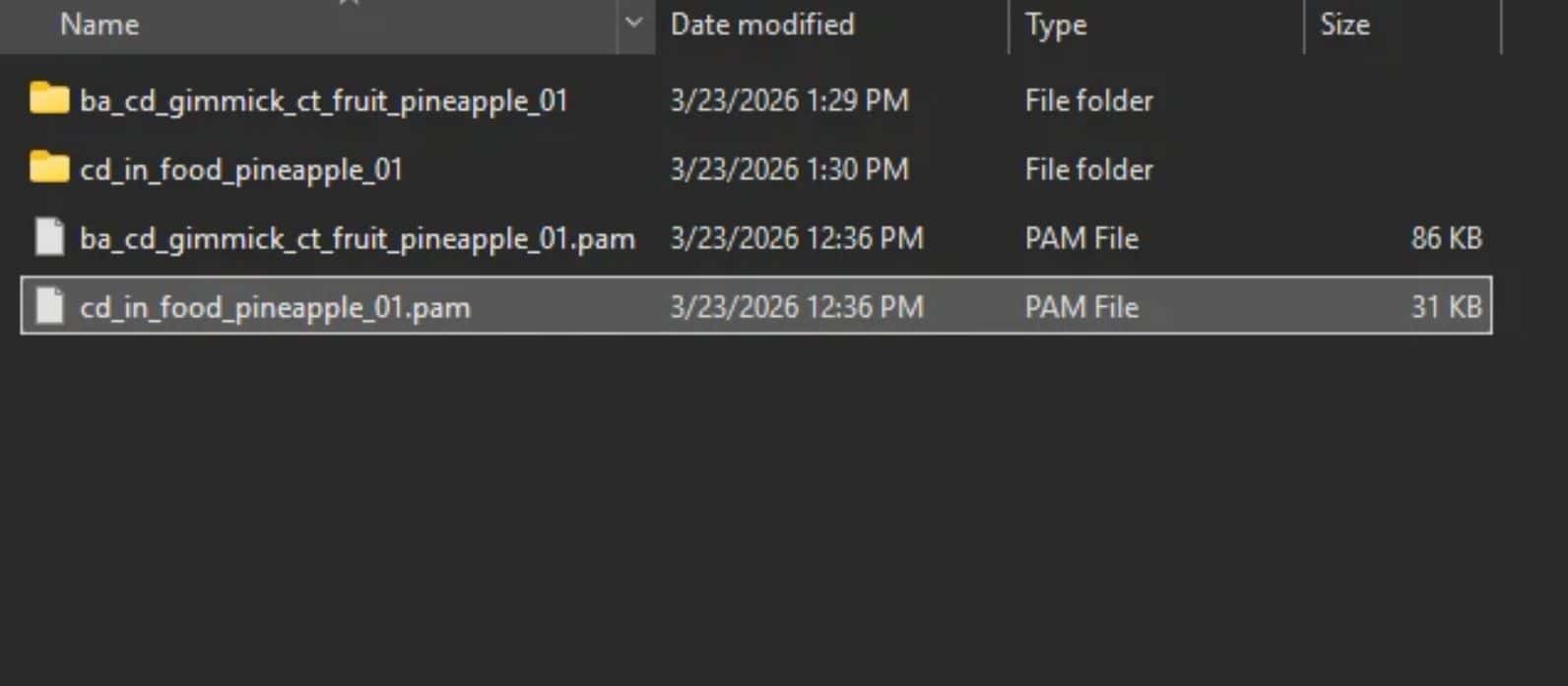
Double-click to extract. Choose whether you want to work with a single file or an entire folder. Select the PAM file you want to extract, then choose the desired output format. After that, you can choose whether you want all meshes to be separated or joined, and the script will start working.
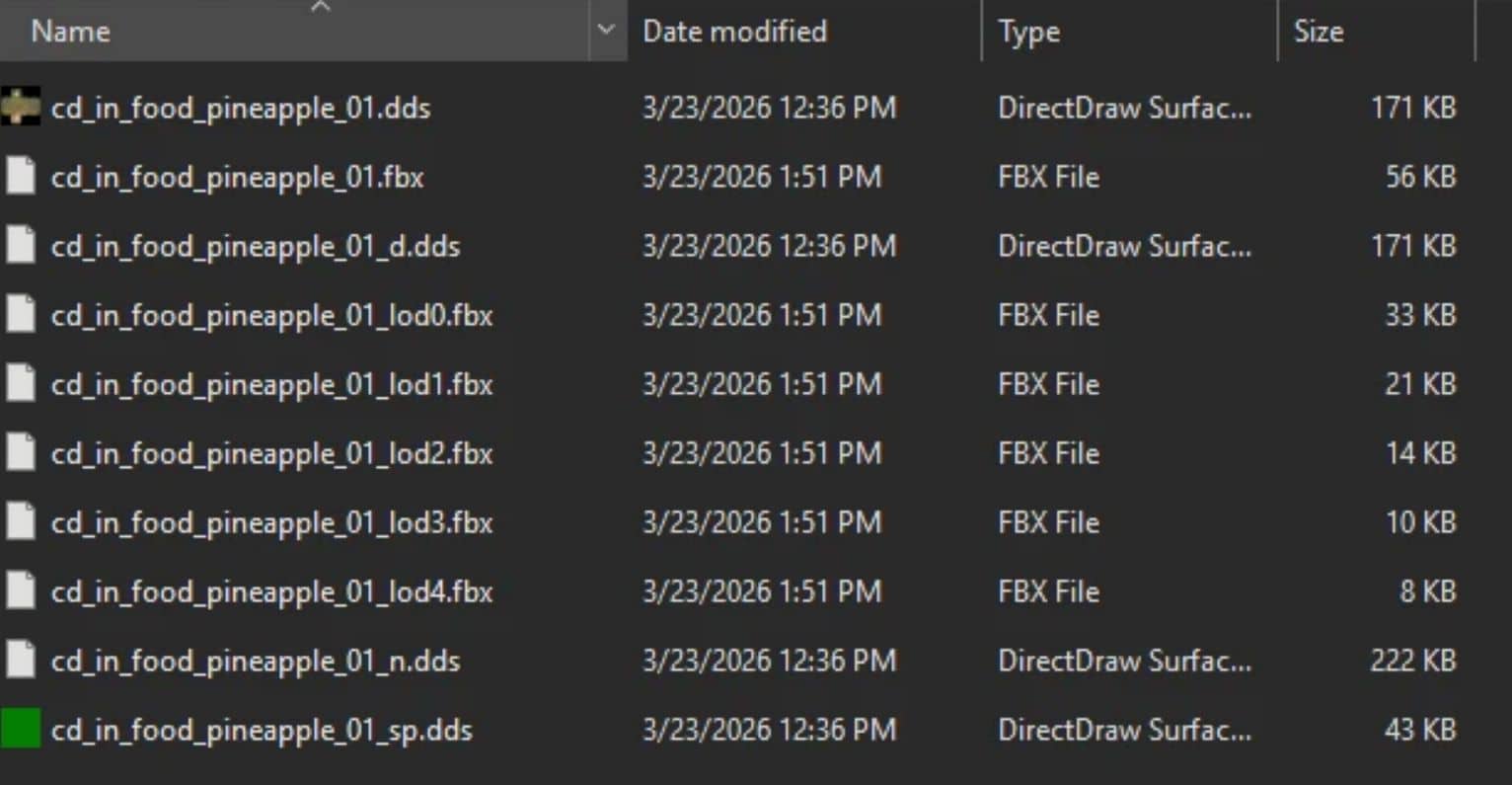
The script will create a new folder next to the selected PAM file, where the FBX or OBJ extraction will take place. If a PAMLOD file is present in the folder, it will extract LODs as well, alongside matching .DDS files, so you will get a folder with all data ready to use in 3D software.
Disclaimer
I’m not a coder — I’m a 3D artist. This script was created using a VS Code AI agent, where I fed it with my knowledge to get results. The script may not work with some models. It is not designed to work with armatures. It’s more of a starting point for someone more competent to improve its quality of life and add further enhancements or use to speedup other tools development.
There can be issues with textures because now .dss search and copy is based on file name, if model uses other files you need to find them manually.
Requirements
Python 3.8 or newer — https://www.python.org/downloads/
No additional packages required. All dependencies are part of the Python standard library.